

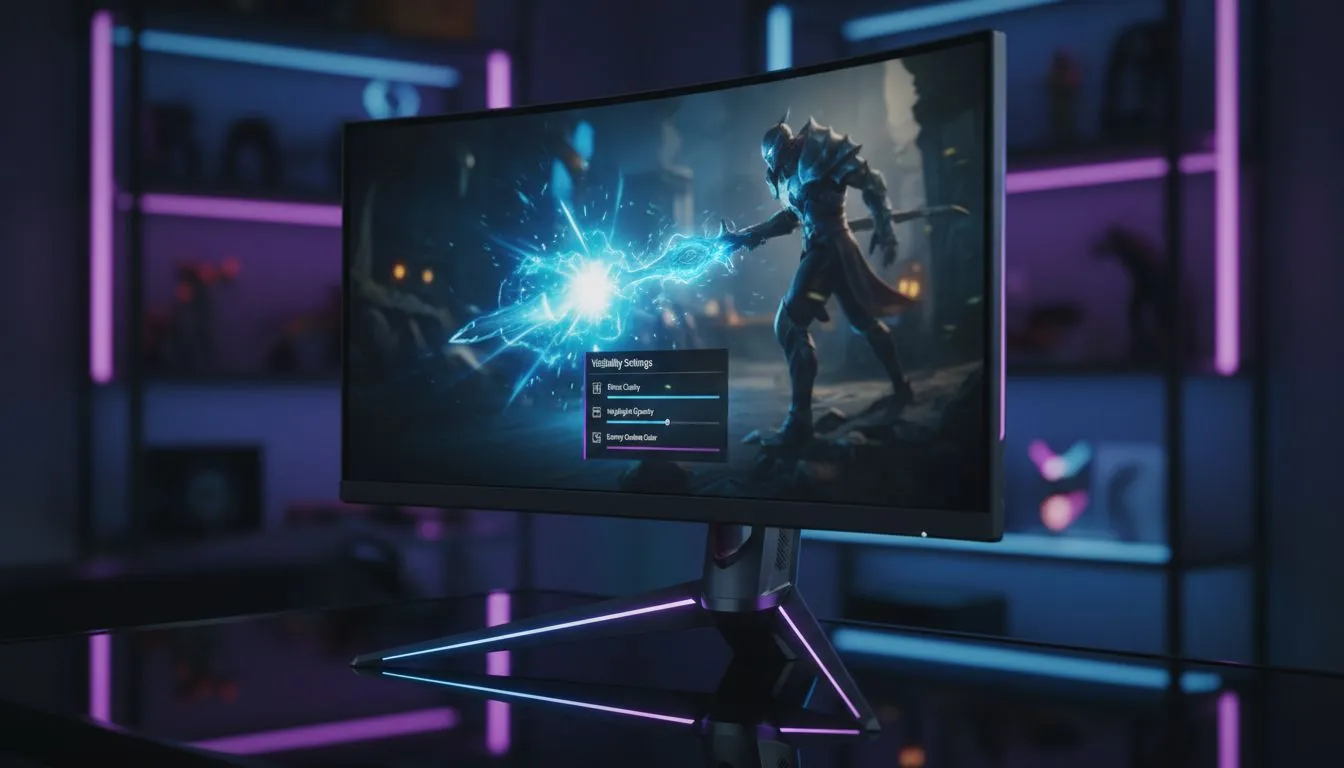
Master the Best Visibility Settings to See Attack Tells Clearly
You know the feeling... that millisecond before a boss wipes your HP bar. In high-stakes gaming, missing a subtle animation tell is the difference between glory and a "You Died" screen. Finding the best visibility settings to see attack tells clearly isn't just about cranking up the brightness... it involves fine-tuning your display to reveal every telegraph. 🔧
Adjusting Contrast and Black Equalisation
The foundation of visual clarity starts with how your screen handles shadows. If your contrast is too high, dark animations blend into the background. Many quality PC monitors now include a "Black Equaliser" or "Shadow Boost" feature. This setting brightens dark areas without washing out the rest of the image. By lifting these shadows, you can spot a boss’s leg twitch or a weapon glint even in the gloomiest dungeons of Elden Ring.
Eliminating Motion Blur and Post-Processing
Visual noise is the enemy of reaction time. To ensure you have the best visibility settings to see attack tells clearly, you must disable Motion Blur and Depth of Field in your game menus. These effects might look cinematic, but they smear the very frames you need to see. High-performance gaming monitors provide the raw clarity needed to track fast-moving projectiles without the artificial "fuzz" that developers often add for "immersion". ⚡
Visual Clarity Tip ⚡
Always check your monitor's "Overdrive" or "Response Time" setting. Set it to 'Fast' or 'Normal' rather than 'Ultra Fast'. Pushing it too hard can cause 'overshoot' or ghosting, which creates a halo effect around moving enemies, making it harder to judge their exact distance and timing.
Optimising Refresh Rates for Fluid Combat
A higher refresh rate provides more "data points" for your brain to process. When a boss begins a 10-frame wind-up, seeing all 10 frames instead of 5 makes parrying feel like second nature. If you are hunting for the best PC monitor deals in South Africa, look for at least 144Hz. This ensures that every frame of an attack animation is rendered sharply, giving you the maximum window to react.
Resolution and Screen Shape Matters
The physical hardware you choose dictates your field of view. Many local pros prefer curved monitors because the wrap-around design keeps peripheral movements within your natural focal range. If you play games with tiny UI elements or incredibly detailed character models, upgrading to 4K monitors can help you distinguish between a fake-out and a real strike. 🚀
Perfecting Your Physical Setup
Visibility isn't just about the panel... it’s about where it sits. If you travel to local LANs, portable monitors offer a way to keep your competitive edge on the move. Additionally, don't overlook your ergonomics. Investing in the right monitor accessories, such as gas-spring arms, allows you to position the screen at the perfect eye level. This reduces neck strain and keeps your focus entirely on the boss’s next move. ✨
Ready to See Every Detail? Don't let a blurry screen hold back your rank or your progress. Whether you need high-refresh speed or 4K precision, we have the hardware to sharpen your game. Explore our massive range of gaming monitors and find the perfect display to conquer your next challenge.











