

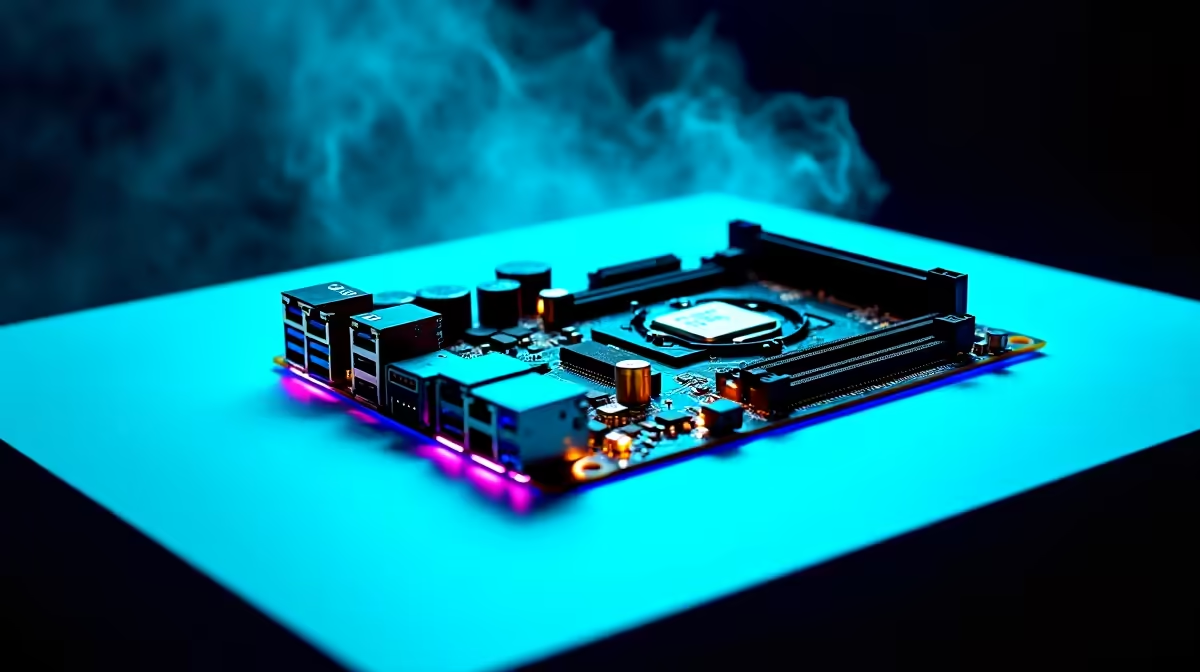
Is your rig struggling to hit those high frame rates in Warzone or Apex Legends despite decent hardware? Before you spend thousands of ZAR on upgrades, the secret to unlocking free performance might be hiding. Tweaking your BIOS settings for gaming is a crucial optimization guide step that many South African gamers overlook. Let us dive into the tweaks that actually matter.
Understanding Your Motherboard Brain
The Basic Input/Output System controls how your hardware interacts. Out of the box, most motherboards run on conservative settings. This means you are probably leaving performance on the table. This applies even if you just bought a rig from our latest specials.
Essential Tweaks for More Frames
Enable XMP or EXPO Profiles
RAM rarely runs at its advertised speed by default. A 3600MHz kit might default to a sluggish 2133MHz. Enabling Extreme Memory Profile (XMP) or EXPO forces your RAM to run at its true speed. This simple tweak drastically improves 1% low frame rates. If you are shopping for top-tier gaming PC deals, ensuring XMP is active is your first priority.
Resizable BAR (Smart Access Memory) 🚀
Modern GPUs need direct access to your CPU. Resizable BAR allows your processor to access the entire VRAM buffer at once. This significantly reduces stuttering in open-world titles. Upgrading your visual horsepower with new graphics cards? Enabling Resizable BAR is non-negotiable for maximum frames.
Safe Tweaking Tip ⚡
Always update your motherboard firmware to the latest version before applying major tweaks. This ensures better stability and compatibility... especially with high-speed memory kits and modern processors.
Power Limits and Fan Curves
By default, many motherboards restrict CPU power to keep temperatures low. If your cooling is adequate, removing these limits allows your CPU to boost higher. This translates directly to smoother gameplay. You will also want to adjust your fan curves. A steep fan curve keeps your system cooler during intense loads. This applies to custom builds and reliable pre-built PC systems alike.
Fast Boot and Virtualization
While Fast Boot sounds great, it skips hardware checks to load Windows faster. This can sometimes cause USB initialization issues. It also makes it difficult to re-enter the BIOS later. Disabling it is often safer for gaming stability. Do you run virtual machines or Android emulators? If not, disabling Virtualization Technology can occasionally free up minor system resources. It also helps reduce input latency. Every microsecond counts when you are in a competitive lobby.
A Note on Mobile Gaming 🔧
Desktop users have the most BIOS freedom. However, modern gaming notebooks for sale in South Africa also feature dedicated performance modes. Always look for a dedicated MUX switch setting. This routes graphics directly to your display... bypassing the integrated graphics for a massive boost.
Finding the perfect balance of settings takes a little patience. The performance gains are entirely worth the effort ✨.
Ready to Unlock Maximum Frames? Tweaking your system is just the start. If your current rig is still struggling to keep up with modern titles, it might be time for a serious hardware upgrade. Explore our massive range of PC specials and find the perfect machine to conquer your world.











