

Clear Voice Chat in Noisy Environments — fast wins for SA gamers 🔧
If you play from a city flat or a noisy household, getting heard clearly can be the difference between clutching a win and being left on mute. These practical tips help you get clear voice chat audio fast, without splurging. Read on for quick tweaks, headset choices, and setup habits that work for South African gamers and streamers.
Clear Voice Chat — 1–4: quick software tweaks that actually help
- Use noise suppression in your chat app. Discord and Teamspeak both have built-in filters — turn them on and test with party mates.
- Lower microphone gain in Windows or your headset app; high gain = more background pick-up.
- Enable push-to-talk for chaotic moments. It’s simple and reduces unwanted noise during fights.
- Prioritise in-game voice quality: many games offer “voice activity threshold” and echo cancellation options.
For step-by-step settings, check your chat app’s help pages and test with friends on your network.
Clear Voice Chat — 5–8: hardware choices and mic technique 🎧
- Position the mic correctly: 2–3 cm from your mouth, slightly to the side to avoid breath hits.
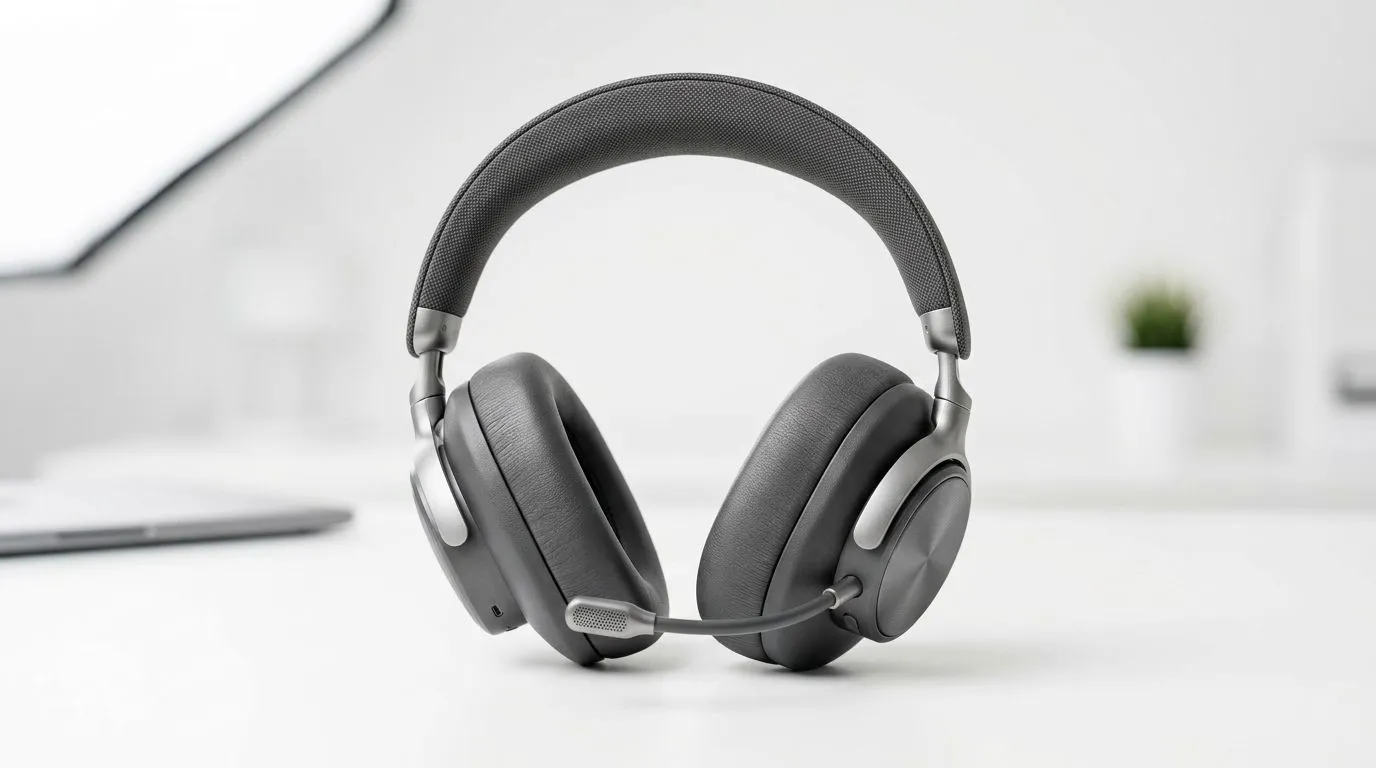
- Use a boom mic over an inline mic; directional mics reject more room noise.
- Consider headsets with physical noise-cancelling mics if you record or stream often. A popular option among Evetech customers is the Razer Barracuda X Chroma Wireless Headset — worth checking for comfort and mic design (details on Evetech). https://www.evetech.co.za/razer-barracuda-x-chroma-wireless-headset-phantom-white/best-deal/24367
- Add a simple pop filter or foam windscreen to reduce p-pops.
If you’re browsing for alternatives, explore Razer’s selection on Evetech for comparable models and features. https://www.evetech.co.za/PC-Components/razer-headphones-headsets-105
Clear Voice Chat — 9–12: environment fixes and habits ⚡
- Soften hard surfaces: a duvet, rug, or curtains cut echo dramatically.
- Close windows and coordinate noisy tasks with housemates before a match.
- Use directional capture by turning your PC’s fans down or relocating the rig if possible.
- Run a quick mic test before every session — record 10 seconds and listen back.
If you need more headset options or want to compare prices in ZAR, Evetech’s headphone and headset category is a good place to start. https://www.evetech.co.za/components/headphone-headsets-100
Quick Mic Tip ✨
Keep an eye on mic gain sliders and use a test recording. If background noise rises when you speak, lower the gain and bring the mic closer. Small distance tweaks beat big software filters for natural voice tone.
Clear Voice Chat — final checklist before you queue
- Test with teammates on your network.
- Keep a small foam cover on the mic.
- Toggle noise suppression only when needed; it can make voices sound hollow if misused.
CALL TO ACTION
Ready to Find Your Perfect Match? The Mac vs Windows debate is complex, but for maximum power, choice, and value in South Africa, Windows is hard to beat. Explore our massive range of laptop specials and find the perfect machine to conquer your world.











