

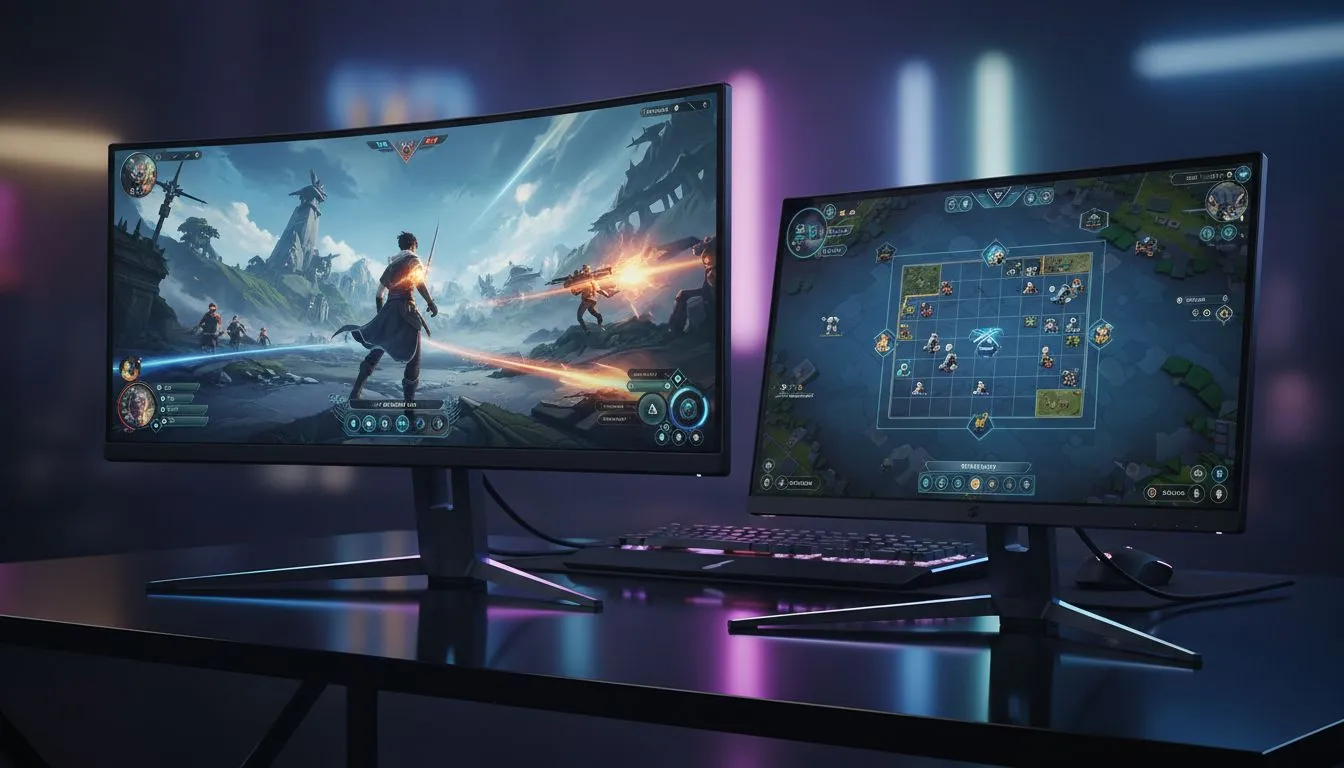
Mastering the Resolution Mismatch for a Seamless Setup
Setting up a secondary display is a rite of passage for any serious local gamer. You might have a premium 4K panel for the eye candy and a trusty 1080p sidekick for your chat windows. However, when you try to configure dual-resolution monitors for gaming, you often hit the "staircase" effect where your mouse gets stuck on the edge of the larger screen. It is a common niggle that can ruin the flow of a late-night session.
Whether you are looking for the best PC monitors in South Africa or just trying to make your current gear work better, alignment is key. Windows handles different pixel densities reasonably well... but it needs a bit of manual tweaking to feel perfect.
Aligning Refresh Rates and Sync Technologies 🔧
One of the biggest hurdles when you configure dual-resolution monitors for gaming is the mismatch in refresh rates. If your main screen runs at 144Hz and your second at 60Hz, Windows sometimes struggles to balance the load. This can lead to micro-stuttering on your primary display. To mitigate this, ensure your primary gaming screen is utilizing G-Sync (NVIDIA) if you have a compatible card.
For those on the Red Team, making sure your hardware supports FreeSync (AMD) helps maintain a tear-free experience even when the secondary monitor is busy rendering a browser or a stream. If you have a mix of brands, looking for displays with universal Adaptive Sync support is the safest bet for South African gamers building a versatile rig.
Smooth Cursor Pro Tip ⚡
When using monitors with different resolutions, the mouse cursor often "jumps" or gets stuck when moving between screens because the vertical pixel counts don't match. Use a free utility like LittleBigMouse. It allows you to virtually resize the screens in the software so the cursor moves across the boundary at exactly the same height every time.
Physical Placement and Panel Consistency 🚀
The physical layout of your desk matters just as much as the software settings. Many gamers prefer flat monitors for their secondary displays to save on desk real estate. However, if you want that wrap-around feeling for racing sims or immersive RPGs, mixing in curved panels can create a more ergonomic cockpit view.
Colour accuracy is another factor. If you are a content creator by day and a gamer by night, you probably know that different panels look... well, different. We always recommend using IPS panels for both screens if possible. This ensures that the colours don't shift when you move a window from one side to the other. Whether you are spending R3,000 or R15,000 on your upgrade, consistency in panel tech makes the dual-resolution transition much easier on the eyes. ✨
Ready to Find Your Perfect Match? Configuring the ultimate dual-monitor setup requires the right hardware to back your skills. Whether you need high refresh rates or stunning colour accuracy, we have the best deals in South Africa. Explore our massive range of PC monitors and find the perfect machine to conquer your world.











