

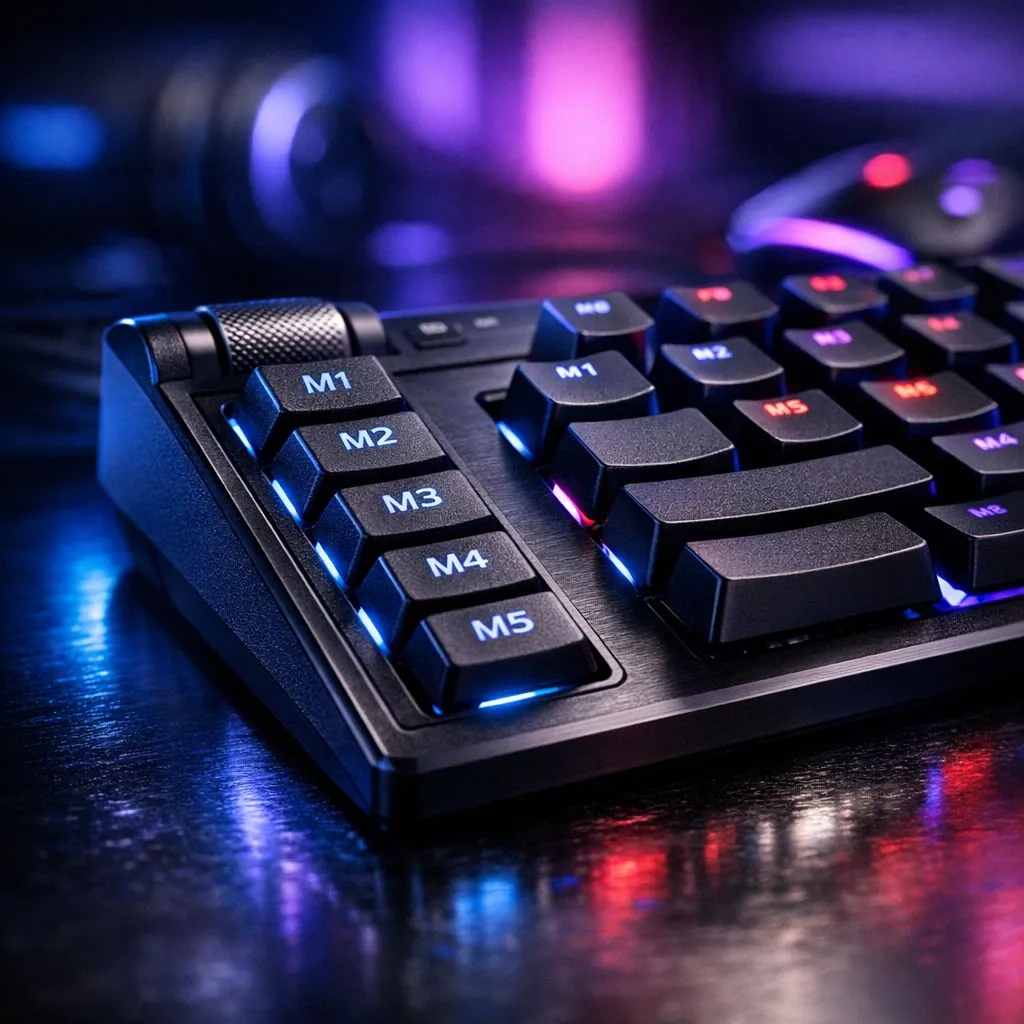
In the heat of a late-night StarCraft II session or a tense Age of Empires IV match, every millisecond counts. You shouldn't be fumbling with complex key combinations while your base is under fire. To stay ahead of the curve, you need to configure macro keys for faster reaction times in strategy games. It’s the secret weapon that separates casual players from the local competitive scene. ⚡
The Strategic Advantage of Custom Mapping
Strategy games often require high Actions Per Minute (APM) to manage units and production simultaneously. By mapping complex multi-key commands to a single button, you reduce the physical travel time of your hand across the keyboard. Start by finding the right gaming mouse that features programmable side buttons. These extra inputs allow you to keep your left hand focused on core hotkeys while your right hand handles secondary production queues.
When you look at the best gaming mouse deals currently available in South Africa, you will notice that even entry-level models often include software for custom profiles. This means you can have a specific setup for Warcraft III and a completely different one for Total War... all switching automatically when the game launches.
Eliminating Input Lag and Friction
Reliability is paramount when your rank is on the line. Many local gamers debate the merits of different connection types. If you prefer a desk free of clutter, a high-performance wireless mouse now offers polling rates that rival traditional connections. This ensures that when you trigger a macro, the command registers instantly without any noticeable delay.
For the purists who never want to worry about battery life during a marathon weekend session, a wired mouse remains the gold standard for consistency. Regardless of your choice, ensure your surface is optimised. Investing in high-quality mouse accessories like PTFE skates or a premium pad can further refine your precision when selecting small units on a crowded screen. 🔧
RTS Command Pro Tip ⚡
Map your "Select All Idle Villagers" or "Cycle Army Groups" command to your mouse thumb button. In the late game, this allows you to manage your economy without ever taking your eyes off the frontline battle. It is the most effective way to ensure your production never stalls during high-pressure engagements.
How to Configure Macro Keys for Faster Reaction Times in Strategy Games
To get started, open your peripheral's software suite. Identify the repetitive tasks that frustrate you... perhaps it is the "Build Supply Depot" sequence or a specific spell combo in a MOBA-style strategy title. Record the keystrokes exactly as you would type them, but keep the delay between inputs as short as possible.
Remember to stay within the fair play guidelines of your specific game. Most modern titles allow for one-to-one or simple sequence macros, but always check the terms of service to ensure your competitive edge stays within the rules. Once you have perfected your layout, you will find your mental load decreases significantly, letting you focus on the grand strategy rather than the finger gymnastics. 🚀
Ready to Level Up Your Micro? Mastering your macros is only half the battle... you need the right hardware to execute those commands. Explore our massive range of gaming mouse specials and find the perfect tool to dominate the leaderboards in South Africa.











