

Setting up a dream gaming space in South Africa often hits a wall when you run out of ethernet ports. You have the rig, the consoles, and the smart TV... but only one cable. Relying on Wi-Fi for competitive gaming is a recipe for high ping. Learning to connect multiple consoles and PCs to one internet point is the ultimate fix for a lag-free life. 🚀
The Simple Way to Expand Your Network
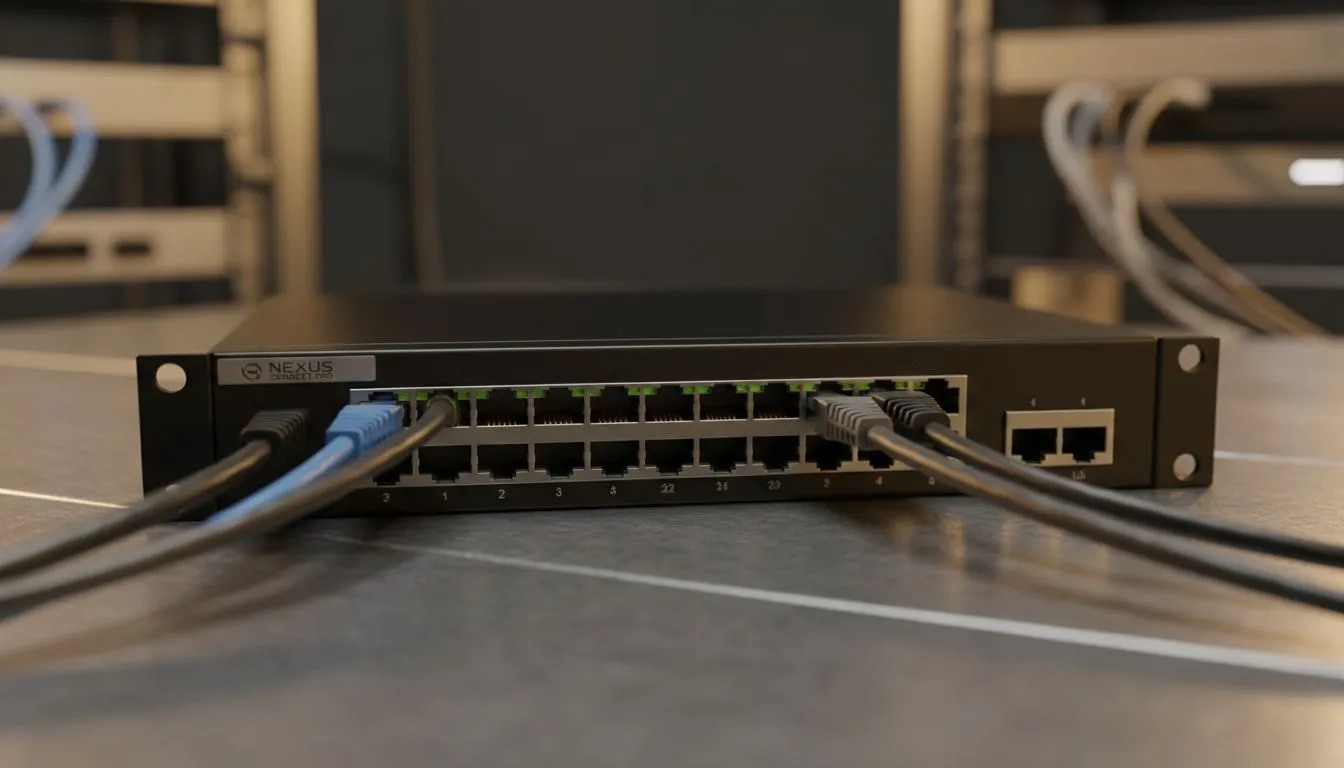
The most effective way to expand your connectivity is by using a network switch. Think of it as a high-speed power strip for your data. You plug your main internet line into the switch. Then, you connect all your other devices to the remaining ports. To get started, you can buy switches that offer plug-and-play simplicity for any home setup.
Why Wired Connections Beat Wi-Fi for Gaming
In the local gaming scene, ping is king. Wi-Fi signals in South African homes often struggle with thick walls or interference. By using a switch to connect multiple consoles and PCs to one internet point, you ensure every device gets a stable, dedicated lane. This is vital for downloading those massive 100GB updates without slowing down everyone else on the network. ⚡
Cable Management Pro Tip ⚡
Use short 0.5m or 1m ethernet patch cables to connect your devices to the switch on your desk. This prevents a "spaghetti" mess of wires behind your monitors. It keeps your setup looking clean for those desk setup photos while maintaining maximum speed.
Picking the Right Hardware for Your Game Desk
Not all hardware is created equal. If you want reliable performance without breaking the bank, look at brands known for stability. For instance, many local gamers prefer to shop Cudy network switches because they offer great value for money. They are perfect for handling simultaneous gaming and 4K streaming. ✨
If you are building a professional-grade lab or a high-end streaming studio, you might want more power. You can look at premium network switches over R1100 to ensure you have managed features or extra bandwidth overhead. These units often feature metal housings for better heat dissipation during long summer gaming sessions.
Optimise Your Setup for Low Latency
Once your switch is in place, management becomes easy. You won't need to swap cables every time you switch from PC gaming to console exclusives. Just ensure your main router is capable of handling the total traffic. Most modern fibre routers in South Africa handle this perfectly. This setup ensures your connect multiple consoles and PCs to one internet point strategy works flawlessly every time you hit the power button. 🔧
Ready to Eliminate Lag? Don't let a single internet point limit your potential. Whether you are a competitive pro or a casual console gamer, the right network switch makes all the difference. Explore our massive range of network switches and upgrade your game desk today.











