

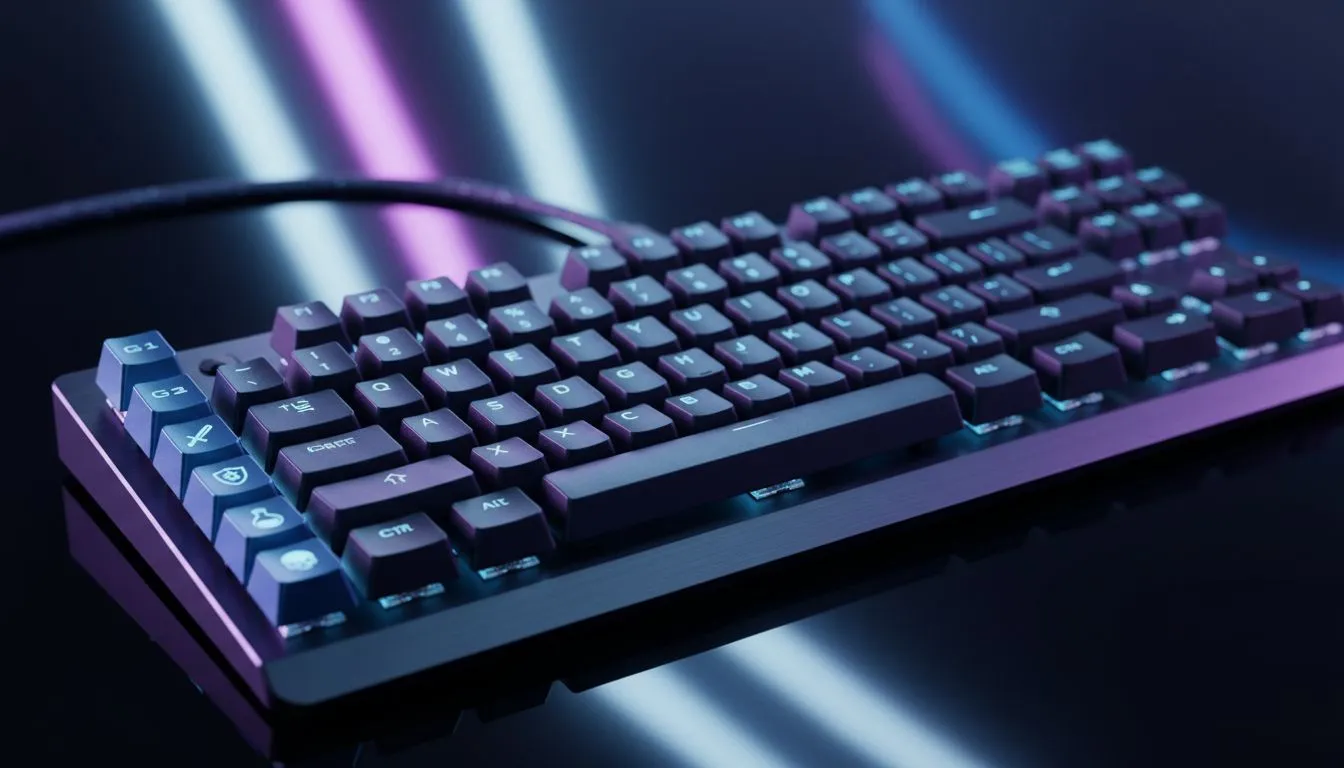
Ever lost a clutch 1v1 in Apex Legends or Dota 2 because you couldn't hit your tactical ability fast enough? In South Africa, where we often battle high ping alongside our opponents, every millisecond counts. Learning how to customize macro keys for popular PC games can be the difference between a victory screen and a frustrating respawn. It turns complex combos into single-press wins 🔧.
Why Macro Customisation Matters for SA Gamers
Macros allow you to record a sequence of keystrokes and play them back with one button. For competitive titles like League of Legends or Warzone, this streamlines your gameplay. If you are looking to upgrade your setup, you can buy the cheapest gaming keyboard in South Africa right here at Evetech.
Whether you prefer the advanced ecosystem of a Razer Gaming Keyboard or the premium build of Glorious Keyboards, the software is where you will do the heavy lifting.
How to Customize Macro Keys for Popular PC Games
Follow these steps to set up your first macro:
- Install the Software: Most modern peripherals require dedicated software like Razer Synapse or Glorious Core to function.
- Select Your Device: Ensure your hardware is detected. If you prefer a desk free of clutter, many wireless gaming keyboards offer the same macro depth as their counterparts.
- Record the Sequence: Go to the "Macro" tab and hit record. Type the sequence exactly as it needs to appear in-game.
- Assign and Save: Bind that recording to a specific key. Those who value stability might prefer wired gaming keyboards to ensure the signal never drops during a macro execution. ⚡
Expanding Macros to Your Mouse
Don't ignore your mouse buttons. A versatile gaming mouse provides extra real estate for macros like "Crouch-Jump" or "Quick-Melee". If you are watching your budget, explore our best gaming mouse deals to find high-performance gear at a lower ZAR price point.
Macro Safety ⚡
Always check the Terms of Service for your favourite online games. While simple macros for convenience are usually fine, complex scripts that automate gameplay can lead to account bans in competitive titles like Counter-Strike or Valorant. Use them wisely to enhance, not automate.
Optimising Your Input Latency
When you customize macro keys for popular PC games, the hardware choice affects the result. A wireless mouse using 2.4GHz tech is now just as fast as a wired mouse. To keep things running smoothly, ensure you have the right mouse accessories, such as a quality mouse pad or replacement skates, to keep your movements fluid and precise 🚀.
By tailoring your hardware to your specific needs, you create a more intuitive gaming experience. Start small with simple utility macros... and soon you will be executing complex rotations with zero effort. ✨
Ready to Find Your Perfect Match? Mastering your macros starts with having the right hardware. For the best deals on peripherals and the latest tech in South Africa, we have you covered. Explore our massive range of gaming keyboard specials and find the perfect tool to conquer your world.











