

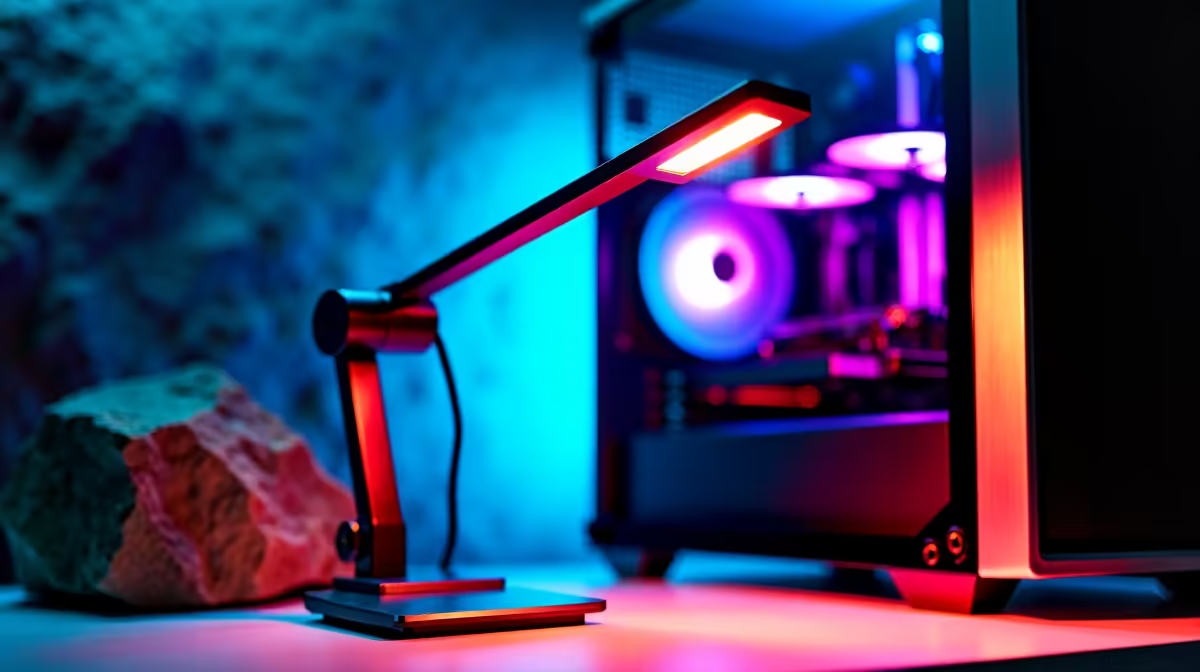
Late-night gaming sessions and overtime hours can take a heavy toll on your eyes. If you are tired of squinting at your screen in the dark, upgrading your game desk lighting is absolutely essential. A proper setup reduces eye strain and highlights your premium gear. Welcome to the ultimate desk lamp installation guide for your PC. Let us get your South African workspace looking brilliant and functioning perfectly.
Why Proper Lighting Matters for Your Setup ✨
Before we dive into the installation, let us talk about why illumination is so critical. Staring at a bright monitor in a pitch-black room forces your eyes to constantly adjust. This leads to rapid fatigue and tension headaches. By adding soft ambient light, you balance the contrast in your room. Whether you are grinding ranks on a desktop or working remotely on one of the latest laptops for sale, good lighting is non-negotiable.
The Ultimate Desk Lamp Installation Guide for Your PC 🔧
Finding the optimal position is your first mission. Placing a light directly behind you causes awful screen glare... which completely ruins your immersion. Instead, position your lamp to the side or use a dedicated monitor light bar.
Most modern desk lamps clamp directly onto the edge of your table. First, loosen the C-clamp and slide it over the back edge of your desk. Tighten it securely so it does not wobble during intense gaming moments.
Next, slot the lamp body into the clamp base. If you recently grabbed one of our incredible pre-built PC deals, you will want the light angled perfectly. A well-lit chassis makes admiring your high-end graphics cards through the tempered glass so much better.
Lighting Pro Tip 💡
Always choose a lamp with adjustable colour temperatures. Use cool white light (around 5000K) during the day for maximum focus. Switch to warm yellow light (around 3000K) at night to reduce blue light exposure and help you sleep after a long gaming session.
Integrating Smart Tech into Your Game Desk 📱
Taking your setup to the next level often involves smart technology. Many modern desk lamps now feature Wi-Fi or Bluetooth connectivity. This allows you to control brightness and colour directly from your smartphone.
You can even sync your desk lamp with your PC lighting software for a unified look. Imagine your entire room pulsing red when you take damage in-game. It is an incredible way to boost your immersion without spending a fortune. A clean, synced aesthetic perfectly complements the premium vibe of the best gaming PC deals available in South Africa.
Cable Management and Final Tweaks 🚀
Nobody likes a messy workspace. Once your lamp is mounted, route the power cable down the back of your desk leg. You can use simple velcro ties or adhesive cable clips to keep things tidy.
Finally, consider how your lamp gets its power. Many modern LED lamps run entirely off USB. You can plug them directly into your motherboard. However, if your lamp requires a wall plug, always use a surge protector. This protects your lighting investment from unexpected power spikes when load shedding ends.
Saving your hardware from electrical damage is always a smart move. It means you keep more of your hard-earned ZAR in your wallet. You can then use those savings to browse our daily specials for your next big peripheral upgrade.
Ready to Upgrade Your Entire Setup? A well-lit game desk is just the beginning. Whether you need a massive monitor to fill that light or a brand-new rig to power your late-night sessions, Evetech has you covered. Explore our massive range of gaming specials and build the ultimate South African gaming sanctuary today.











