

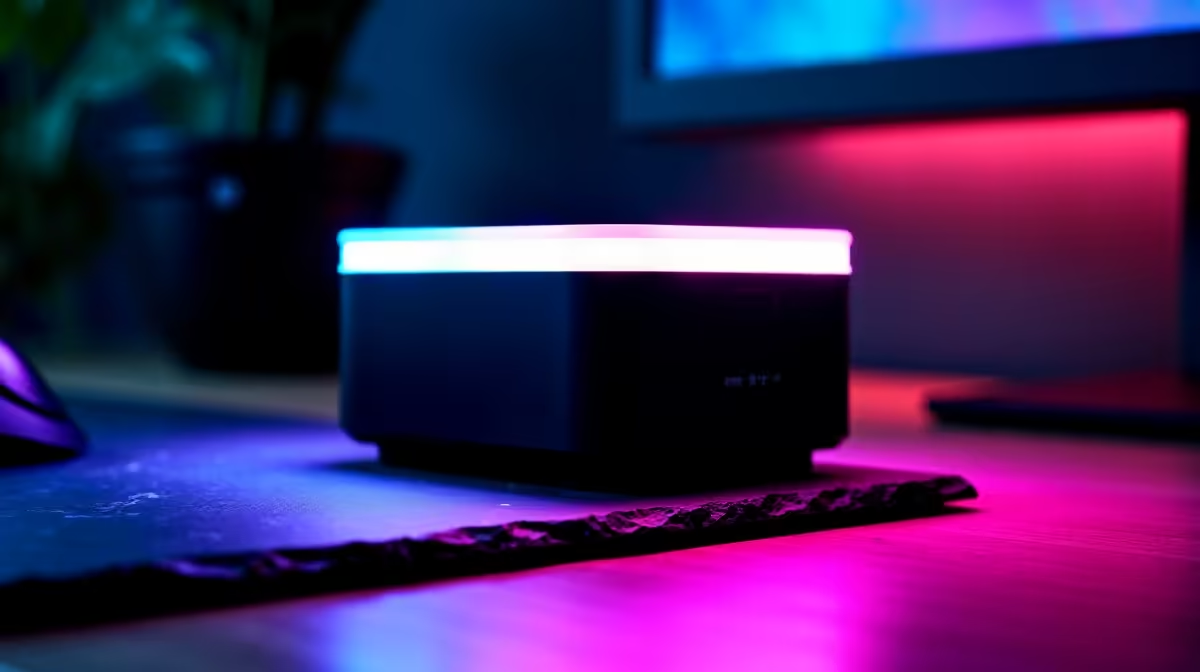
Late-night gaming sessions in South Africa are practically a tradition. But when you are grinding through the dark... staring at a blinding screen can absolutely wreck your eyes. A proper game desk lighting setup is essential for comfort. If you want to protect your vision and boost your focus, our desk lamp setup and configuration complete tutorial is exactly what you need to read next. 🎮
Eliminating Screen Glare and Eye Strain
Let us talk about positioning. The biggest mistake you can make is pointing a bright light directly at your screen. This creates a harsh glare that washes out your display. Instead... you want to angle the light behind or beside your monitor.
This creates a soft bias lighting effect. It reduces the contrast between your bright screen and the dark room. If you just spent good ZAR on one of our incredible pre-built PC deals, you definitely want to see those crisp textures clearly without constantly squinting.
Choosing the Right Colour Temperature ✨
Desk lamps are not just about raw brightness. Colour temperature plays a massive role in your overall setup. Cool white light is brilliant for staying alert during intense competitive matches.
Warm yellow light is much better for winding down... especially if you are working late into the night on one of our high-performance laptops. Proper colour tuning helps reduce visual fatigue over long hours.
Lighting Pro Tip 💡
For the perfect desk lamp setup, look for a smart LED lamp with adjustable colour temperatures. Set it to 5000K for daytime productivity and drop it down to 3000K in the evening to help your eyes relax before bed.
Perfecting Your Desk Lamp Setup and Configuration
Now for the actual physical configuration. Place your lamp opposite your dominant hand. If you are right-handed... put the lamp on the left side of your desk. This simple trick completely eliminates annoying hand shadows while you type or flick your mouse. It is a small ergonomic detail that makes a massive difference for top-tier gaming PC setups.
You should also consider the height of your light source. The bulb should sit just above your eye level to prevent direct glare into your pupils. When you are pushing the framerate limits of the latest graphics cards, you want your physical environment to feel deeply immersive rather than visually distracting.
Smart Integration and Final Touches ⚡
Many modern LED lamps allow you to sync your lighting directly with your PC ecosystem. You can configure smart bulbs to match your system RGB software. This ties your whole room together brilliantly... creating a cohesive aesthetic.
Upgrading your game desk lighting does not have to cost a fortune either... especially if you keep a close eye on our weekly tech specials. A properly lit desk makes every gaming or work session infinitely better. It is one of the cheapest upgrades you can make for your daily comfort. Whether you are battling load-shedding with a backup inverter or just enjoying a weekend marathon... good lighting keeps you in the game longer.
Ready to Upgrade Your Entire Setup? Now that your desk lighting is sorted, it might be time to boost your system performance. Explore our massive range of gaming specials and find the perfect hardware to complete your ultimate South African gaming room.











