

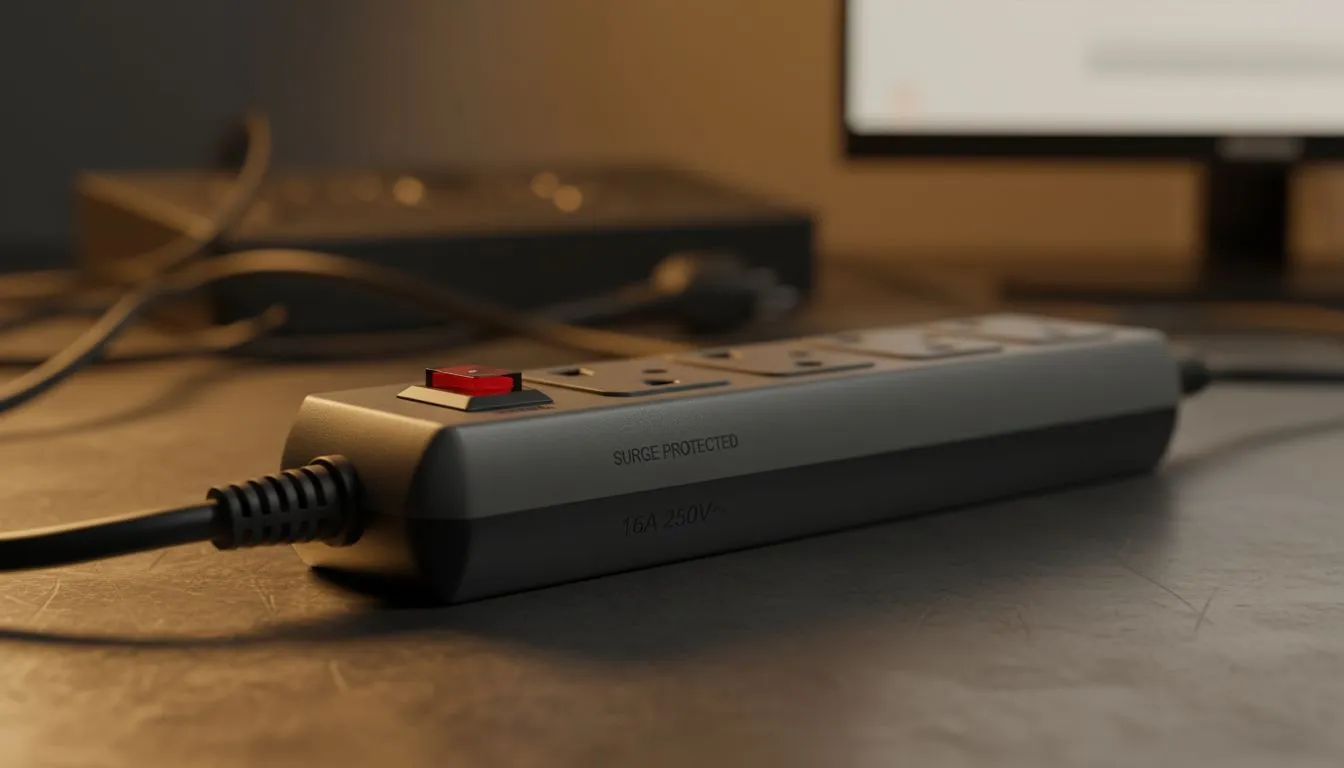
Desk Power Layout: Plug Points, Extensions & Surge Protection
Tired of that "spaghetti junction" behind your PC? In South Africa, managing your desk power layout: plug points, extensions & surge protection isn't just about aesthetics... it is about survival. Between load shedding spikes and high-end GPUs drawing serious wattage, one bad connection can fry your R30,000 rig. Let’s organise your power delivery like a pro and keep your hardware safe ⚡.
Mapping Your Desk Power Layout
Start by counting every single device that needs juice. You need dedicated spots for the PC, dual monitors, speakers, and peripheral chargers. A standard gaming desk often features built-in grommets to help channel these cables away from your feet. Never daisy-chain multiple extensions together... it is a massive fire risk and causes voltage drops. Use a single, high-quality power strip with enough outlets for your entire ecosystem.
Surge Protection Pro Tip ⚡
Always check the "Protected" LED on your surge strip. If that light is off, the internal MOV has likely sacrificed itself during a previous spike. Your gear is now vulnerable... replace the strip immediately to ensure your components stay safe from the next grid fluctuation.
Guarding Against Load Shedding and Surges
South African power grids are notoriously unstable. When the lights flicker back on after a scheduled outage, the resulting voltage spike can be lethal for sensitive electronics. Investing in a dedicated surge protector is non-negotiable for any local gamer. Look for units with a high Joule rating and a warranty. If you are rocking a premium AutoFull setup, you want that investment protected from the unpredictable Eskom grid.
Managing Extensions and Cable Routes
Effective cable management is significantly easier when your furniture works with you. High-end brands like Arozzi design their surfaces with integrated cable management nets underneath. This keeps heavy power bricks off the floor and out of sight. It prevents dust buildup and makes your weekly cleaning much faster. Use Velcro ties instead of plastic zip ties... they are reusable and won't accidentally cut into your cable insulation 🔧.
Choosing the Right Foundation
Your power strategy depends entirely on the physical space you have available. If you prefer a minimalist, sturdy look, a Nitro desk provides the structural integrity needed for heavy monitor arms and multi-plug mounts. Position your main wall socket as close to the centre of your desk as possible. This reduces the length of the extension cords required and keeps your layout looking crisp and professional 🚀.
Ready to Power Up Your Setup? A clean desk leads to a clear mind and better gaming performance. From cable management features to ergonomic designs, we have the foundation for your dream battle station. Explore our massive range of gaming desks and find the perfect match to house your high-performance gear.











