

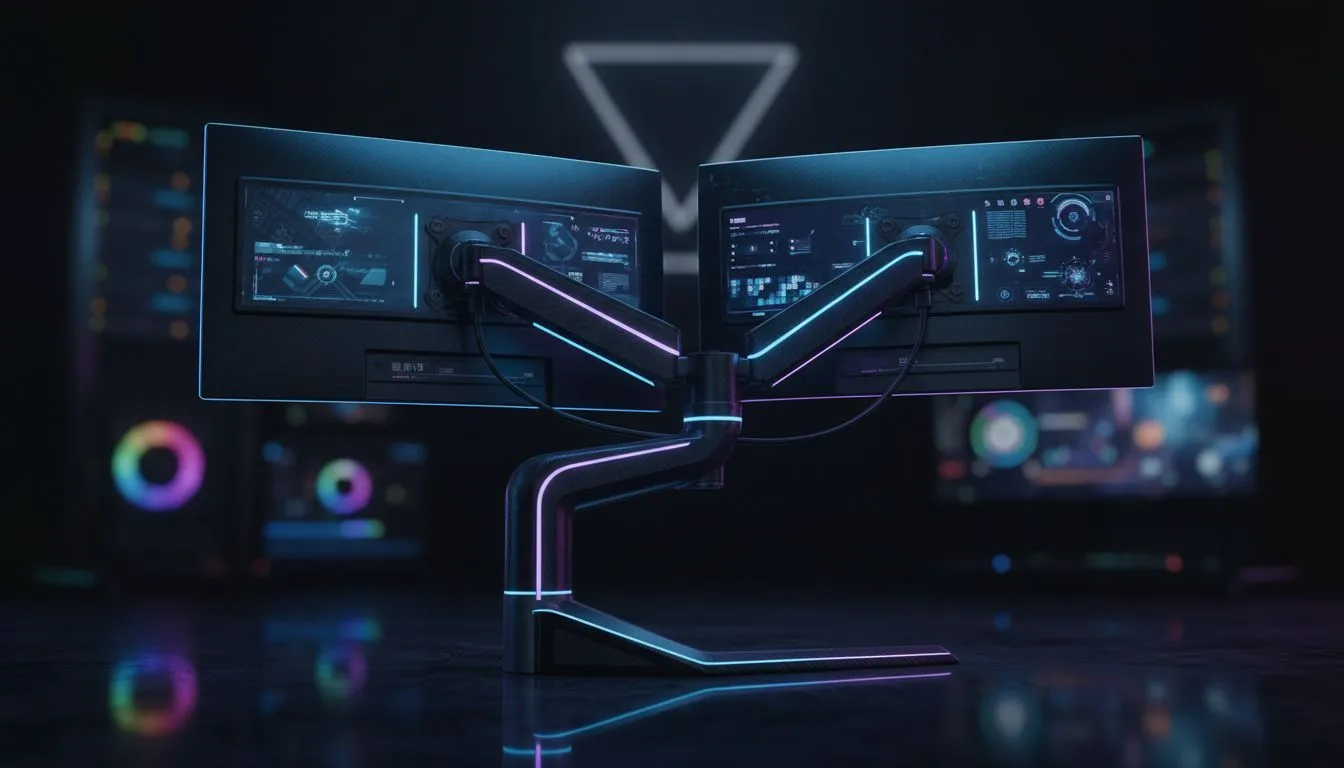
Dual monitor setup basics for SA gamers
Want to stop alt-tabbing mid-fight and finally finish that assignment before raid night? South African gamers and tech buyers are using a second display to split chat, maps and streaming tools without sacrificing performance. This guide gives practical, local-friendly steps to build a Dual Monitor Setup: Optimize for Productivity and Gaming — from placement and panel choice to tidy cabling and simple software tweaks. 🔧
Choose the right screens for work and play
Start with purpose: one panel for primary gaming, another for reference apps, Discord, or editing tools. For esports lean towards high refresh on the main screen; for content creators pick a colour-accurate secondary monitor. Keep screen heights level to avoid neck strain and angle them slightly towards your eyes for an immersive field of view.
Layout, ergonomics and Windows tips
Place the main monitor centred to your chair; the secondary can be angled to the side. If you split time evenly, centre the pair and push both slightly forward. On Windows, use virtual desktops and snap features to quickly move apps between displays. Small ergonomic tweaks save hours over a semester or a tournament season. ⚡
Productivity Pro Tip ⚡
On Windows, use the PowerToys FancyZones utility to create custom snap layouts for your windows. It's a lifesaver for managing multiple apps on an ultrawide monitor, letting you organise your timeline, preview window, and asset folders perfectly for video editing.
Cable management, power and RGB flair
Neat cabling keeps airflow clear and looks pro on stream. Use short, well-routed power and display cables and consider ARGB extensions for a clean finish. For example, an ARGB extension like this Gamemax 12VHPWR cable option helps tidy RGB runs and maintain signal integrity on custom rigs (see product page for specs and pricing). https://www.evetech.co.za/gamemax-12vhpwr-cable-b-argb-extension/best-deal/24244
If you want a premium finish behind a desk, individually sleeved cables make a huge visual difference and simplify bundling — check the NZXT sleeved cable options for neat, colour-coordinated setups. https://www.evetech.co.za/PC-Components/nzxt-individually-sleeved-premium-cables-93
Performance tuning and switching workflows
Keep your GPU drivers and monitor firmware up to date. Use GPU control panels to set custom profiles: one for high refresh, low latency gaming and another for colour-critical editing. Learn simple hotkeys to move windows across screens — it’s faster than dragging and keeps you in the moment.
Micro-story: I swapped my dusty second monitor for a calibrated IPS panel and suddenly my stream overlays, chat and build notes lived off the main display. No more mid-fight fumbling... and my editing throughput doubled on deadline weeks.
Final checklist before you buy
- Measure desk depth and monitor stand footprint.
- Match your GPU outputs to monitor inputs to avoid adapters.
- Route cables under the desk, tie with Velcro, and label ends for swaps. 🚀
Ready to Find Your Perfect Match? The Mac vs Windows debate is complex, but for maximum power, choice, and value in South Africa, Windows is hard to beat. Explore our massive range of laptop specials and find the perfect machine to conquer your world.











