

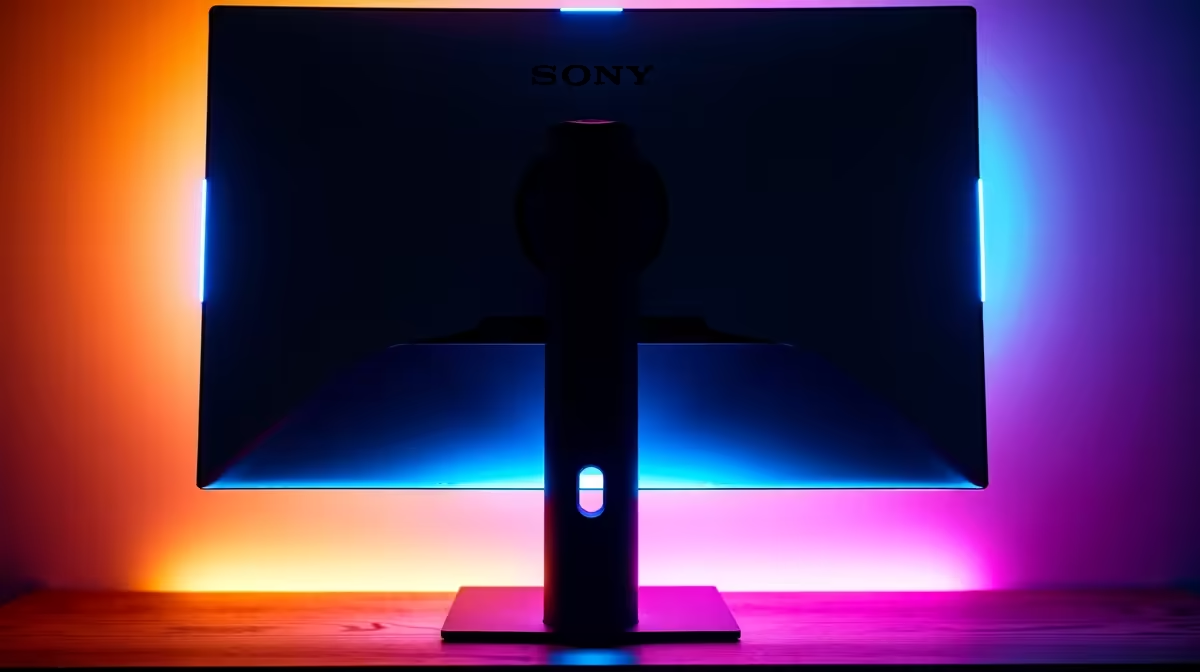
We’ve all been there. Hunched behind your desk, phone torch in your mouth, trying to blindly plug an HDMI cable into the back of your monitor. It’s a uniquely South African tech struggle... a frustrating dance of scraped knuckles and muttered words. What if the solution wasn't better cable-wrestling skills, but simply choosing a display with easy access monitor ports? It's a small detail that makes a massive difference in your daily use.
Why Easy Access Monitor Ports Are a Must-Have
Let's be honest, setting up a new monitor is a once-off mission. The real test comes later. Think about it: you want to quickly connect your work laptop, hook up a friend's Nintendo Switch for a quick game of Mario Kart, or plug in a USB stick. Having monitor ports that are easy to access transforms these tasks from a chore into a seamless action.
For gamers, this is especially true. You’re not just connecting a PC. You might have a PS5, an Xbox, and a streaming device all vying for screen time. A monitor with side-mounted or front-facing ports means you can switch between devices without ever having to move your screen. It’s the kind of quality-of-life feature you’ll find across many of the best PC monitor deals available today.
What to Look For: Types of Convenient Connections 🔧
When you're browsing for a new screen, "port placement" might not be at the top of your list, but it should be. Modern monitors offer clever designs that solve this exact problem.
Key Designs for Easy Connections:
- Side-Mounted Ports: Instead of being hidden directly behind the stand, some ports (especially USB and headphone jacks) are placed on the side of the monitor for quick plug-and-play access. This is perfect for temporary connections.
- Built-in USB Hubs: Many displays now include a built-in USB hub. A single cable connects the hub to your PC, giving you several easy-to-reach USB ports right on your monitor for your keyboard, mouse, or webcam. This feature is common on many immersive curved monitors designed for clean desk setups.
- The Power of USB-C: A single USB-C port can be a powerhouse. On compatible monitors and laptops, it can handle video, data transfer, and even power delivery, charging your device with just one cable. It’s the ultimate convenience, often found on premium and stunning 4K monitors.
Cable Management Pro Tip ✨
keep your setup looking clean, even with accessible ports, use velcro cable ties or a simple cable sleeve. Group the 'permanent' cables (like power and your main DisplayPort) together, leaving the easy-access ports free for temporary devices. This gives you the best of both worlds: a tidy desk and ultimate flexibility.
Beyond Your Main Gaming Screen
This principle of convenient connections isn't just for your main battle station. It’s arguably even more crucial for secondary or specialised displays.
Take handy portable monitors, for example. Their entire purpose is quick, on-the-go setup. Having logically placed, easy-to-use ports like USB-C is essential for their function. Similarly, a well-designed monitor can act as the central hub for your entire desk, reducing the need for extra dongles and adapters. Investing in the right monitor accessories, like a good quality VESA mount, can also improve access to ports that might otherwise be blocked by the default stand.
Ultimately, choosing a monitor with easy access ports is a small decision that pays off every single day. It respects your time and removes a common point of friction, letting you focus on what matters... the game, the work, or the content. When you're looking through all our gaming monitors, be sure to check the port layout—your future self will thank you. 🚀
Ready to End the Cable Struggle? Don't let awkward ports ruin your setup. From high-refresh-rate beasts to stunning 4K displays, the perfect monitor with convenient connections is waiting for you. Explore our massive range of PC monitors and find the ideal screen for your desk.











