

Ergonomic gaming setup essentials — start comfortable, stay sharp 🔧
Long sessions should reward you with wins, not a sore neck. If you play for hours, small changes to your ergonomic gaming setup make a massive difference to comfort and focus. This guide gives practical, South African‑friendly tips — from desk height to monitor mounts and cable management — so you can game longer, recover faster, and enjoy fewer interruptions. ⚡
Ergonomic gaming setup: desk and chair positioning
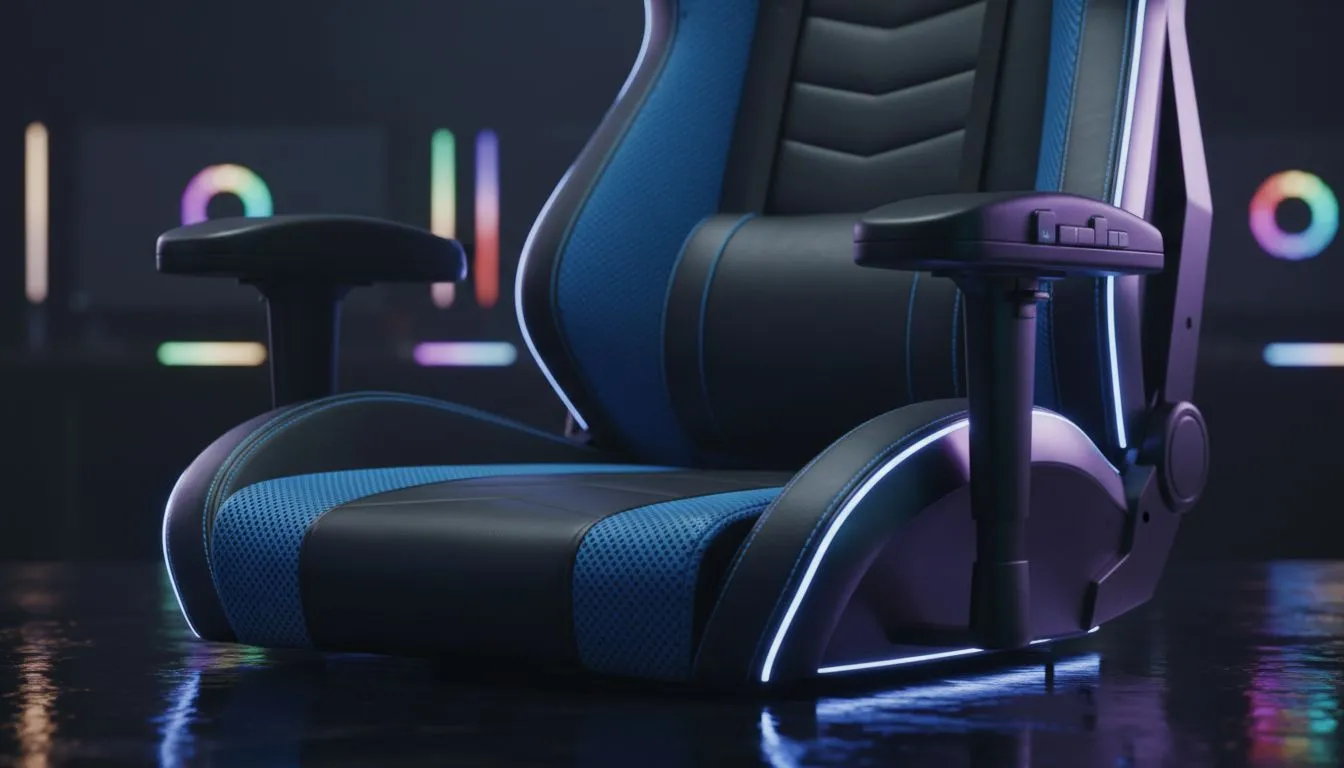
A good desk and chair are the foundation of any ergonomic gaming setup. Aim for a desk height that lets your forearms sit parallel to the floor and a chair with adjustable lumbar support. If your chair doesn’t tilt or support your lower back, consider a budget upgrade — even small lumbar cushions help. For desk accessories and stands to tune your setup, check compatible monitor mounts and bases available from Evetech here: monitor arms and stands.
Ergonomic gaming setup: monitor height and multi‑screen layouts
Position your primary monitor so the top third of the screen sits at eye level; that reduces neck tilt and eye strain (NHS guidance supports neutral head posture). If you run ultrawide or multiple screens, use a monitor arm to stack or angle displays ergonomically. Evetech stocks brand options — compare Orico accessories if you want compact hubs and tidy cable runs: Orico monitor accessories. An adjustable arm also lets you set optimal tilt and distance during long sessions.
Ergonomic gaming setup: cable management and desk accessories
Tidy cables reduce desk clutter and let you adjust gear quickly between matches. Use cable trays, zip ties, and powered hubs to keep everything reachable. For value options under R3,338, Evetech’s filtered accessories page lists affordable monitor and desk add-ons that won’t break your budget: budget monitor accessories under R3,338. Clean routing also prevents accidental snagging mid‑game.
Ergonomic gaming setup: peripherals and input posture 🚀
Your keyboard and mouse angle matter. Keep the keyboard centred to your body and use a negative tilt if it lessens wrist extension. A lightweight mouse reduces shoulder strain over long sessions; test shape and grip style before committing. For reliable mounting and accessory choices that pair well with gaming desks, Evetech offers several WINX products worth a look: WINX monitor accessories.
Micro‑breaks Matter ⚡
Even short 60‑second breaks every 30–45 minutes lower fatigue. Stand, stretch your shoulders, and blink deliberately to refresh your eyes. Small habits keep reaction times sharp and reduce aches.
Ergonomic gaming setup: lighting, breaks and recovery
Good ambient lighting and reduced glare keep you comfortable. Add a soft backlight behind your monitor to lower contrast and eye strain. Schedule longer breaks after intense sessions for movement and hydration. If you’re tracking expenses, consider allocating R500–R1,500 for small upgrades like a new mousepad, monitor arm, or lumbar support — practical purchases that pay back in comfort.
Final checklist before you game
- Chair lumbar adjusted, feet flat on the floor.
- Screen top third at eye level.
- Keyboard centred, mouse reachable without reaching.
- Cables tidy; essential ports easy to access.
- Planned micro‑breaks every 30–45 minutes. ✨
Ready to Find Your Perfect Match? The Mac vs Windows debate is complex, but for maximum power, choice, and value in South Africa, Windows is hard to beat. Explore our massive range of laptop specials and find the perfect machine to conquer your world.











