

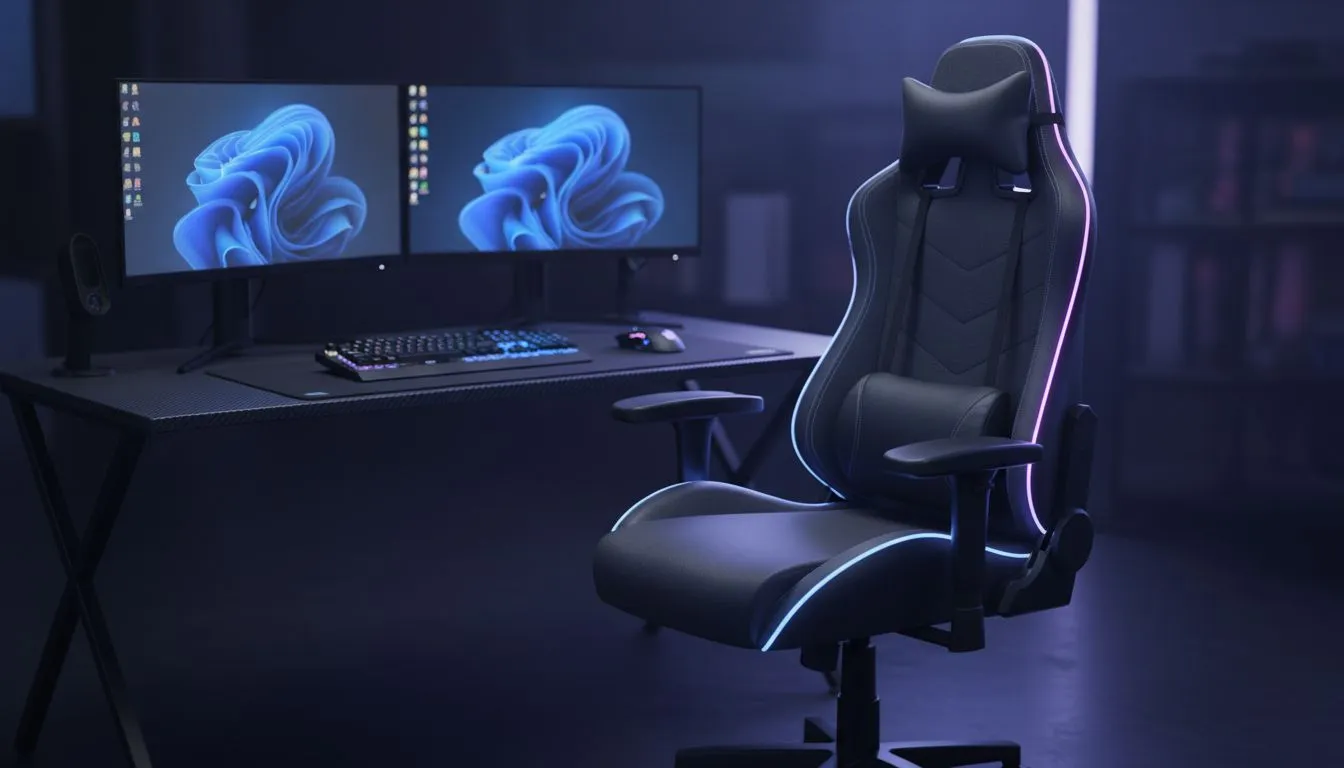
The Foundation: Why Your Gaming Desk Matters
Staring at a screen for an eight-hour marathon can wreck your back faster than a lag spike in a ranked match. Whether you are grinding in Valorant or finishing a work project, comfort is king. A proper ergonomic gaming setup checklist: desk, chair, wrists, screens... it is the difference between peak performance and a trip to the physio. Let's get your station sorted for the long haul. 🔧
Your desk is the literal foundation of your entire rig. If the surface is too high, your shoulders will bunch up towards your ears. If it is too low, you will naturally start to slouch. Finding a dedicated gaming desk ensures you have the right surface area for your gear without compromising on your natural posture. A stable surface prevents monitor wobble, which reduces eye strain during intense movement.
Support Your Spine with Professional Seating
A dining room chair simply does not cut it for 12-hour sessions in the server. You need lumbar support that matches the natural curve of your lower spine. High-quality options from AutoFull provide the necessary adjustment levels to keep you upright and focused.
When sitting, your feet should be flat on the floor. Your thighs should be parallel to the ground. This position promotes healthy blood flow to your legs. Investing a few thousand ZAR in a proper seat now saves you tens of thousands in medical bills later... your future self will thank you. 🚀
The 90-Degree Rule ⚡
Ensure your elbows, hips, and knees are all bent at a 90-degree angle. This alignment reduces pressure on your joints and keeps blood flowing during those intense local tournaments. It is the simplest way to check your ergonomics at a glance.
Wrist Alignment and Arm Placement
Carpal tunnel is a real threat for any serious South African gamer. Your wrists should remain in a neutral position, not angled upwards or downwards. If your desk is too high, you force your wrists to bend against the edge of the table.
Some setups, like those featuring gear from Arozzi, offer full-surface mousepads. These provide consistent friction and vital cushioning for your forearms. Always ensure your mouse and keyboard are close enough so your elbows stay tucked by your sides.
Screen Height and Eye Level Protection
The top third of your monitor should be at eye level. This prevents the dreaded "tech neck" caused by looking down for hours. If your monitor stand is not adjustable, you might need a riser or a more versatile desk.
Options from Nitro offer sleek designs that help you manage your workspace effectively while keeping your screens at the perfect height. Remember to blink often and follow the 20-20-20 rule to keep your vision sharp. ✨
Ready to Level Up Your Comfort? Don't let a bad setup hold you back from your next win. From height-adjustable surfaces to premium support, we have everything you need to build a pro-tier station. Browse our full range of gaming desks and transform your gaming experience today.











