

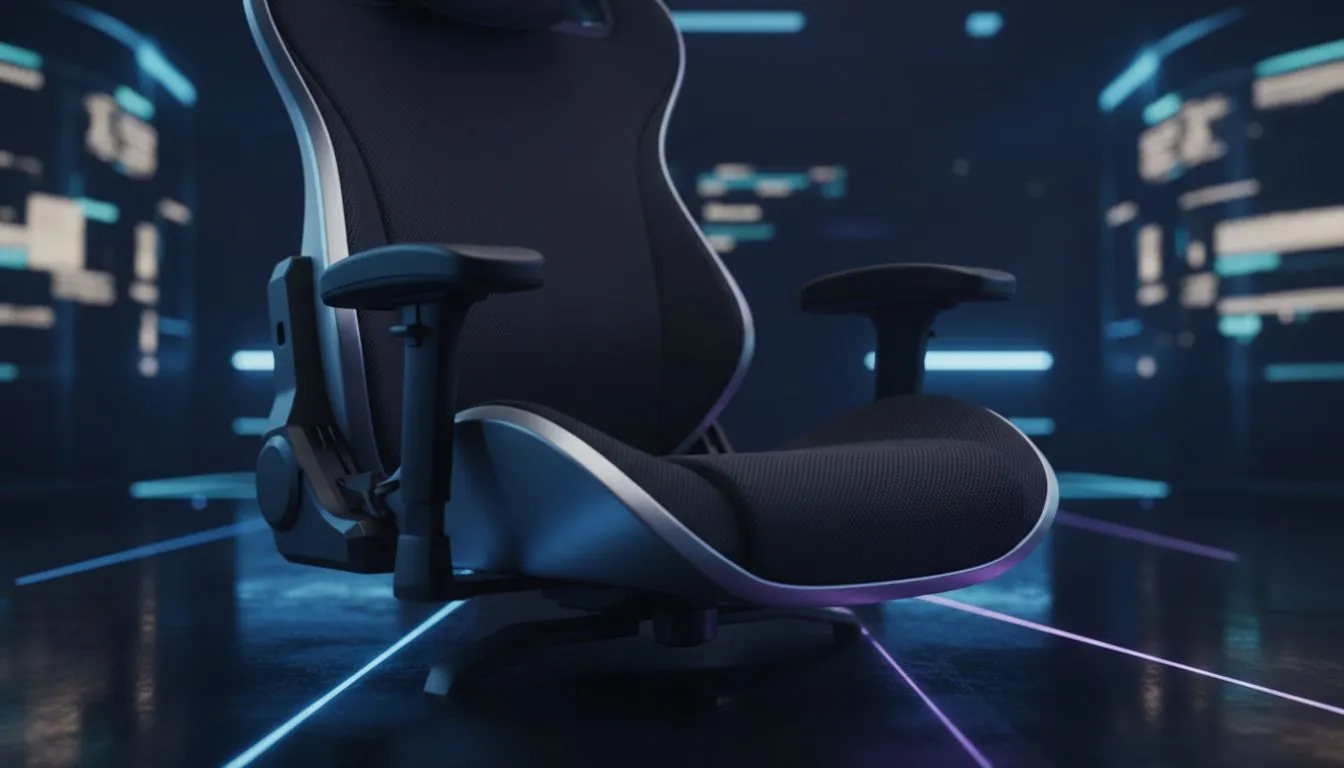
Ergonomic Gaming Setup: Marathon Gaming Design Tips — if you’re gearing up for long LAN nights or weekend raids in Mzansi, small setup choices keep you in the fight and out of physio queues. This quick guide gives pragmatic, local-first ergonomics for gamers and tech buyers who want comfort and performance without overpaying. Read on for hands‑on layout tips, product links and an easy checklist to test your rig tonight.
Ergonomic gaming setup fundamentals
Start with posture. A neutral spine and relaxed shoulders reduce fatigue and reaction-time drift during marathon sessions. Swap vague advice for a simple check: feet flat, knees at ~90°, forearms level with the desk. If you’re shopping keyboards, consider affordable, performance-focused options — many South African gamers pick from the selection of cheap gaming keyboards at Evetech to balance price and longevity. 🔧
Ergonomic gaming setup: switch and key choices matter
Key feel changes how your hands tire. Tactile switches give feedback without heavy force; linear switches suit rapid double-taps. If you prefer brand-specific builds, browse our curated Razer options for low-latency and RGB control in local stocklists: Razer keyboards on Evetech. For minimalist, high-actuation options, see the Glorious line here: Glorious keyboards available.
Ergonomic mouse and hand positioning
Mouse choice massively affects wrist strain and aim. Try sizes that let your hand rest rather than grip hard. Shop general options to test in your hand: Evetech gaming mice catalogue. If you want a bargain route, the best deals page helps compare real prices in ZAR: best gaming mouse deals. ⚡
Ergonomic gaming setup: wireless vs wired mice for marathons
Wireless tech has closed the latency gap, and for many players it means less cable drag. If you’re leaning wireless, check our stock here: buy wireless mice. If you prefer wired for consistent polling and no battery swaps, explore wired options here: buy wired mice.
Ergonomic gaming setup: accessories that extend comfort
A soft wrist rest, angled mouse pad, or cable bungee reduces micro-adjustments that add up over hours. Browse mouse accessories to find wrist supports and skates that suit your grip: mouse accessories at Evetech. Small investments in these items often pay back in fewer tweaks and steadier aim.
Ergonomic gaming setup: wired vs wireless keyboard trade-offs
Deciding between the convenience of wireless and the raw reliability of wired? If you want wireless keyboards to cut cable clutter, see our filtered wireless keyboard range here: wireless keyboards. For tournament-ready wired boards, compare wired models here: wired keyboards. ✨
Productivity Pro Tip ⚡
On Windows, use the PowerToys FancyZones utility to create custom snap layouts for your windows. It's a lifesaver for managing multiple apps on an ultrawide monitor, letting you organise your timeline, preview window, and asset folders perfectly for video editing.
Ergonomic gaming setup: quick checklist before a marathon
- Chair height: hips slightly above knees.
- Desk setup: monitor top at or just below eye level.
- Peripherals: mouse and keyboard close enough to avoid reaching.
- Microbreaks: 2 minutes every 30–45 minutes for stretch and eye rest. Try these one at a time for a week and note which change gives the biggest comfort boost.
Ready to Find Your Perfect Match? The Mac vs Windows debate is complex, but for maximum power, choice, and value in South Africa, Windows is hard to beat. Explore our massive range of laptop specials and find the perfect machine to conquer your world.











