

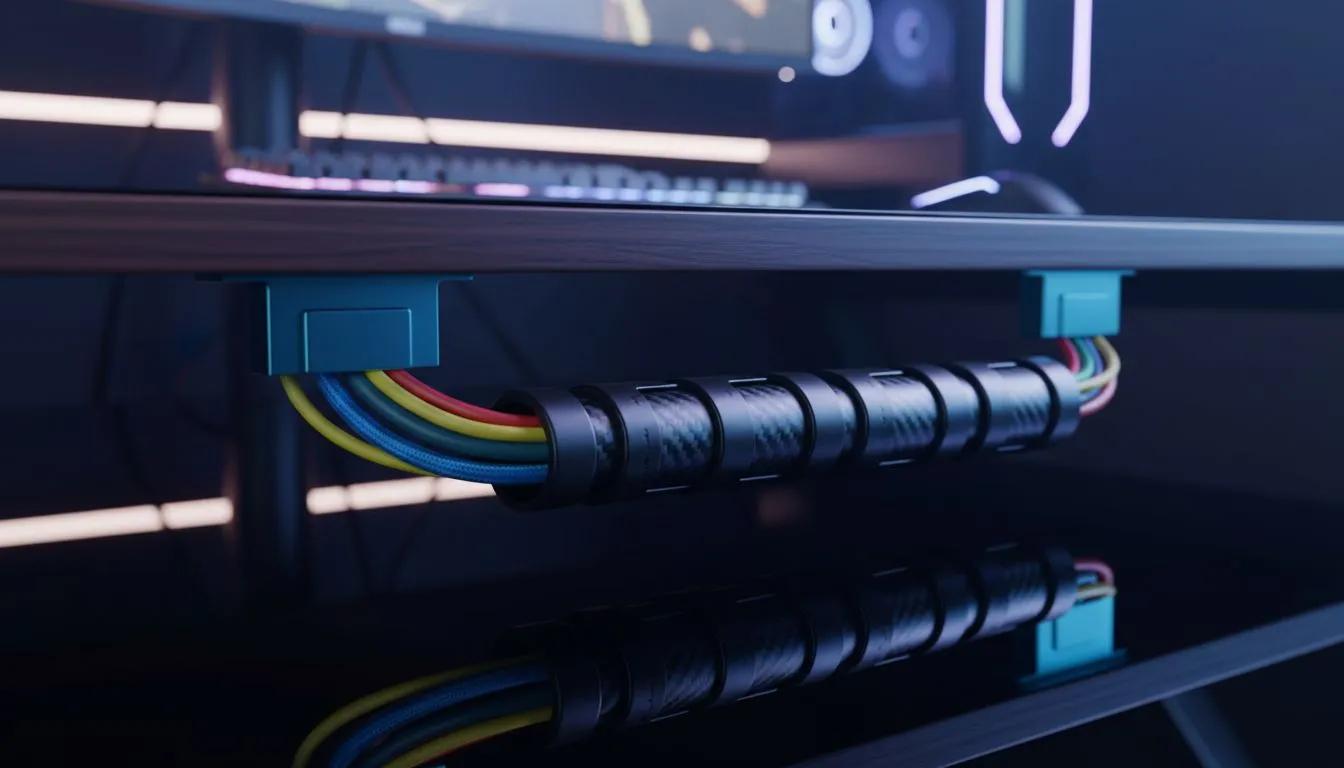
Tired of getting your mouse cable caught on a rogue charging wire while trying to clutch a 1v3 in Valorant? We have all been there. A messy desk is more than just an eyesore... it actively kills your performance and focus. Mastering Esports Desk Cable Management is the secret to a clean, ergonomic setup that lets you play at your peak without distraction. Let's tidy up. 🔧
The Foundation of a Pro-Tier Esports Setup
A professional gaming environment starts with how you organise your hardware. If you are hunting for the best PC monitor deals in South Africa, you probably care about performance. But even the fastest panel looks sluggish if it is surrounded by "cable spaghetti."
Start by clearing everything off your desk. This "blank slate" approach allows you to plan your cable routes before you plug anything in. When browsing the massive range of PC monitors at Evetech, look for models with built-in routing holes in the stand. These small features make a massive difference in keeping your desk surface clear for those wide mouse flicks.
Strategic Routing for Peak Ergonomics
Ergonomics is not just about your chair height... it is about how freely you can move. For competitive players using high-refresh all gaming monitors, mouse drag is the enemy. Use a mouse bungee or adhesive clips to ensure your peripheral cables have enough slack for full range of motion.
Cable Tension Tip ⚡
Always leave a bit of "service loop" slack behind your PC and monitors. If you need to pull your screen forward or tilt it for a better viewing angle, you won't accidentally yank a connector out or damage a port on your expensive GPU.
If you prefer an immersive experience with curved monitors, the wider footprint often hides cables naturally. Use this to your advantage by tucking wires directly behind the curve of the stand.
Managing Multi-Screen Chaos
Many South African streamers use secondary displays for chat or OBS. Whether you use portable monitors for a compact setup or massive 5K and 4K monitors for content creation, the wire count doubles quickly.
The trick is to "bundle" cables that travel in the same direction. Use Velcro ties instead of plastic zip ties. Velcro is reusable and won't cut into your cables if you tighten them too much. Group your power cables together and your data cables (DisplayPort, HDMI) together to reduce electromagnetic interference... though this is less of an issue with modern shielded cables, it still looks much cleaner.
Final Touches and Must-Have Tools
To truly achieve a "floating" look, you should move away from stock stands. Investing in high-quality monitor accessories like gas-spring arms can change your life. These arms allow you to route cables through internal channels, completely hiding them from view. 🚀
Under-desk trays are also a lifesaver. Instead of having your power brick sitting on the floor gathering dust, mount a tray to the underside of your desk. This keeps everything off the ground, making it easier to vacuum and keeping your setup looking sleek and professional. ✨
Ready to Build Your Dream Setup? A clean desk is the first step toward a better gaming experience. Whether you need a new high-refresh screen or the tools to tidy your wires, we have you covered. Explore our massive range of gaming monitors and find the perfect hardware to anchor your clean, ergonomic setup.











