

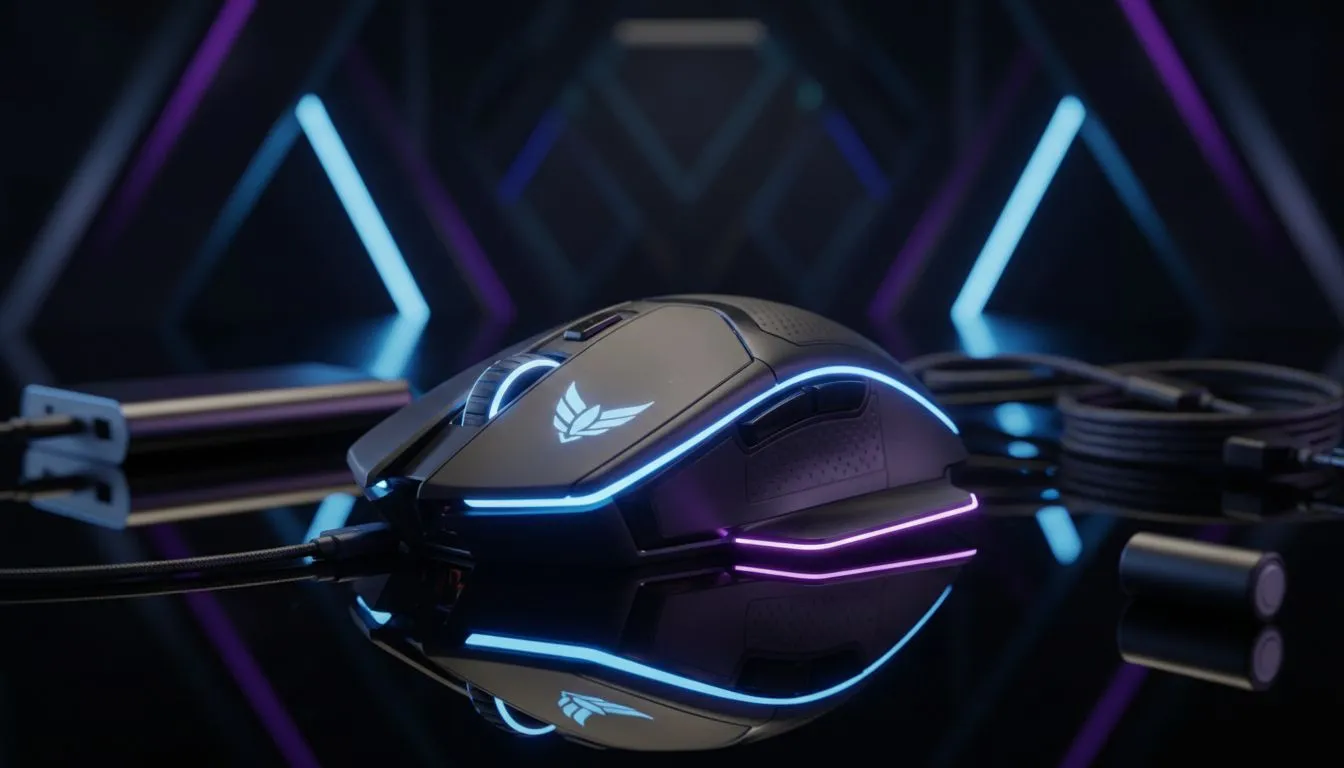
Stay Powered Up When the Grid Goes Down
There is nothing worse than the lights going out mid-clutch... except your mouse dying too. When Stage 6 hits and you are relying on your UPS or laptop battery, every milliamp counts. Learning how to extend wireless gaming mouse battery life during loadshedding is about more than just convenience. It is about staying in the game when Eskom says otherwise. Here is how to keep clicking until the power returns.
Optimise Your Polling Rate for Longer Playtime
Most modern sensors are incredibly fast. High polling rates like 4000Hz or 8000Hz drain battery life rapidly. For most gamers, 500Hz or 1000Hz is plenty for a smooth experience. If you are currently browsing for a new gaming mouse, efficiency should be your top priority. Lowering this setting in your software can double your runtime. This is crucial when you do not know when the lights will come back on.
Kill the RGB to Save Power
We all love the aesthetic of a glowing setup. However, those LEDs are the biggest battery killers. Turning off the RGB lighting can increase battery life by up to 50 percent. Check out the best gaming mouse deals to find models with high-capacity batteries that last even longer without lights. If you must have some light, set it to a dim, static colour instead of a cycling effect ⚡.
Adjust Sleep and Standby Timers
Your mouse should go to sleep the moment you step away. Set your standby timer to one minute. This prevents the sensor from wasting energy while you are making coffee during a blackout. When you buy a wireless mouse, look for "Efficiency Mode" in the manufacturer's software. This often limits the sensor's peak performance slightly but grants you hours of extra usage.
Battery Conservation Tip 🔋
Turn off your mouse manually using the physical switch underneath the device whenever you are not using it. Even "Deep Sleep" modes consume a tiny amount of power that adds up during a four-hour loadshedding block.
Prepare for the Worst Case Scenario
Sometimes the battery just won't make it. Having a secondary option is a smart move for any South African gamer. Sometimes, it is easier to buy a wired mouse as a dedicated backup for long blackouts. Alternatively, ensure you buy mouse accessories like high-quality braided cables. This allows you to switch to wired mode instantly without fumbling in the dark 🔧.
Ready to Find Your Perfect Match? Loadshedding shouldn't stop your winning streak. For maximum power, choice, and value in South Africa, our range of peripherals is hard to beat. Explore our massive range of laptop specials and find the perfect machine to conquer your world.











