

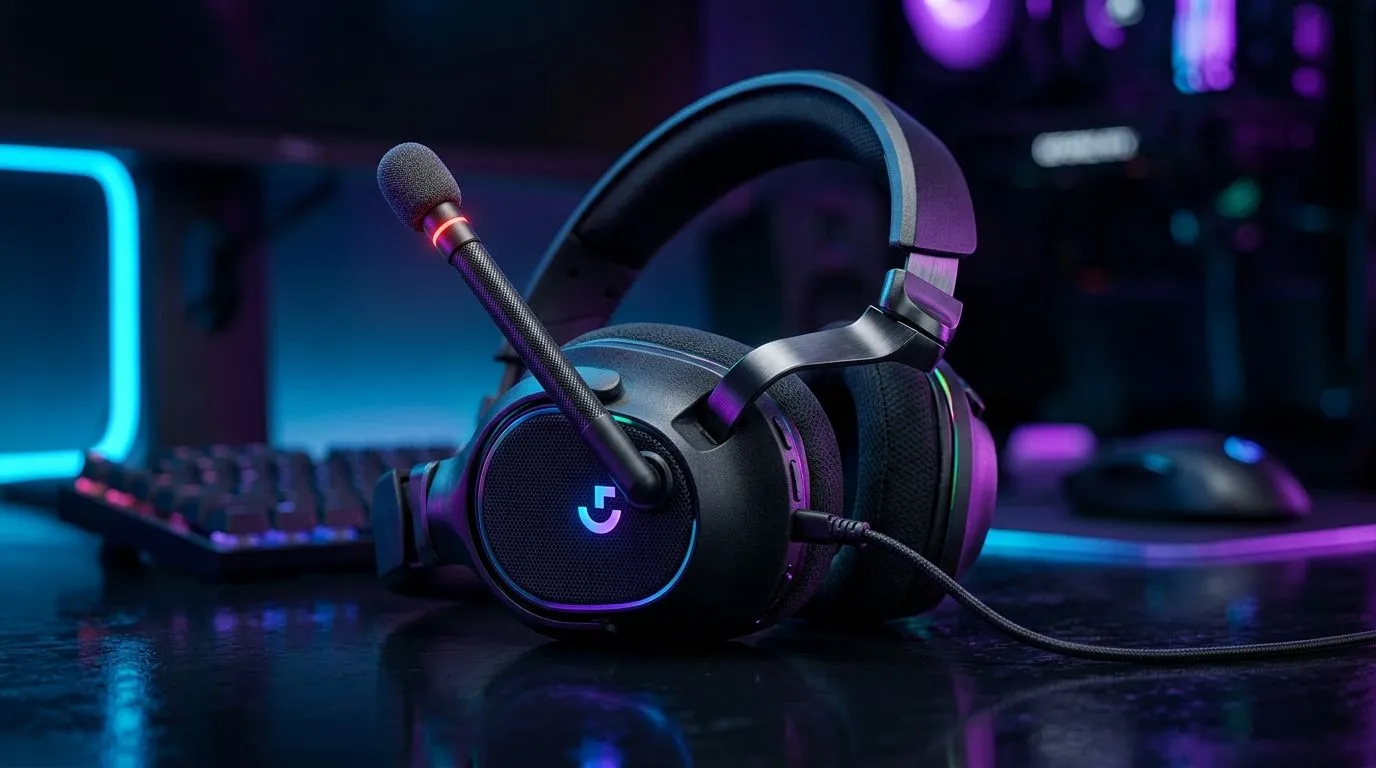
Flip-to-Mute Microphones for Clear In-Game Communication: Why It Matters in South Africa
If you’ve ever muted the wrong person mid-fight… you know how fast comms can go chaotic. In South African lobbies, that split-second matters: quick callouts, smooth team coordination, and zero background noise fighting for attention. 🎮 That’s where flip-to-mute microphones shine. They let you shut your mic instantly, without hunting for software sliders or button combinations. Simple. Fast. Reliable.
Flip-to-Mute Microphones for Clear In-Game Communication: How the “Flip” Works (and What to Listen For)
A flip-to-mute mic is usually a boom mic you rotate up or down. When flipped into the mute position, it either blocks the mic physically or engages a built-in mute sensor.
What to pay attention to:
- Mute feel: Does it lock positively, or flop around? A shaky mic can accidentally unmute during hectic play.
- Mic pickup pattern: Some headsets are more sensitive to keyboard clicks and room noise.
- Overall headset fit: If the headset sits loose, the mic may pick up more of your environment than intended.
For gamers who want a clean setup from the start, it helps to consider headsets designed around everyday clarity. Check out the range here: Razer headset options for everyday comms and comfort.
Flip-to-Mute Microphones for Clear In-Game Communication: Practical Setup Tips for Less Noise
Even the best mic struggles with bad placement. Try this quick checklist before you blame the headset:
- Keep the mic 1–2 fist widths from your mouth. Too far equals “tinny background chat.”
- Angle it slightly toward your mouth, not straight down.
- Position over your cheekbone, not near your lips. This reduces breath pops.
- Turn down game chat volume slightly and balance with your voice.
Also, match the headset to your desk and routine. If your keyboard is loud, software noise suppression helps, but physical reduction is better.
Flip-to-Mute Microphones for Clear In-Game Communication: Quick Mic Test Routine (30 Seconds)
Before ranked, do a “desk test”:
- Load a voice chat lobby.
- Speak normally for 10 seconds.
- Then type for 5 seconds.
- Listen back. If typing is louder than your voice, adjust mic distance and angle first.
Productivity Pro Tip ✨
On Windows, set up a dedicated Discord (or voice app) input device in Sound settings. This reduces “wrong mic” moments when you switch between games and browser calls, so your flip-to-mute behaves consistently.
Flip-to-Mute Microphones for Clear In-Game Communication: Buying Guidance (Deals and Models to Consider)
If you’re shopping locally, it helps to buy around your use case. Competitive players often prioritise clarity and comfort for long sessions, while streamers care about consistent sound and reliable mute behaviour.
A great starting point is to browse Evetech’s broader headset selection, then narrow by fit and features. For example, here’s a solid way to explore: Razer headsets and headphones in one place.
If you want a deal-focused route, check this out: Razer Barracuda X Chroma Wireless in Phantom White (best deal). When you find a model that fits your head well, comms usually improve immediately… because the mic sits correctly and stays there.
Flip-to-Mute Microphones for Clear In-Game Communication: The Real Win Is Control
Flip-to-mute isn’t just convenience. It’s confidence. When you can mute instantly, you think less about accidental background noise and more about team timing. That’s how you keep callouts clean, especially during moments like rotates, ult usage, or clutch comms.
Ready to upgrade your comms with a headset that just works
Your headset should reduce friction, not add it. If flip-to-mute feels like the right direction, it’s worth testing models that balance mic clarity, comfort, and reliable mute behaviour. Then you can focus on the game… not the settings.
Ready to Find Your Perfect Match? The Mac vs Windows debate is complex, but for maximum power, choice, and value in South Africa, Windows is hard to beat. Explore our massive range of laptop specials and find the perfect machine to conquer your world.











