

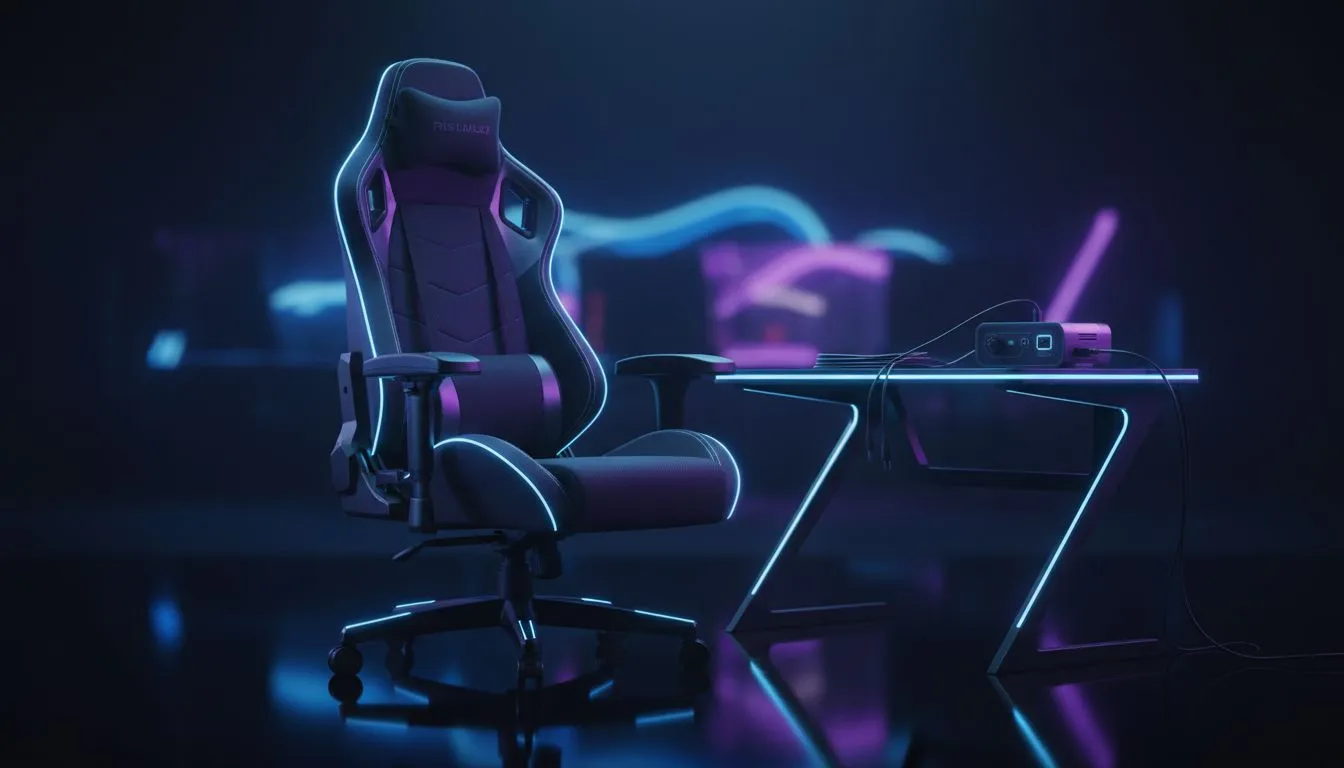
Relief for back pain when loadshedding hits
South African gamers know the routine: lights out, screen glow, and suddenly your posture gives up. If your spine starts protesting during an Eskom pause, you're not alone. This micro-guide offers fast, practical fixes and buying tips so you can stay comfortable between power cycles. Gaming Chair Back Pain: Relief During Loadshedding is possible with simple setup changes and the right chair choice ⚡✨
Why loadshedding worsens chair-related pain
When the power dips, people shift positions, crowd near lamps, or perch on the edge of a seat. Those micro-adjustments can strain the lumbar region. Poor lumbar support plus longer sessions equals more soreness. A proper recline and adjustable lumbar can reduce pressure on spinal discs. For chair options and specs, browse our full gaming chair range on Evetech to compare models and features: https://www.evetech.co.za/components/gaming-chairs-south-africa-213
Quick fixes you can do in 5 minutes
- Re-centre your hips on the seat and sit back so the lumbar curve meets the chair's support.
- Lower screen height or tilt the monitor slightly to avoid leaning forward.
- Use a folded towel as extra lumbar support if your chair lacks adjustment.
- Stand and stretch every 30 minutes during long games or downloads. 🚀
Posture Rescue Tip 🔧
Keep a small lumbar roll or tightly rolled towel beside your desk. When loadshedding hits, swap to a lamp and sit back into your lumbar support. It reduces low-back strain and keeps you in the game longer.
Hardware choices that matter during outages
If you use backup power like a UPS, sitting properly helps you make the most of those precious battery minutes. When picking a chair, prioritise adjustable lumbar support, a solid recline, and durable padding.
- Looking for value? There are chairs from roughly R5,449 upwards to consider — see options from about R5,449 here: https://www.evetech.co.za/components/gaming-chairs-south-africa-213?min-price=5449
- Prefer a race-style frame? Browse the Vertagear line to compare posture features: https://www.evetech.co.za/components/gaming-chairs-south-africa-213?category=Vertagear+Gaming+Chairs
- Want premium leather and sturdy build? Check Noblechairs models for lumbar ergonomics: https://www.evetech.co.za/components/gaming-chairs-south-africa-213?category=Noblechairs+Gaming+Chairs
- Like bold styling with solid support? The Gamdias range gives ergonomic options and colour choices: https://www.evetech.co.za/components/gaming-chairs-south-africa-213?category=Gamdias+Gaming+Chairs
Setup checklist before your next session
- Set chair height so knees are at 90 degrees.
- Align monitor top with eye level.
- Use a footrest if feet dangle.
- Keep a short stretch routine ready for every loadshedding break.
A small habit change beats painkillers in the long run. If you test adjustments and still feel discomfort, consider upgrading to a chair with certified lumbar control and better tilt mechanisms. For a quick comparison across the full collection, check the Evetech gaming chairs hub: https://www.evetech.co.za/components/gaming-chairs-south-africa-213
Final nudges and next steps
If you’ve tried the quick fixes and want a permanent upgrade, choose a chair that supports your body, not one that looks good in a thumbnail. Make your purchase decision around adjustability and long-term comfort rather than colour alone. Ready to try something that lasts through outages and long raids? ✨
Ready to Find Your Perfect Match? The Mac vs Windows debate is complex, but for maximum power, choice, and value in South Africa, Windows is hard to beat. Explore our massive range of laptop specials and find the perfect machine to conquer your world.











