

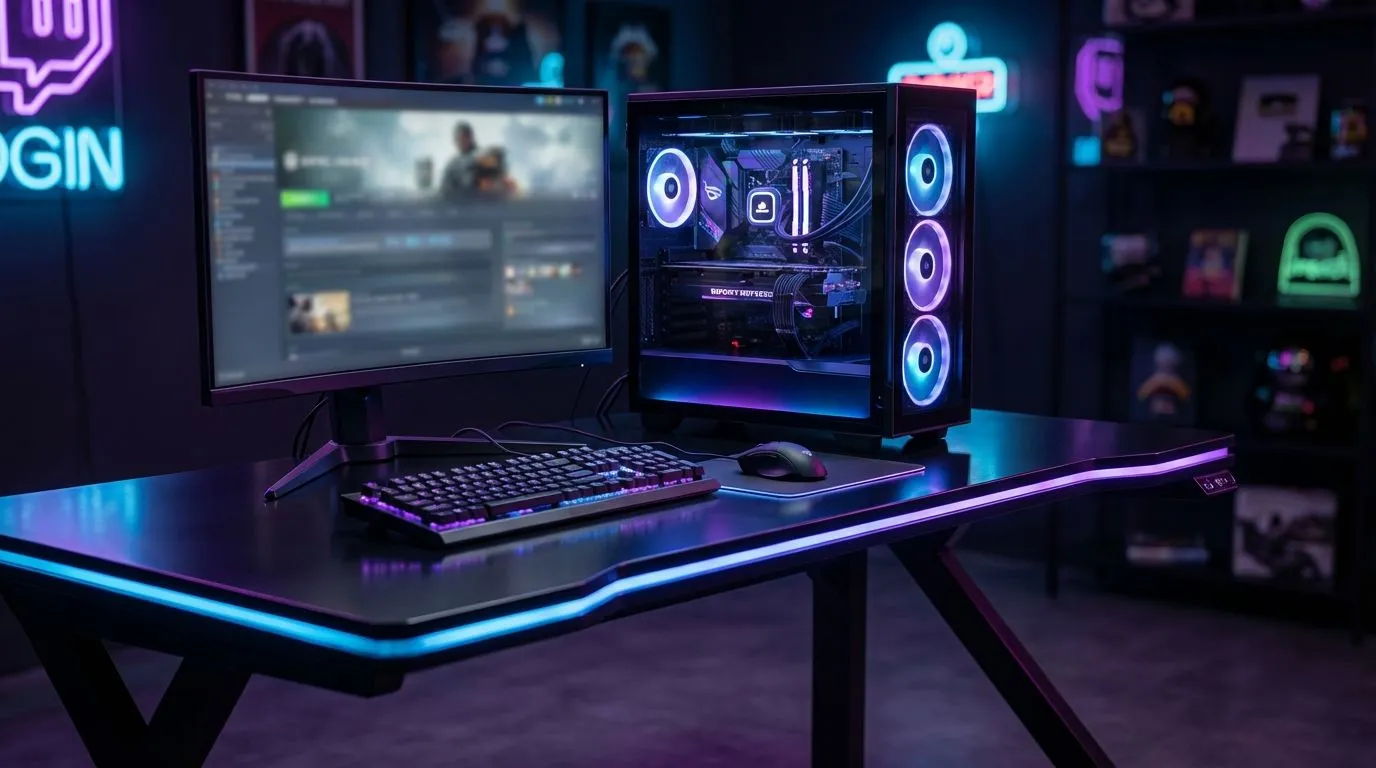
Ever noticed your PC sounding like a jet engine during a late-night session in Durban? South African summers are brutal on hardware... and your setup might be making things worse. Achieving the best gaming desk airflow isn't just about fancy fans. It’s about where you put your rig. Let's look at how positioning tips to lower PC temps can save your components from an early grave.
Why Desk Placement Dictates Thermals
Most gamers focus on the internal components, but the environment outside the case is just as vital. If your PC is tucked into a tight wooden cubby or sitting on a thick carpet, it’s basically breathing through a straw. Finding the right gaming desk is the first step toward a cooler system. A solid, elevated surface allows your intake fans to pull in fresh air rather than dust bunnies from the floor.
When your PC sits on the floor, it acts like a vacuum cleaner. Dust builds up in the heat sinks, causing temperatures to spike. By moving your tower onto a dedicated surface, you can often drop your idle temperatures by 3 to 5 degrees Celsius without spending a cent on new cooling hardware.
The Golden Rule of Wall Clearance
It’s tempting to push your desk flush against the wall to save space in your room. However, your PC’s exhaust fans need somewhere to dump that hot air. If there is no gap, the heat bounces off the wall and gets sucked right back into the intake. We recommend leaving at least 15cm to 20cm of space between the back of your PC and the nearest vertical surface.
If you prefer an ergonomic setup that doesn't compromise on space, AutoFull gaming desks provide the stability and surface area needed to keep your tower safely positioned away from the wall. This small adjustment ensures that the hot air is effectively moved away from your sensitive components.
Dust Filter Maintenance 🔧
Even the best airflow won't help if your intakes are choked. Clean your PC's dust filters every two weeks... especially if you have pets. This simple habit can drop your load temperatures significantly without requiring any technical expertise.
Cable Management for Better Breathability
A "cable nest" behind your PC is more than just an eyesore... it is a thermal hazard. Thick bundles of power cables and HDMI leads can block the exhaust path, trapping hot air around the GPU and PSU. Brands like Arozzi often feature built-in cable management solutions, such as mesh nets or grommets, to keep your workspace tidy and your airflow unobstructed.
By routing your cables neatly under the desk, you create a clear path for air to move. Remember, air follows the path of least resistance. If your exhaust is blocked by a wall of tangled wires, that heat will linger inside the chassis, forcing your fans to spin faster and louder.
Choosing a Desk Built for Performance
Not all desks are created equal when it comes to heat dissipation. For those looking for a sleek, modern aesthetic that supports a heavy rig, Nitro desks offer spacious layouts that prevent heat from getting trapped in corners. A larger surface area allows you to position your tower on the right side (where most tempered glass panels are) while still having plenty of room for your peripherals.
If you are serious about your hardware's lifespan, stop thinking of your desk as just a piece of furniture. Treat it as an extension of your cooling system. Proper positioning, regular cleaning, and a bit of cable discipline will keep your frame rates high and your fans quiet... even during a heatwave in the middle of January.
Ready to Chill Your Setup? Don't let your hardware throttle when the heat is on. Upgrade your battle station with a surface designed for performance and style. Explore our massive range of gaming desks and give your PC the breathing room it deserves.











