

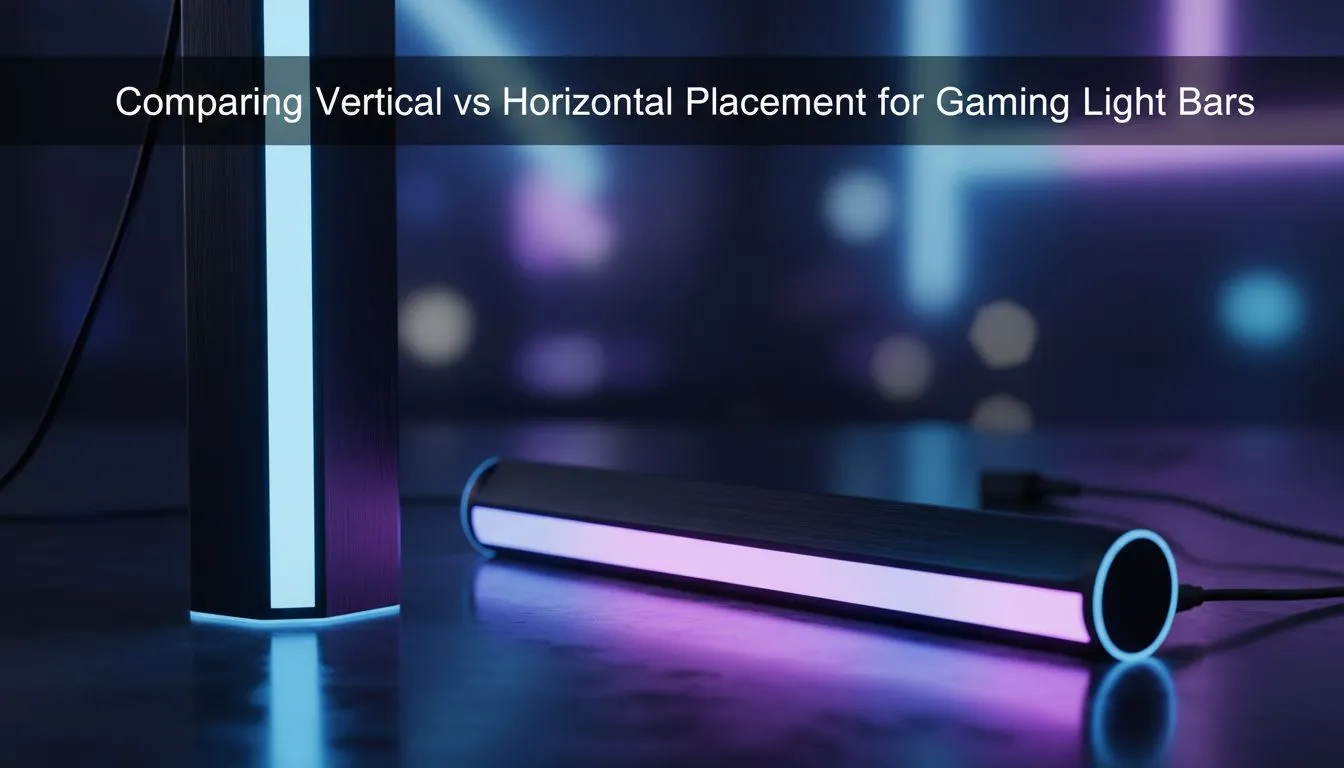
Finding the Perfect Glow for Your Setup
You have spent hours cable managing your rig and choosing the perfect peripherals. But your room still feels a bit flat when the sun goes down. Adding an RGB light bar is the quickest way to inject some personality into your space. The big question for South African gamers isn't just which one to buy... it is about the orientation. Should you go vertical or horizontal?
Vertical Gaming Light Bar Placement for Maximum Immersion
Placing your light bars vertically is the most popular choice for streamers and those who want a bold aesthetic. By standing the bars upright on either side of your monitor, you create a "wash" of light that expands your field of view. This setup works exceptionally well if your desk is pushed up against a light-coloured wall.
When you flank your screen vertically, the light mimics the action on the display. It makes the world of your favourite RPG feel much larger than your 27-inch panel. If you are looking to overhaul your aesthetic, you can buy gaming accessories that include stand-mounted bars specifically designed for this upright look. ⚡
The Benefits of Verticality
- Wider Soundstage for Light: It fills the peripheral vision better than a single horizontal source.
- Streamer Aesthetic: It looks incredible as a background element on camera.
- Space Saving: Vertical bars often have a smaller footprint on cramped desks.
Horizontal Gaming Light Bar Placement for Subtle Glow
Horizontal placement is often the "stealth" option for a cleaner, more professional look. Many gamers choose to mount their light bars horizontally behind the monitor or even tucked under the edge of the desk. This creates a grounded glow that illuminates your mousepad and keyboard without being distracting.
Horizontal bars are excellent for bias lighting. This helps reduce eye strain during those late-night sessions when you are grinding ranked matches. You can often find great prices on these versatile units by checking out the latest gaming accessories deals at Evetech. Placing a bar horizontally behind the monitor helps "lift" the screen off the wall... creating a sense of depth that vertical bars sometimes miss. 🔧
Lighting Pro Tip ⚡
To get the smoothest glow without harsh "hotspots" on your wall, place your light bars roughly 15cm to 20cm away from the surface. This allows the LEDs to diffuse properly, creating a soft gradient rather than a sharp line of light.
Choosing the Right Orientation for Your Desk Space
Your decision often comes down to the physical layout of your "lekker" gaming nook. If you have a multi-monitor setup, vertical bars at the far ends of the array usually look best. However, if you use a single ultrawide monitor, a long horizontal bar mounted to the back of the screen provides a more uniform halo.
Before you commit, consider the height of your monitor. A vertical bar that is taller than your screen can look slightly out of balance. In that case, horizontal is the way to go. If you are still unsure, browsing through premium gaming accessories will show you which models come with versatile bases that allow for both orientations. 🚀
Key Considerations
- Wall Colour: Darker walls absorb light, so you might need brighter vertical bars to see the effect.
- Cable Management: Horizontal bars behind the monitor are easier to hide... vertical bars usually have visible wires leading to the base.
- Budget: Simple horizontal strips are often cheaper than dedicated vertical towers, saving you a few Rands for your next Steam sale. ✨
Whether you want the aggressive "gamer" look of vertical towers or the sophisticated glow of a horizontal bar, the goal is the same. You want to create an environment that makes you want to sit down and play. Experiment with both... you might find that a mix of both orientations is the ultimate solution for your space.
Ready to Find Your Perfect Match? The choice between vertical and horizontal lighting is personal, but getting high-quality gear is essential for the best effect. Explore our massive range of gaming accessories and find the perfect light bars to illuminate your South African gaming setup today.











