

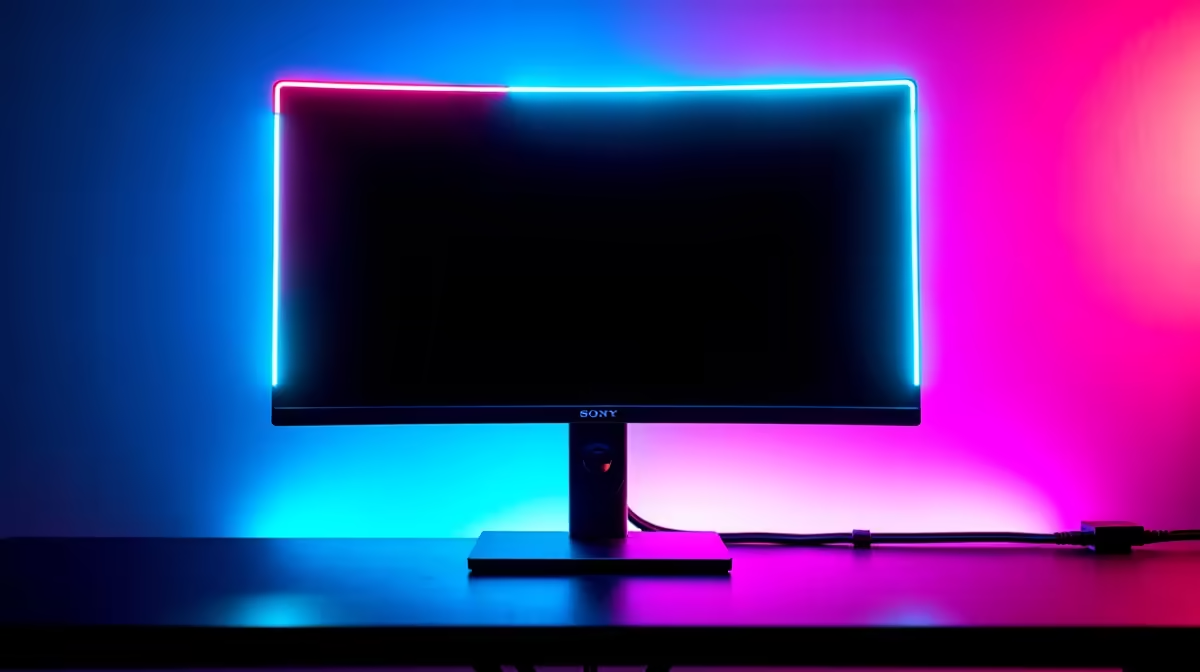
Howzit! You’ve just built your dream rig. The RGB is pulsing, the graphics card is humming, and your new monitor looks absolutely epic... until you look behind it. That chaotic mess of cables, the 'rat's nest', can ruin the entire vibe. But proper gaming monitor cable management is about more than just looks. It’s about creating a cleaner, safer, and more efficient battle station. Let’s get it sorted. ✨
Why Good Monitor Cable Management is a Must
Let's be honest, a tangled web of wires behind your screen is an eyesore. A clean, organised setup not only looks professional but also reduces mental clutter, letting you focus on that clutch 1v1. Beyond aesthetics, though, practical gaming monitor cable management offers real benefits:
- Improved Airflow: Bundled cables can trap dust and obstruct airflow around your PC and power bricks, leading to higher temperatures.
- Increased Safety: Loose cables are a trip hazard and can easily be snagged, potentially pulling your expensive gear off the desk.
- Longer Cable Lifespan: Proper routing prevents sharp bends and strain on connectors, protecting your cables from premature wear and tear. This is especially true for the high-bandwidth cables needed for today's sleek curved monitors.
Your Essential Cable Management Toolkit 🔧
You don't need a massive budget to achieve a clean look. A few key items can completely transform your desk. The goal of this toolkit is to make managing your monitor cables simple and effective.
- Velcro Ties or Cable Straps: Reusable and gentle on cables, these are perfect for bundling wires together.
- Cable Sleeves: These zip-up or wrap-around tubes conceal multiple cables in one neat package, creating a single, clean line from your monitor to your PC.
- Adhesive Cable Clips/Mounts: Small, sticky clips that you can attach to the back of your desk or monitor to guide cables along a specific path.
- Cable Raceways: Plastic channels that stick to the underside of your desk, completely hiding long runs of cable from view.
You can find most of what you need in our range of monitor accessories to get started on your setup's transformation.
A Step-by-Step Guide to a Tidy Desk
Ready to tackle the mess? Follow these simple steps for perfect gaming monitor cable management.
Step 1: Disconnect and Plan
Start with a clean slate. Unplug everything from your monitor and PC. This lets you untangle the mess and see exactly what you're working with. Group your cables by type (power, display, USB) and lay them out to plan the most logical path from A to B with minimal crossing.
Step 2: Route the Main Lines First
Begin with the most important cables: power and display (DisplayPort or HDMI). Run them from your monitor along your planned route. If you're running one of the latest crisp 4K and 5K monitors, ensure your high-quality cable isn't kinked or stretched. This is the backbone of your monitor cable management strategy.
Pro Tip: Leave Some Slack! ⚡
When routing your cables, make sure to leave a little bit of slack near the monitor. This allows you to tilt, swivel, or raise your monitor without putting stress on the ports or pulling the cable out. A tight cable is a broken cable waiting to happen.
Step 3: Bundle, Secure, and Hide
Once your main lines are in place, add your peripheral cables (keyboard, mouse, webcam). Use Velcro ties to bundle cables together at key points—like behind the monitor stand and just before they go behind the desk. Use a cable sleeve for the main bundle running down to your PC. Finally, use adhesive clips or a raceway to secure the bundle to the back or underside of your desk, making it invisible from your chair.
Pro-Level Tricks for a Flawless Finish 🚀
Want to take your gaming monitor cable management to the next level? Consider these advanced techniques.
A high-quality monitor arm is one of the best investments for a clean setup. Most come with built-in cable routing channels that hide wires completely within the arm itself, creating an ultra-clean, 'floating' monitor look. This approach to managing monitor cables is a favourite among pro gamers and streamers.
For setups on the go, managing cables for sleek portable monitors can be as simple as using a short, high-quality USB-C cable and a small Velcro tie to keep it neat in your laptop bag.
Ultimately, the best cable management starts with smart component choices. Many of our wide range of PC monitors are designed with cable management in mind, featuring built-in clips and channels.
A tidy setup is an optimised setup. By investing a little time in organising your cables, you create a more immersive and enjoyable gaming environment. Now that your desk is spotless, maybe that screen is looking a little dated? Take a look at all our gaming monitors to find your next upgrade.
Ready to Upgrade Your View? A clean, organised battle station deserves a screen that does it justice. From high-refresh-rate esports panels to stunning 4K displays, the perfect monitor is waiting. Check out our latest PC monitor deals and find the perfect centrepiece for your setup.











