

Quick Answer
The best GTA 6 settings for 1440p balance the GPU's rendering budget across lighting, shadows, and draw distance to maintain high frame rates without unnecessary visual compromise. At 1440p, an RTX 4070 or RX 7900 GRE class GPU can target 60-100fps in performance mode, while quality-oriented settings with DLSS or FSR push image fidelity closer to native 4K. This guide covers every major setting category with specific recommendations for both modes.
Understanding GTA 6's Graphics Architecture Before You Tune
GTA 6 uses Rockstar's RAGE engine with substantial visual system upgrades over GTA V, including improved volumetric lighting, fully dynamic weather, and a much higher base level of ambient detail in the Vice City environment. These systems are beautiful but GPU-expensive, and 1440p rendering amplifies costs compared to 1080p. Before adjusting anything, make sure your drivers are fully updated and that you have allocated enough VRAM in the settings to match your card's capacity: 8GB cards should set texture quality to high rather than ultra, while 12GB and 16GB cards can run ultra textures comfortably at 1440p.
GTA 6's graphics menu separates settings into distinct categories: Display, Graphics Quality, Advanced Graphics, and API-level options. Work through them in that order rather than jumping straight to preset modes, which often make unnecessary compromises in areas that are cheap to render.
Performance Mode: Maximising Frame Rate at 1440p
In performance mode, the goal is consistent frame times above 60fps, ideally targeting your monitor's high-refresh ceiling. These settings target an RTX 4070 or equivalent at 1440p:
Texture Quality: High (not Ultra, to stay within VRAM budget under load). Shadow Quality: High. Ambient Occlusion: SSAO or HBAO, not HBAO+. Reflection Quality: High. Grass and Foliage: Medium to High (these settings have outsized cost in GTA 6's open world). Particle Effects: High. Post-Processing: Medium (motion blur off, depth of field off for competitive players). Water Simulation: High. Draw Distance: 80-90% of maximum (full draw distance costs significantly in dense outdoor areas). DLSS or FSR Mode: Quality or Balanced, depending on your baseline frame rate.
With DLSS Quality enabled on an RTX 4070 Ti Super or RTX 4080, expect frame rates of 90-130fps in most gameplay scenarios at 1440p. Frame Generation (DLSS 3 or FSR 3) in supported configurations can push effective frame rates above 150fps, which on a 144Hz or 165Hz display feels genuinely smooth in open-world driving.
South African gamers playing on servers hosted outside the country should also note that while frame rate does not directly affect ping, consistent high frame rates combined with low-latency mode enabled in your GPU control panel do reduce the effective input latency you experience.
Quality Mode: Chasing Visual Fidelity at 1440p
Quality mode targets maximum visual output while still maintaining a playable frame rate, ideally 50-60fps minimum with frame generation lifting the felt smoothness higher. These settings work well on an RTX 4080 or RTX 4070 Ti Super:
Texture Quality: Ultra (12GB VRAM or more required). Shadow Quality: Ultra. Ambient Occlusion: HBAO+. Reflection Quality: Ultra with ray-traced reflections enabled if your GPU supports it without collapsing frame rate. Grass and Foliage: Ultra. Particle Effects: Ultra. Post-Processing: High (cinematic depth of field on, motion blur at 50%). Water Simulation: Ultra. Draw Distance: 100%. DLSS or FSR: Quality or Native AA (if GPU headroom allows). Ray Tracing: Enable global illumination and shadows in quality mode for the best visual return.
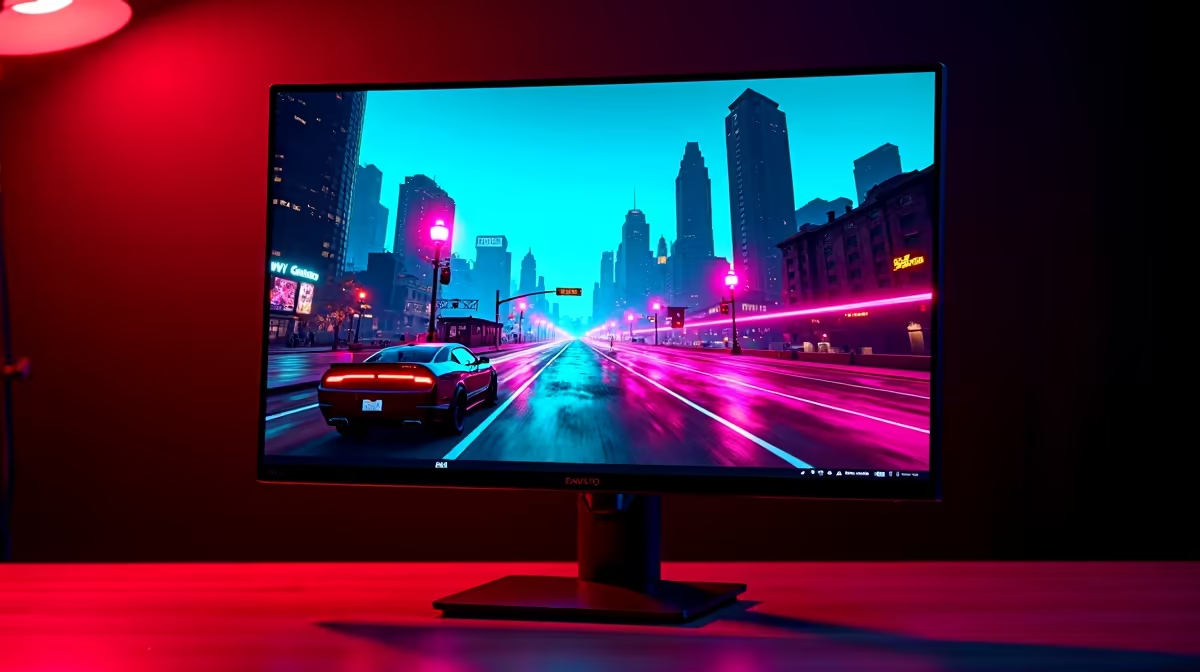
The combined effect of ultra settings with ray tracing at 1440p produces a visual step up that is genuinely striking in GTA 6's dense urban environments and reflective surfaces. Rain-soaked streets at night with ray-traced reflections active is one of the more visually impressive scenarios in PC gaming in 2026.
API, Resolution Scale, and Display Settings
GTA 6 on PC supports DirectX 12 and Vulkan. DirectX 12 is generally more stable and better optimized at launch for most systems, while Vulkan can offer marginal performance gains on specific hardware configurations after driver maturation. Start with DirectX 12 and only switch to Vulkan if you are chasing the last few frames with a well-supported GPU.
Resolution Scale should stay at 100% if you are using DLSS or FSR, as those systems handle their own internal resolution logic. Only use manual resolution scale (below 100%) as a fallback for cards that lack upscaling support. Enabling HDR requires an HDR-capable monitor with proper calibration in Windows; without a genuine HDR display, this setting adds processing overhead with no visual benefit. South African buyers should note that quality HDR monitors are available locally starting around R5,000 for IPS 1440p panels, and the investment is worthwhile if GTA 6 is a primary use case.
FAQs
What GPU do I need for 60fps at 1440p in GTA 6?
An RTX 4070 or RX 7900 GRE class GPU targets 60fps at 1440p with high settings and DLSS or FSR Quality mode enabled. Flagship cards like the RTX 4080 or 4090 handle ultra settings with ray tracing and comfortable headroom above 60fps.
Should I use DLSS or FSR in GTA 6 at 1440p?
Use DLSS if you have an Nvidia RTX card, as it generally delivers better image quality than FSR at the same preset level. FSR is the better choice on AMD hardware and is nearly indistinguishable from DLSS Quality at 1440p viewing distances on a 27-inch monitor.
Does turning off motion blur and depth of field help competitive play in GTA 6?
Yes. Both effects reduce perceived image clarity during fast movement and add processing overhead. Disabling them is standard practice for competitive online play and free roam sessions where visibility matters.
What is the single highest-impact setting to reduce in GTA 6 for more fps at 1440p?
Grass and foliage density typically has the highest performance impact in GTA 6's open-world outdoor areas. Dropping this from Ultra to High recovers significant frame rate with minimal visual difference during gameplay, as the effect is most noticeable only in slow static viewing.
Ready to Find Your Perfect Match? Build or upgrade your GTA 6 gaming rig with current-generation PC hardware available now in South Africa. Shop Gaming PCs











