

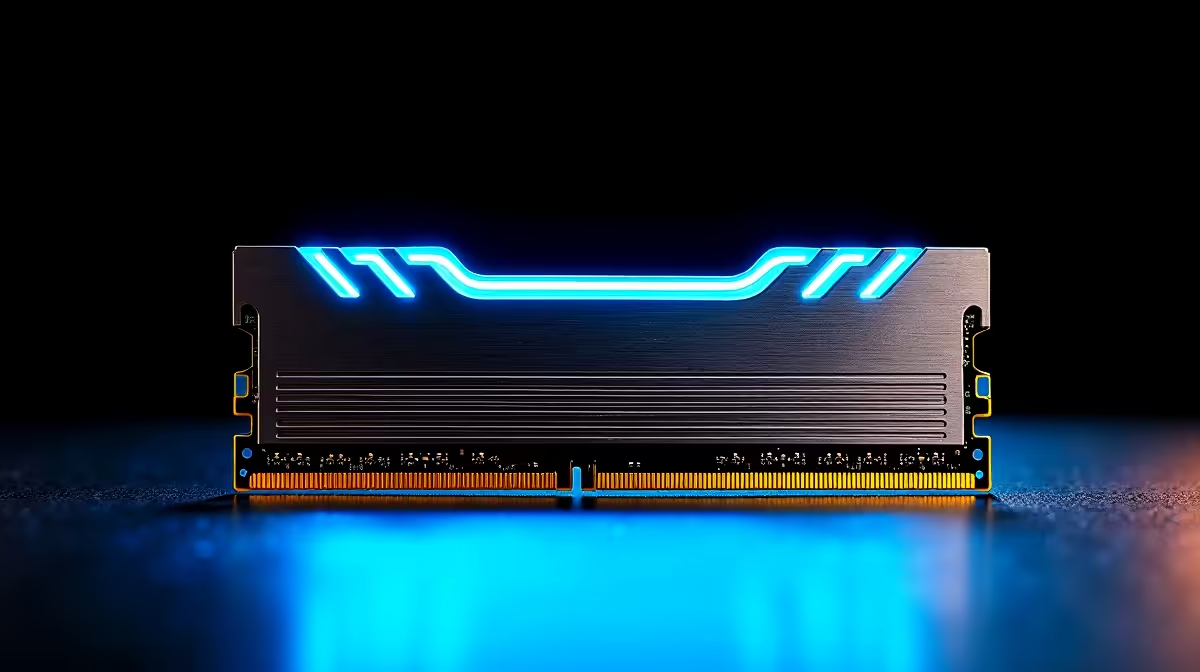
Playing competitive shooters from South Africa usually means battling high ping. Whether you play Apex Legends or Warzone, you cannot magically move closer to European servers... but you can reduce your local system latency to compensate. Knowing how to optimise DDR5 RAM settings for South African internet conditions gives you a crucial competitive edge. Let us explore how tight memory timings help you win.
Why System Latency Matters for High Ping ⚡
When playing online, every single millisecond counts. South African gamers often sit with 150ms to 200ms ping on international servers. Your network speed is only half the battle. If your PC takes too long to process data packets and render frames, your total input lag skyrockets. You might spend R2,000 on a fibre upgrade... but if your PC lags, you still lose the gunfight. Upgrading to high-speed desktop memory and tweaking it correctly ensures your processor handles incoming network data almost instantly. This means your mouse clicks register faster on-screen.
How to Optimise DDR5 RAM Settings for South African Internet
DDR5 memory is incredibly fast out of the box. However, it often defaults to slower base speeds when first installed. To get the absolute most out of your rig, you need to enable XMP or EXPO profiles in your motherboard BIOS. If you recently bought one of our pre-built computers, we usually configure this for you.
Manual tweaking can push performance even further. By tightening your primary CAS Latency timings, your CPU accesses game data much faster. This directly improves your minimum frame rates and reduces micro-stutters during intense multiplayer firefights. When you optimise DDR5 RAM settings for South African internet latency, you buy yourself extra milliseconds of reaction time. This is the difference between landing a headshot or getting sent back to the lobby.
BIOS Tweak Pro Tip 🔧
Always update your motherboard BIOS before tweaking DDR5 settings. Newer updates drastically improve memory stability and compatibility, ensuring your high-speed RAM runs perfectly without crashing your system mid-match.
Balancing Memory Speed and Network Gear 🚀
Fast RAM alone cannot fix a terrible Wi-Fi connection. To truly optimise your setup for local and international gaming, you need a highly stable connection. Combining low-latency DDR5 with high-performance gaming routers ensures your packets travel efficiently from your PC to the server. Eliminating bufferbloat on your home network is just as important as tightening your memory timings. Quality networking hardware prioritises gaming traffic... preventing background downloads from ruining your ping.
Choosing the Right Hardware for the Job ✨
Not all systems handle memory overclocking equally well. If you are building a custom setup, investing in premium gaming PCs with robust motherboards allows for much better DDR5 tuning. Even mobile gamers are not left out of the performance gains. Modern gaming laptops now feature incredibly fast DDR5 modules that help keep system latency low while playing on the go. Whether you spend R15,000 or R50,000 on a system, ensuring your memory runs at its advertised speed is simply free performance.
Ready to Find Your Perfect Match? Beating the latency odds requires the right hardware. For maximum power, choice, and value in South Africa, Evetech is hard to beat. Explore our massive range of memory and PC specials and find the perfect machine to conquer your world.











