

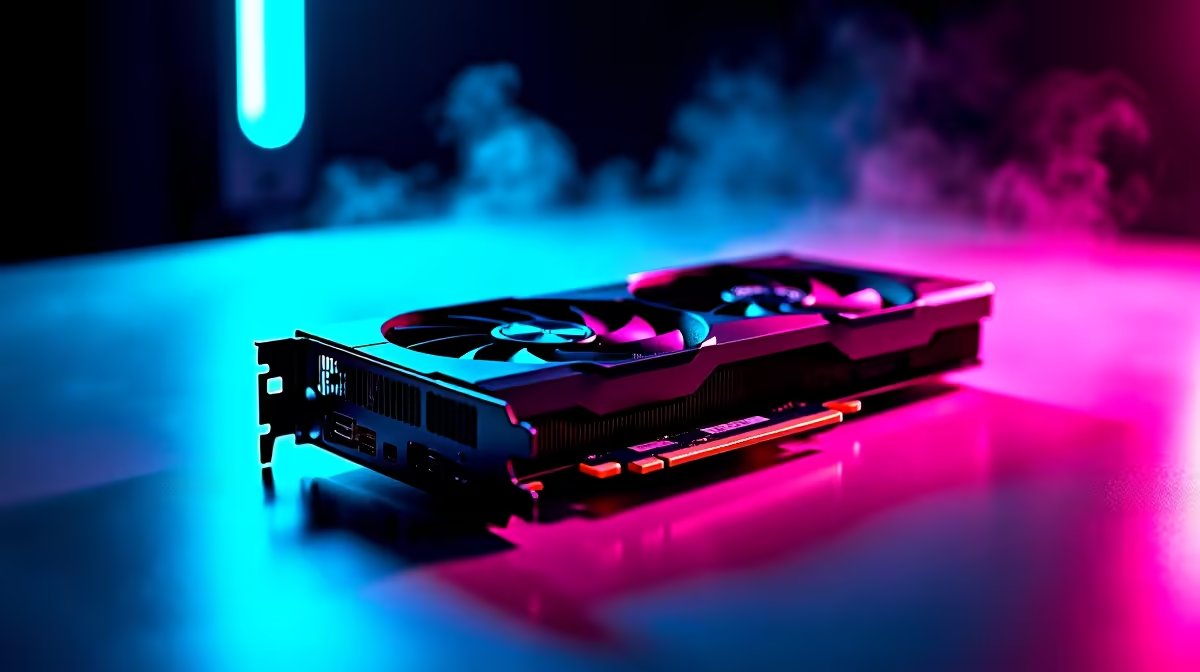
Load shedding and high ping are the ultimate enemies of South African gamers. You just spent good ZAR on a beastly AMD graphics card. However... lag and packet loss are still ruining your competitive matches. High frame rates mean nothing if your connection drops constantly. We will show you how to optimise RX 7700 XT settings for South African internet conditions.
The Link Between Frames and Ping ⚡
Playing on European servers means every single millisecond of latency matters. Your GPU pumps out frames faster than a taxi on the N1. But if your local network chokes... those beautiful frames are completely useless. A stable connection is strictly crucial for smooth gameplay. Before you start tweaking software... ensure your physical hardware is up to the task. Upgrading to reliable routers for sale can drastically reduce your local latency and prevent annoying packet loss.
How to Optimise RX 7700 XT Settings for South African Internet
Open your AMD Adrenalin software right now. The very first step is enabling Radeon Anti-Lag. This brilliant feature reduces the delay between your mouse click and the screen response. It is absolutely vital when playing on international servers with 160ms ping. Every input needs to register instantly. If your older processor is currently bottlenecking your new graphics card... consider browsing the best gaming PC deals to find a perfectly balanced system.
Smart Bandwidth Management 🔧
Local fibre lines often suffer from severe congestion during peak evening hours. Your RX 7700 XT needs uninterrupted bandwidth for demanding multiplayer titles like Apex Legends. Always disable background downloads in Steam and Windows before dropping into a match. Discord and Spotify can also hog precious bandwidth. If your current system simply cannot handle heavy multitasking... exploring our latest pre-built PC deals might be your smartest move.
Radeon Boost Pro Tip 🚀
Enable AMD Radeon Boost in your Adrenalin software. It dynamically lowers your resolution during fast camera movements. This keeps your frame times incredibly low... which helps mask minor latency spikes on unstable local connections.
Balancing Visuals and Network Load
Ultra graphics settings look absolutely incredible on a good monitor. However... they can drastically increase your overall system latency. Drop your shadow quality and disable volumetric clouds in your game menus. Never use V-Sync if you play competitive shooters. This ensures your PC processes your physical inputs much faster. Are you a frequent traveller who needs similar competitive performance? Check out the premium notebooks for sale in South Africa for serious portable power.
Maximising Your ZAR Value
Gaming in South Africa always requires smart budgeting and clever system tweaks. You want maximum competitive performance without breaking the bank. Always keep your AMD drivers fully updated to maintain network stability and fix known bugs. A clean system runs faster and connects better. If you want to upgrade your setup even further... keep a close eye on our daily tech specials for massive savings on premium gear.
Ready to Dominate the Server? Optimising your settings is only half the battle. For maximum power, choice, and value in South Africa, having the right hardware is essential. Explore our massive range of PC specials and find the perfect machine to conquer your world.











