

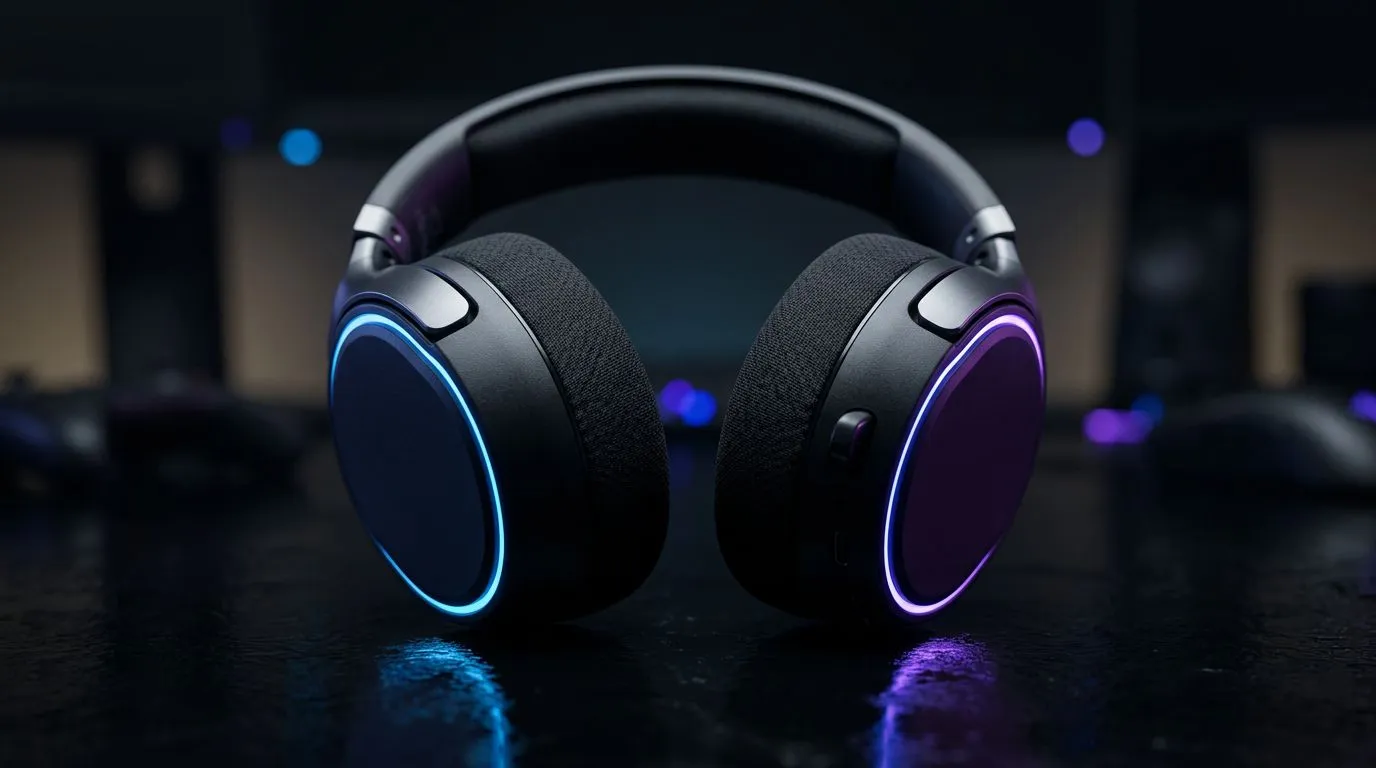
Laptop gaming during loadshedding: quick audio survival kit 🔧⚡
You’ve got one bar of battery, a squad waiting, and the lights just went. For South African laptop gamers, loadshedding doesn’t have to mean silence or sloppy audio. This quick guide helps you optimise your audio setup for offline play and battery life so you keep hearing footsteps, not buffering... and still win.
Choose the right headset for battery and latency
Wired headsets still win for reliability and low latency. If you prefer wireless for comfort, pick models with long battery life and a good dongle. The Razer Barracuda X Chroma is a solid wireless pick with a USB-C dongle that reduces lag and pairs quickly — check its specs on Evetech for battery runtimes and features.
Prioritise low-power audio paths and DACs
USB audio interfaces and external DACs can improve clarity, but they use extra power. For hours-long sessions during loadshedding, favour the laptop’s integrated sound or a USB-C headset that supports low-power modes. Browse Razer headsets and compare connection types to suit your battery strategy.
Minimise latency and preserve battery with settings tweaks
- Disable Bluetooth when not in use to save power and avoid reconnection lag.
- Turn off Windows audio enhancements and spatial sound; they use CPU cycles and battery.
- Lower sample rates in sound settings if you need extra runtime.
Audio Power Tip ⚡
Keep one wired headset profile saved and one low-latency wireless profile. When the lights go, unplug the wireless charging pad and plug in a wired headset to switch instantly.
Micro-story: a Cape Town duo who kept the final round
Two Cape Town friends had only 25% battery each. They switched from their RGB wireless rigs to a single wired headset and muted background apps. The clarity improved, battery lasted longer, and they won the clutch. The right pre-match checklist beats panic.
Accessories and where to buy locally
If you want options, compare Evetech’s Razer category to see price and compatibility before you buy. For a broader selection of headsets and headphones that suit tight budgets or premium taste, visit Evetech’s headset range to balance sound, comfort, and runtime. 🚀
Quick checklist before a match during loadshedding
- Charge your laptop to at least 60% when forecasts predict loadshedding.
- Bring a high-capacity power bank if your laptop supports USB-C charging.
- Prioritise wired or low-latency USB dongle headsets.
- Save an audio profile with minimal enhancements for extended play.
Ready to Find Your Perfect Match? The Mac vs Windows debate is complex, but for maximum power, choice, and value in South Africa, Windows is hard to beat. Explore our massive range of laptop specials and find the perfect machine to conquer your world.











