

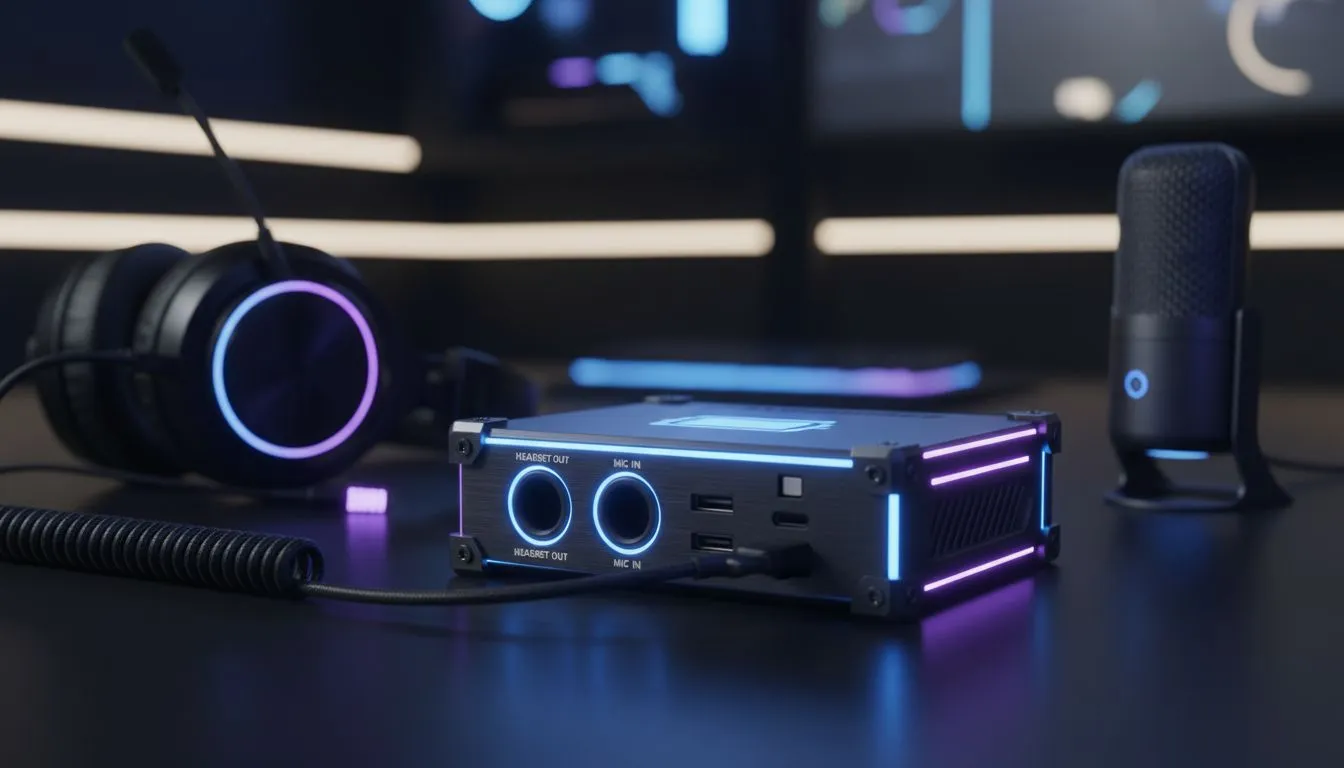
The power goes out. Your lights flicker. The UPS beeps. But your audio shouldn't cut out just because Eskom decided to pull the plug. A reliable loadshedding gaming setup: keep audio & comms stable is vital for local players. It prevents disconnects during raids. You need gear that survives the switchover without dropping your Discord call or losing your in-game sound. ⚡
Prioritising Wireless Reliability for Your Loadshedding Gaming Setup
When the inverter kicks in, cables can become a messy distraction. Modern wireless technology is essential for a clean, resilient desk. You should browse the latest Razer headphones and headsets for low-latency performance. These units often feature dual-mode connectivity. This allows you to switch between 2.4GHz for your PC and Bluetooth for your phone. If your PC loses power, you can stay on comms via mobile data immediately.
Power Management Pro Tip ⚡
Keep a dedicated 10,000mAh power bank on your game desk specifically for your peripherals. If your headset battery runs low during a four-hour loadshedding slot, you can plug it in and continue playing without being tethered to a dying PC port.
Choosing Gear to Keep Audio & Comms Stable
One standout option for South African gamers is the Razer Barracuda X Chroma Wireless Headset Phantom White. It is incredibly light and comfortable for long sessions. It also offers massive battery life. This means you can game through multiple stages of loadshedding without stress. The Phantom White finish adds a clean, modern look to your desk. It handles the transition between devices with zero fuss. 🔧
Optimising Your Setup for Uninterrupted Comms
Investing in high-quality headphone and headsets ensures your setup remains resilient. Look for passive noise cancellation features. This helps block out the hum of noisy generators or cooling fans. Good audio gear isn't just about the colour or the RGB. It is about staying connected when the national grid fails. Keep your firmware updated to ensure the best battery efficiency possible. 🚀
Ready to Secure Your Comms? Don't let the next blackout silence your squad. For the best deals on audio gear and power-resilient peripherals in South Africa, we have you covered. Explore our massive range of headset specials and keep your comms crystal clear.











