

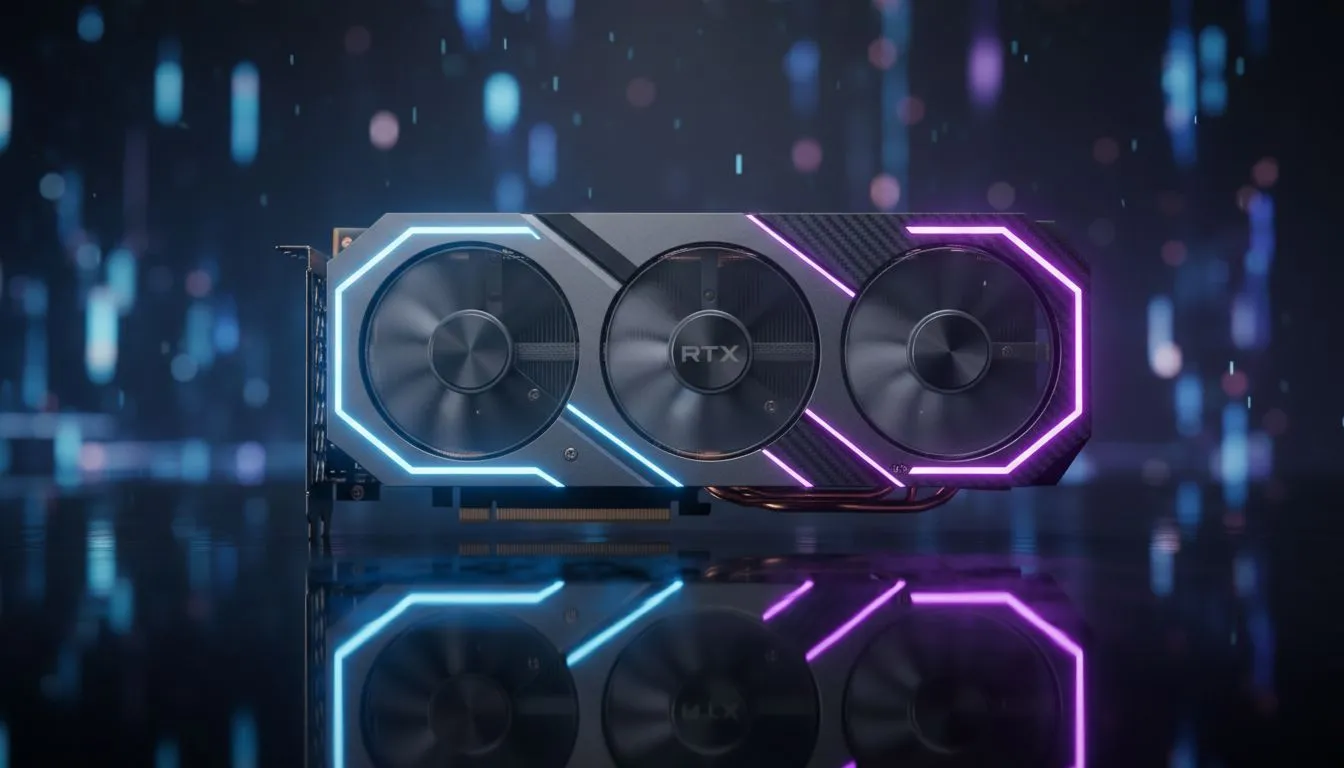
League of Legends isn't just about the mechanics... it's about the experience. Many South African players settle for low settings to save frames. But with the right hardware, you can have both performance and beauty. Here is your LoL Visual Settings: Ultimate Eye Candy Guide to making the Rift look spectacular without sacrificing your competitive edge. ✨
Optimising Your League of Legends Visual Experience
Start with the Resolution. Always match your monitor's native resolution. This ensures the UI looks crisp and the map remains readable. If you have the headroom, crank up the Character Quality. This makes your favourite skins look incredible during those close teamfights. To handle these demands effortlessly, many locals look at high-performance NVIDIA graphics cards to maintain high frame rates even at 1440p.
Balancing Performance and Aesthetics
Shadows are often the first thing people turn off. However, they add vital depth to the environment. If you want a premium experience, consider MSI's range of GPUs for their superior cooling and reliability. You want the Rift to feel alive... not flat. Setting Environment Quality to High ensures that the flora and fauna of the jungle look lush and detailed. 🍃
Visual Clarity Pro Tip ⚡
Turn off 'Character Inking' in the video settings. While it adds a comic-book outline, it can often make the screen feel cluttered during chaotic 5v5 fights. Removing it provides a cleaner, more modern look without sacrificing character detail.
Exploring Modern Hardware Options
Don't sleep on the newer players in the market. The latest Intel Arc graphics cards offer surprising value for League players. They handle the game's updated engine with ease. If you are a professional creator who also games, even workstation graphics cards can push League to its limits while handling heavy rendering tasks during your workday. 🚀
Why Colour Accuracy and Effects Matter
VFX quality should be set to High or Very High. This allows you to see ability hitboxes more clearly. It is a competitive advantage hidden in the eye candy. For those who prefer the Red Team, AMD Radeon graphics cards provide excellent software features like Image Sharpening. This makes every spell cast look sharp and defined. 🔧
Ready to Find Your Perfect Match? The LoL Visual Settings: Ultimate Eye Candy Guide is just the start. For maximum power, choice, and value in South Africa, a dedicated GPU is essential. Explore our massive range of graphics card specials and find the perfect hardware to conquer the Rift.











