

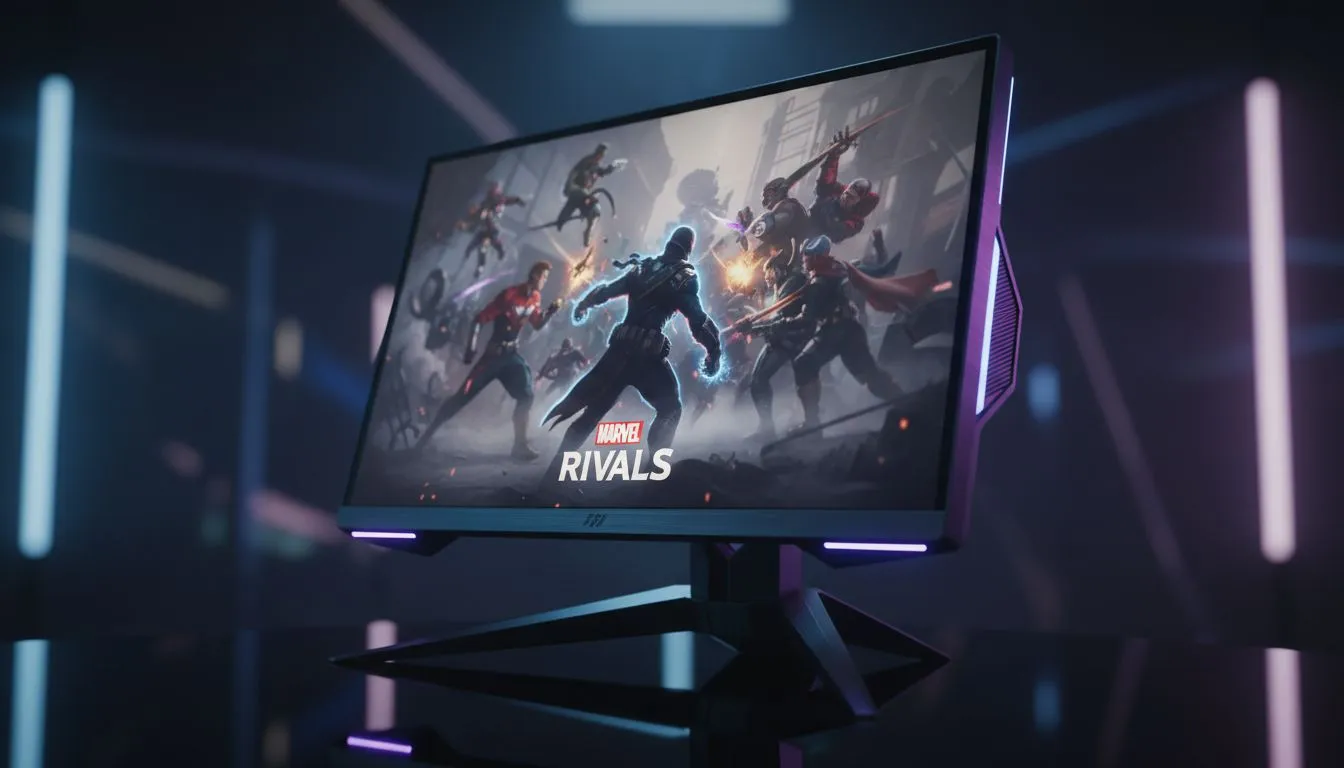
Marvel Rivals is a visual whirlwind... between Iron Man’s repulsor blasts and Black Panther’s prowling, the screen quickly becomes a chaotic neon blur. If your screen is too dark, you will miss a flanker... if it is too bright, the highlights will wash out important details. Finding the right Marvel Rivals Brightness Settings is the only way to ensure you can spot enemies clearly before they send you back to the respawn timer. ⚡
Optimising Marvel Rivals Brightness Settings for Visibility
Most players jump straight into a match without touching the video menu. That is a mistake. To spot enemies clearly in the darker corners of maps like Yggsgard, you need to balance the in-game gamma and brightness sliders. Start by setting your brightness so the darkest icon is barely visible... this ensures shadows do not become a solid black mass where opponents can hide.
If your current screen feels a bit dull, browsing the latest PC monitors might reveal what you have been missing. Modern panels offer much better contrast ratios, making those subtle movements in the shadows much easier to track. You can find some of the best PC monitor deals in South Africa right here at Evetech to give your setup the boost it needs. ✨
Hardware Adjustments for Marvel Rivals
Software can only do so much. If you are playing on an old office screen, no amount of fiddling with Marvel Rivals Brightness Settings will provide a competitive edge. High-refresh-rate gaming monitors are designed to handle fast motion without blurring. For those who want the most immersive experience, many local pros prefer to buy curved monitors to keep the action within their peripheral vision.
Visual Clarity Tip ⚡
off Motion Blur and Film Grain in the Marvel Rivals settings menu. These effects add cinematic flair but actually make it harder to track moving targets during high-intensity team fights. Pairing this with a clean screen surface using proper [monitor accessories](https: www.evetech.co.za PC-Components buy-monitor-accessories-368.aspx) can drastically improve your reaction time.
Finding the Right Balance in South Africa
We realise that South African gamers value performance and price. You do not need to spend fifty thousand Rand to get a clear image. There are excellent displays that offer high brightness levels to combat the glare from our bright SA sun.
If you are a student or a mobile gamer, you might want to buy portable monitors to keep your setup flexible. However, if pure visual fidelity is your goal, you should buy 5k 4k monitors to see every detail of the hero models and ability effects. Seeing the shimmer of an invisible enemy or the glow of a distant ultimate can be the difference between a win and a loss. 🚀
Ready to Spot Every Enemy? The right Marvel Rivals Brightness Settings are only half the battle. To truly dominate, you need a display that can keep up with the action. Explore our massive range of gaming monitors and find the perfect screen to conquer the multiverse.











