

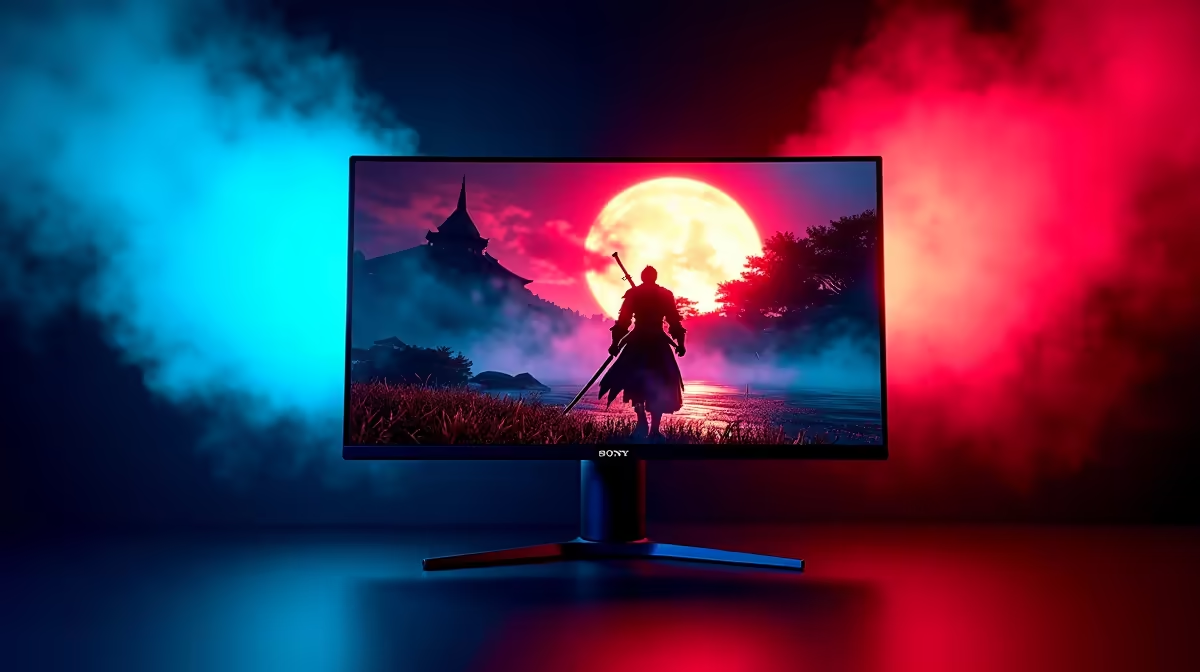
Mastering Onimusha HDR Calibration for Visual Depth
Ever stepped into the demon-infested world of Onimusha only to find the shadows look like a muddy mess? For South African gamers, getting that perfect visual balance is essential. Proper Onimusha HDR Calibration transforms the Sengoku era from a grey blur into a vibrant, terrifying masterpiece. Let’s dive into how you can tune your highlights and shadows for the ultimate demon-slaying experience. 🔧
Shadows define the atmosphere of Samanosuke’s journey. If your black levels are crushed, you will miss hidden items or sneaky Genma. Using high-quality PC monitors ensures that the contrast between flickering torches and dark corridors remains sharp. This level of detail is vital for spotting enemies in the gloom.
Step-by-Step Tuning for Shadows and Highlights
Calibration starts with your display’s native HDR mode. In-game settings often include a slider for Paper White and Peak Brightness. You want highlights to pop without losing detail in fire effects. If you want the absolute best visual fidelity, check out the 5K & 4K monitors available right now. These high-resolution screens make every sword slash look spectacular. ✨
HDR Black Level Tip ⚡
When calibrating HDR, ensure your room lighting matches your typical gaming environment. If you play in the dark, calibrate in the dark. This prevents you from overcompensating for glare and washing out those deep, cinematic shadows.
Choosing the Right Panel for the Sengoku Era
Not all screens handle high dynamic range equally. Some entry-level panels struggle with low peak brightness... this leads to a washed-out image. For a truly immersive experience, many local players prefer the wrap-around feel of curved monitors. It helps keep the UI elements in your peripheral vision while you focus on the intense combat. 🚀
Calibration is about clarity... not just beauty. If you are often on the move, portable monitors have come a long way in colour accuracy. However... for a fixed setup... you should browse all gaming monitors to find a panel with a high refresh rate. This ensures your HDR experience stays smooth during fast-paced boss fights.
Final Adjustments for the Ultimate Setup
Don't forget the small things. Sometimes a better cable or a sturdy arm makes the difference. You can find various monitor accessories to perfect your ergonomic layout. If you are hunting for a bargain in ZAR, keeping an eye on the best PC monitor deals is the smartest move. It helps you get premium features without breaking the bank. ✨
Ready to Find Your Perfect Match? The quest for the perfect visual experience is complex, but for maximum power, choice, and value in South Africa, Evetech is hard to beat. Explore our massive range of monitor specials and find the perfect display to conquer the Genma.











