

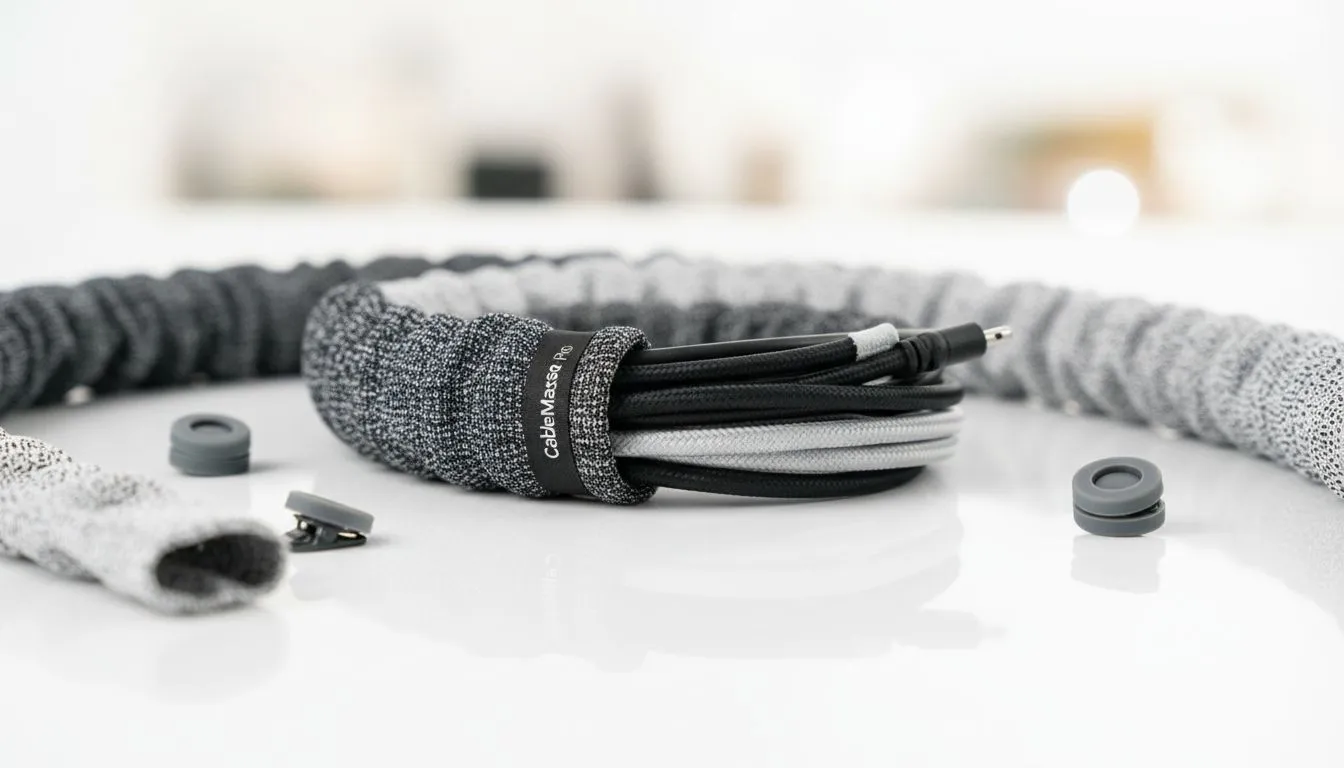
Organize Peripheral Cables: Quick hook for South African gamers 🔧
Tired of cables crawling across your Game Desk like a boss fight gone wrong? This short, practical primer helps South African gamers and PC buyers tidy up headset, keyboard and monitor cables in under an hour. You’ll learn easy routing, budget buys and a few pro tricks that keep your setup clean and airflow uncompromised. Ready to level up your desk? 🚀
Organize Peripheral Cables: Prep and the right tools
Start by powering down and unplugging non-essential peripherals. Lay cables out so you can see lengths and connectors. Useful tools: Velcro straps, adhesive cable clips, a cable sleeve and a label maker. For a quick browse of monitor-friendly add-ons like cable clips and sleeves, check Evetech’s monitor accessories pages — good for matching colour and mount style to your rig: monitor accessories.
Small checklist before you route
- Measure cable lengths from ports to hub or PSU.
- Sort by function: power, data, video, audio.
- Group similar cables to simplify future swaps.
Organize Peripheral Cables: Step-by-step cable routing
- Route power cables separately from data cables to reduce noise and tangles.
- Use anchor points under the desk; adhesive clips keep cables hugging the frame. For tidy branded solutions, try Orico organisers that are popular for desktop routes: Orico cable organisers.
- Bundle in modest groups with Velcro — avoid zip-ties on delicate wires.
- Route headset and mouse cables with gentle curves to preserve responsiveness.
- Test connectivity before finalising any adhesive mounts.
Cable Labelling Pro Tip ✨
Use coloured tape or a small label maker to mark both ends of each cable. When you upgrade GPU or replace a peripheral, you’ll save time and avoid unplugging the wrong thing.
Organize Peripheral Cables: Tidy finishing touches
Trim slack by coiling excess cable loosely behind a cable tray or in a small cable box. If you prefer fabric sleeves for a cleaner look, several WINX options come in different colours and diameters: WINX cable sleeves. Keep airflow in mind — don’t bunch cables over intake vents.
If you’re shopping on a budget, filter accessories under a target price. For example, you can find functional cable-management kits at or below R3,338 on Evetech — useful for low-cost desk refreshes: budget cable accessories under R3,338. Prices and stock are shown per item on Evetech’s product pages.
Organize Peripheral Cables: Maintenance and pro habits 🔁
- Recheck anchors every 6 months.
- Keep a small kit of spare clips and Velcro in your desk drawer.
- When adding components, plan the route first — it’s easier than untangling later.
A tidy Game Desk improves focus and makes upgrades quicker. Little steps — consistent practice — keep your setup looking sharp and performing well.
Ready to Find Your Perfect Match? The Mac vs Windows debate is complex, but for maximum power, choice, and value in South Africa, Windows is hard to beat. Explore our massive range of laptop specials and find the perfect machine to conquer your world.











