

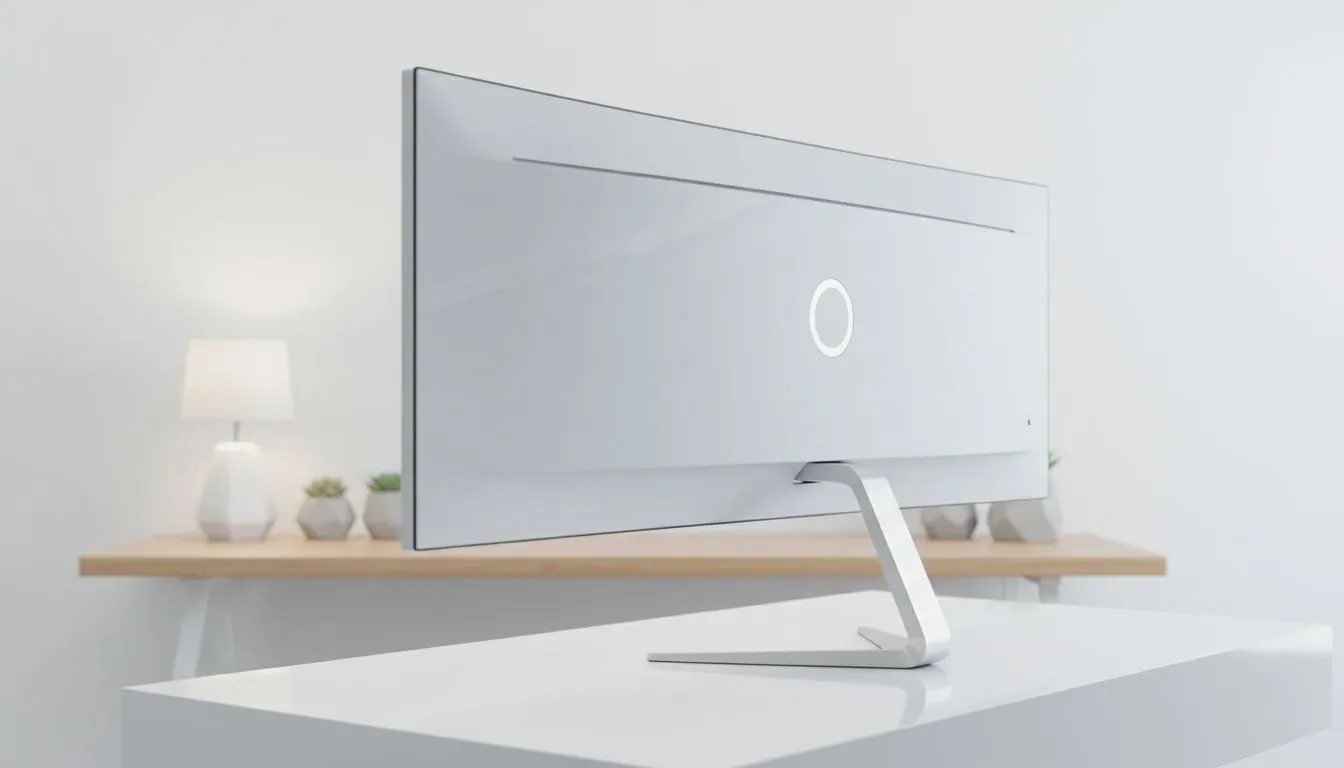
Why Your Panoramic Monitor Setup Needs the Right Angle
Ever felt like your setup is missing that "wow" factor? You have the hardware, but your desk looks cluttered. For South African gamers, a panoramic monitor setup is the ultimate way to showcase your rig while keeping visuals crisp. It isn't just about the screen... it's about how every component, from your chassis to your cables, works together to create a seamless view. 🚀
Positioning is everything. If your screen is off-centre, you will feel the strain after a few hours of gaming. You want a clear line of sight to your PC internals too. Many local enthusiasts are moving towards computer cases that feature wrap-around glass panels. This complements the panoramic look of your ultrawide display perfectly. It creates a unified visual flow across your entire desk.
Selecting a Case for Visual Harmony
Your PC should not be hidden under the desk. If you are going for a clean, minimalist aesthetic, certain brands offer a more sophisticated look. For instance, Fractal Design PC cases provide that sleek North European design that looks incredible next to a high-resolution display. They prioritise airflow while ensuring your components are the star of the show. 🔧
Placing your PC to the right of your monitor allows the glass side panel to face you. This turns your hardware into a piece of digital art. Ensure your monitor is at eye level to avoid neck fatigue. A slight tilt can also reduce reflections from nearby windows or RGB strips.
Cable Management Magic ⚡
Use Velcro ties instead of zip ties for your panoramic setup. Since panoramic cases show off everything, being able to quickly adjust cables as you add new gear keeps your visual field clean and professional without the clutter.
Balancing Style and Budget in South Africa
High-end visuals do not always require a massive bank loan. You can find stunning Gamdias gaming cases that offer tempered glass panels for under R2,000. These cases are designed to show off your GPU and motherboard without breaking the bank. ✨
If you are strictly watching your budget, there are excellent Gamdias options under R1,500 that still provide that premium panoramic feel. Keeping your PC at a 45-degree angle to your monitor often reduces glare on the side panel... and it makes your desk look much wider. Focus on symmetry. A balanced desk leads to a more immersive gaming experience. ⚡
Ready to Find Your Perfect Match? A panoramic monitor setup deserves a chassis that looks just as good as the action on screen. Explore our massive range of PC cases and find the perfect housing to complete your ultimate South African gaming sanctuary.











