

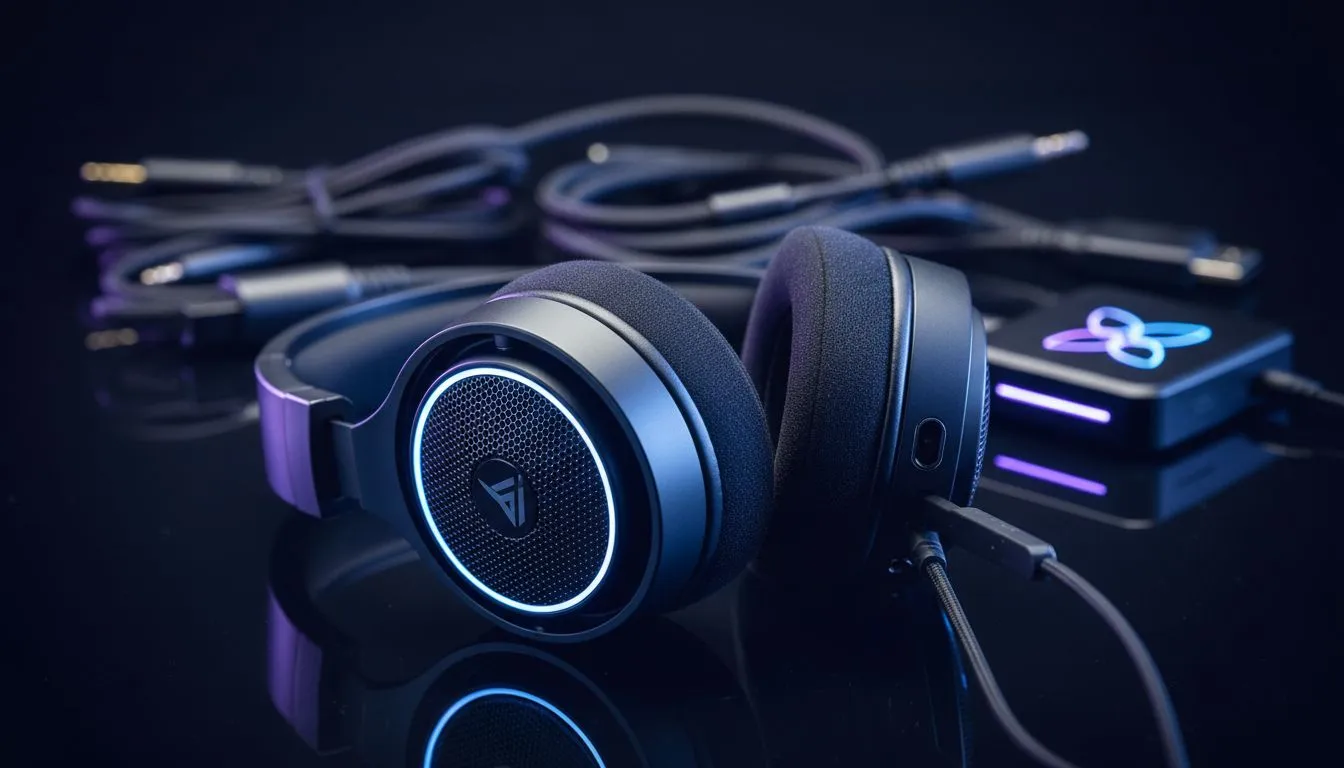
Nothing kills the vibe of a late-night gaming session in Jozi faster than silence. You’ve finally dodged the load shedding schedule, but your audio is crackling or completely dead. Whether you are on a high-end rig or a living room console, sound is half the experience. Let’s dive into PC and console audio troubleshooting to fix common sound issues and get you back into the action immediately. 🔧
Tackling Windows Audio Software Errors
On a PC, sound issues often stem from driver conflicts or incorrect output settings. If your sound suddenly cuts out, the first step is to right-click the speaker icon in your taskbar. Ensure the correct playback device is selected. Sometimes Windows updates can reset your defaults to a monitor that has no built-in speakers.
If the hardware is fine but the sound is distorted, you might need to update your Realtek drivers. For those using wired speaker setups, check the physical connection at the back of the motherboard. Ensure the green jack is fully seated. If you prefer a simple 2.0 speaker configuration, Windows Spatial Sound can sometimes cause weird echoes... try toggling it off in the sound properties to see if clarity improves. ⚡
Audio Pro Tip ⚡
If you are experiencing "ghost" audio issues on Windows, press Win+Ctrl+Shift+B. This restarts your graphics driver, which often handles HDMI audio handshakes. It is a quick way to refresh the connection without a full reboot during a ranked match.
Console Sound Fixes for PlayStation and Xbox
Consoles are generally "plug and play," but they aren't immune to glitches. If your PS5 or Xbox Series X is silent, check your HDMI settings. Ensure the console is set to "Linear PCM" if you are using basic stereo speakers. Selecting "Bitstream" for a device that doesn't support Dolby Atmos can result in total silence.
Latency is another common frustration, especially with wireless audio solutions. If your audio lags behind the on-screen action, check if your TV is in "Game Mode." This mode reduces processing time for both video and audio. If you are looking for reliable budget options, Promate audio gear offers great value for casual console setups in South Africa.
Dealing with Hardware Interference
Static or humming is usually caused by electrical interference. This happens when your speaker cables are bundled too closely with power bricks. Try to separate your power cables from your audio lines to reduce the "buzz" often heard in high-performance 2.1 speaker systems.
If troubleshooting fails, your hardware might simply be reaching its end of life. Upgrading to quality PC speakers can provide a massive boost in immersion. You don't need to spend thousands... even a modest upgrade starting around R300 can drastically improve your ability to hear enemy footsteps or subtle environmental cues in RPGs. 🚀
Ready to Fix Your Sound for Good? Don't let bad audio ruin your immersion. Whether you need a simple stereo pair or a thumping subwoofer setup, we have the right gear for your desk. Explore our massive range of speaker specials and find the perfect sound system to conquer your world.











