

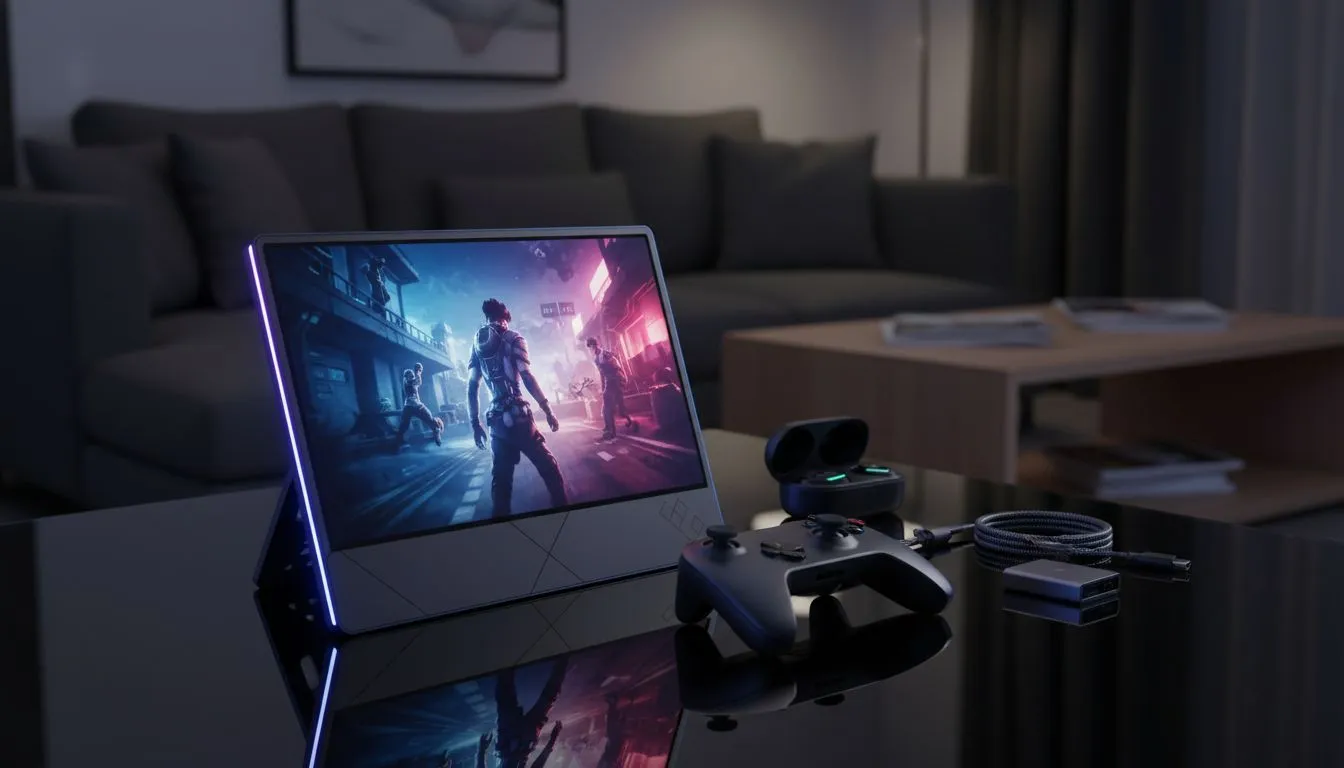
Why a Portable Monitor for Console Gaming is the Ultimate Flex
Tired of lugging a massive TV to LAN parties or fighting for the living room screen? A portable monitor for console gaming is the ultimate fix. Whether you are rocking a PS5 in a small apartment or a Switch on a long commute... these compact displays deliver a clean setup without sacrificing speed. Let’s look at how to get that smooth motion on the go. 🚀
Streamline Your Play with a Clean Setup
Space is a luxury in many South African homes. Setting up a dedicated gaming nook often feels impossible when you are dealing with bulky equipment. By browsing the latest PC monitors in the portable category, you can reclaim your desk. These slim devices often use a single USB-C cable for both power and video signal... drastically reducing cable clutter.
When choosing your screen, you might prefer the traditional look of flat screen displays. They slip into a backpack easily and provide consistent viewing angles. This makes them perfect for local multiplayer sessions where your mate is sitting at a slight angle.
Achieving Smooth Motion with Advanced Sync Tech
Console gamers used to be limited to 60Hz, but the latest generation has pushed boundaries. To truly enjoy smooth motion in fast-paced shooters like Apex Legends or Call of Duty, your monitor needs to keep up. Screen tearing can ruin the immersion... especially when the action gets intense.
To combat this, look for displays featuring Adaptive Sync technology. This ensures the monitor refresh rate matches the console output. If you are using a high-end laptop or a console that supports it, checking for AMD FreeSync is a smart move. Similarly, users who demand the absolute best in frame pacing should look for NVIDIA G-Sync compatibility to ensure every frame is delivered perfectly. 🔧
Power Delivery Pro Tip ⚡
When using a portable monitor with a console, try to use a 65W GaN charger. This can often power both the monitor and charge your controller or phone at the same time. It keeps your travel kit light and ensures you only need one wall plug to get your portable monitor for console gaming up and running.
Vibrant Colours and Immersive Design
A portable monitor for console gaming does not mean you have to settle for dull colours. Most premium portable screens now utilise IPS panels. These provide much better colour accuracy and brightness compared to older TN technology... essential for spotting enemies in the shadows of Elden Ring.
While most portables are flat for ease of transport, some enthusiasts prefer the wrap-around feel of curved gaming monitors for their main home station. However, for the traveller, a high-quality flat IPS screen remains the gold standard for a clean setup that packs away in seconds. ✨
With prices for quality portable units starting around R3,500 in South Africa, it has never been more affordable to take your console experience anywhere.
Ready to Find Your Perfect Match? A clean setup and smooth motion shouldn't be limited to your bedroom. For the best selection and value in South Africa, our range has you covered. Explore our massive range of monitor specials and find the perfect display to conquer your world.











