

The Hidden Danger of Eskom’s Grid
Load shedding is a South African reality we all live with. But the real danger isn't the darkness... it is the moment the power returns. A sudden spike can fry your expensive display in milliseconds. If you want to protect gaming monitor from power surges, you need a strategy that goes beyond just unplugging the cable every time the lights go out. ⚡
Modern displays are packed with sensitive micro-electronics. These components are designed for stable currents, not the erratic jumps common on our local grid. When you browse our wide selection of PC monitors, you are investing in high-end tech that deserves a layer of safety. A single surge can degrade the internal power supply or ruin the panel backlight.
Essential Gear to Defend Your Setup
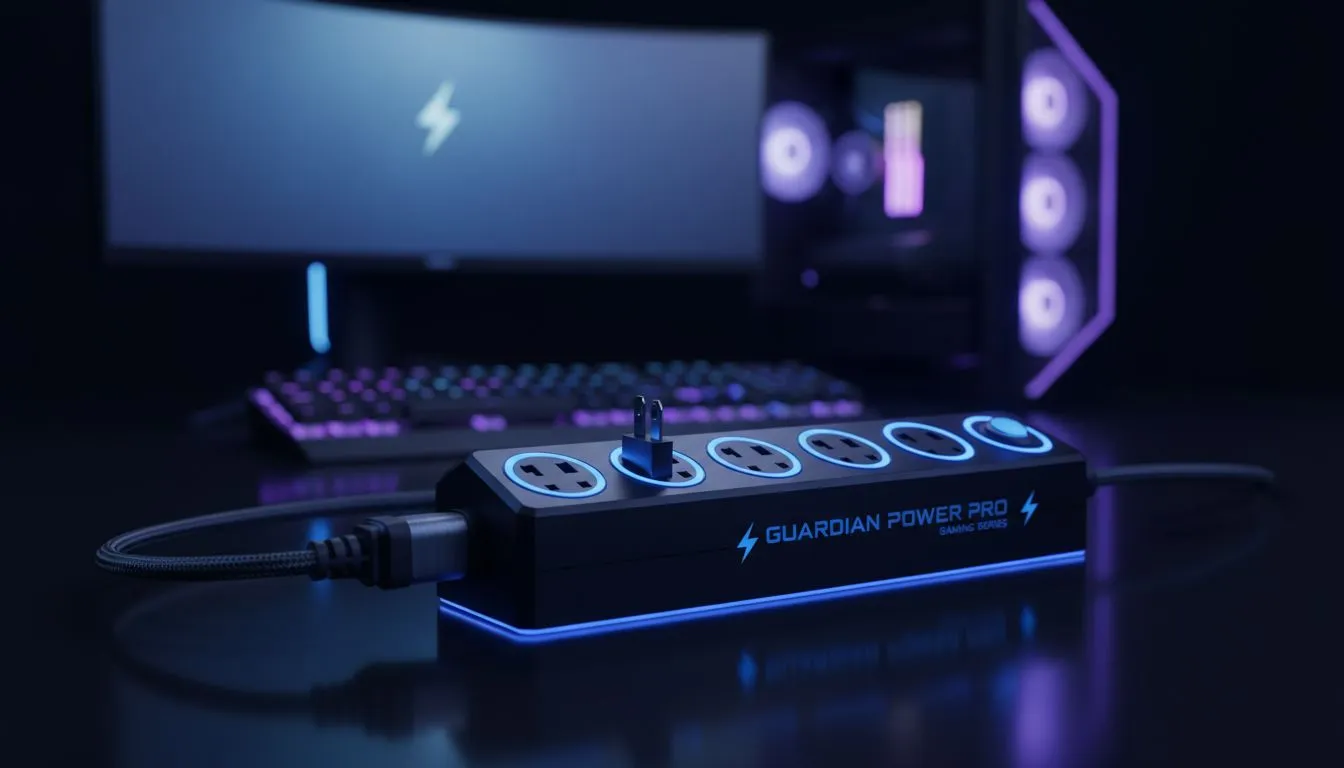
The first line of defence is a high-quality surge protector. Standard multi-plugs often lack the necessary joule rating to handle a significant spike. Investing in essential monitor accessories like a dedicated surge-protected power strip is a small price to pay. It acts as a sacrificial lamb... blowing its own fuse to save your screen.
Power Safety Pro Tip ⚡
Always look for a surge protector with a 'protected' LED indicator. If that light goes out, it means the internal components have already absorbed a surge and can no longer protect your gear. It is time to replace the plug immediately to keep your equipment safe.
For those with premium setups, a Uninterruptible Power Supply (UPS) is the ultimate choice. It provides clean, regulated power and gives you time to shut down safely. This is especially important when you have managed to snag one of the best PC monitor deals and want to ensure it lasts for years.
Choosing the Right Display for Your Environment
Not all environments are equal. If you live in an area prone to frequent lightning or unstable substations, your choice of hardware matters. Our catalogue of all gaming monitors includes options with external power bricks. These are often easier and cheaper to replace than internal power boards if a minor surge occurs. 🔧
If you prefer the aesthetic of immersive curved monitors, remember that their larger panels are even more sensitive to heat and voltage fluctuations. Keeping them on a regulated power source ensures the pixels stay vibrant and the refresh rates remain stable.
Versatility and Resolution Safety
For gamers on the move, sleek portable monitors offer a different kind of protection. Since they often draw power via USB-C from a laptop, they benefit from the laptop's internal battery acting as a natural buffer. However, even these should be used with caution when the main charger is plugged into a wall socket during a storm.
High-end users pushing high-resolution 5K and 4K monitors have the most to lose. These professional-grade screens use complex controllers that are highly susceptible to "dirty" electricity. To truly protect gaming monitor from power surges, consider a double-conversion online UPS... it offers the highest level of isolation from the grid. 🚀
By taking these steps, you ensure that your gaming sessions are never cut short by a preventable hardware failure. Stay protected, stay powered, and keep your focus on the game. ✨
Ready to Upgrade Your Visuals? Protecting your gear is the first step, but seeing the world in stunning detail is the goal. Whether you need a high-refresh-rate beast or a crystal-clear professional display, we have the stock you need. Explore our massive range of gaming monitors and find the perfect screen to elevate your South African gaming experience.











