

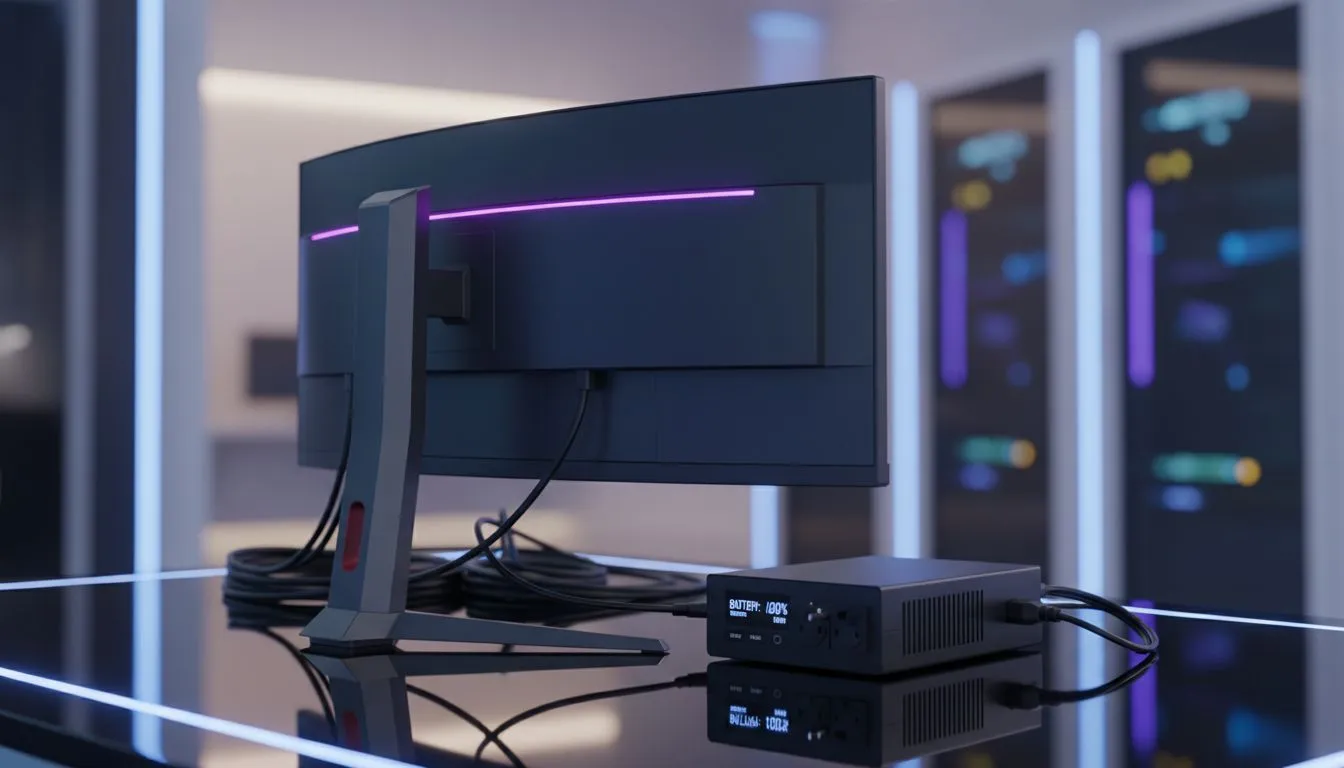
The lights flicker. Your screen goes black. Another round of loadshedding hits, right as you were about to clutch the final round. We’ve all been there. But the frustration of a lost match is nothing compared to the sickening feeling when your expensive gaming monitor doesn’t turn back on. This guide will show you exactly how to protect your monitor during loadshedding, ensuring your prized display survives to fight another day. ⚡
Why Loadshedding is a Monitor's Worst Nightmare
It’s not just the sudden darkness you need to worry about. The real danger to your electronics happens when the power grid becomes unstable. Two main culprits can damage your gear:
- Power Surges: When Eskom restores power, a sudden, high-voltage spike can race through the lines. This jolt can fry the sensitive internal components of your monitor in an instant.
- Brownouts: Sometimes, the voltage supplied can dip below the normal level. This can strain your monitor's power supply, causing long-term damage or immediate failure.
Properly protecting your monitor from loadshedding is non-negotiable for any serious gamer. After all, your display is the window to your virtual world, and the wide range of modern PC monitors deserves proper care.
Your First Line of Defence: Surge Protection
The most basic step in loadshedding monitor protection is a high-quality surge protector. Don't confuse this with a simple multi-plug or power strip. A true surge protector has a specific "joule" rating, which tells you how much excess energy it can absorb before it fails.
Think of it as a bodyguard for your electronics. It stands between the wall socket and your gear, taking the hit from a power surge so your monitor doesn't have to. It's an affordable and essential investment. You can find surge protectors and other essential monitor accessories to complete your setup.
The Ultimate Solution: An Uninterruptible Power Supply (UPS)
While a surge protector is good, a UPS is the ultimate champion for loadshedding survival. An Uninterruptible Power Supply is essentially a big battery that your PC and monitor plug into. When the power cuts, the UPS seamlessly switches to its battery, keeping your system running. ✨
This gives you several key advantages:
- Safe Shutdown: You get a crucial window of 5-15 minutes to save your game, log off Discord, and shut down your PC properly. No more corrupted files or lost progress.
- Built-in Surge Protection: Every decent UPS includes top-tier surge protection.
- Voltage Regulation (AVR): Many line-interactive UPS models constantly correct for brownouts, feeding your monitor clean, stable power at all times.
If you've invested in one of the latest stunning 4K monitors, pairing it with a UPS is the best way to protect that investment.
UPS Sizing Quick Tip 🔧
To choose the right UPS, add up the wattage of your PC and monitor (e.g., PC at 400W + Monitor at 50W = 450W). Look for a UPS with a wattage rating higher than your total. A 600W (or 1000VA) UPS would give you a safe buffer and a few minutes of runtime for a 450W setup.
Best Practices for Monitor Care During Loadshedding
Even with the right hardware, good habits go a long way.
- Unplug if Unprotected: If you don't have a surge protector or UPS, the safest bet is to unplug your monitor and PC from the wall before the power is scheduled to return.
- Know Your Schedule: Use an app like EskomSePush to stay ahead of the schedule. This helps you plan gaming sessions and know when to be extra cautious.
- Check All Connections: This applies to everything from massive immersive curved monitors to the surprisingly vulnerable power bricks that come with handy portable monitors.
Upgrading? Smart Choices for the Loadshedding Era
If you're in the market for a new screen, considering power is a smart move. While no monitor is immune to a massive surge, some newer models are more energy-efficient, which can slightly ease the load on your UPS. When browsing all our gaming monitors, remember that the best way to safeguard your new purchase is by pairing it with a protection plan from day one.
Protecting your monitor during loadshedding isn't just about preventing damage; it's about peace of mind. By investing a small amount in the right protection, you ensure your gear is ready for action whenever you are. Keep an eye on the best PC monitor deals to find a screen that fits your budget, but be sure to factor in the cost of protecting it. 🚀
Ready to Power Up Your Protection? Loadshedding isn't going away, but fried components can be a thing of the past. A quality UPS is the single best investment you can make to protect your entire gaming rig. Explore our range of Uninterruptible Power Supplies and game on with confidence.











