

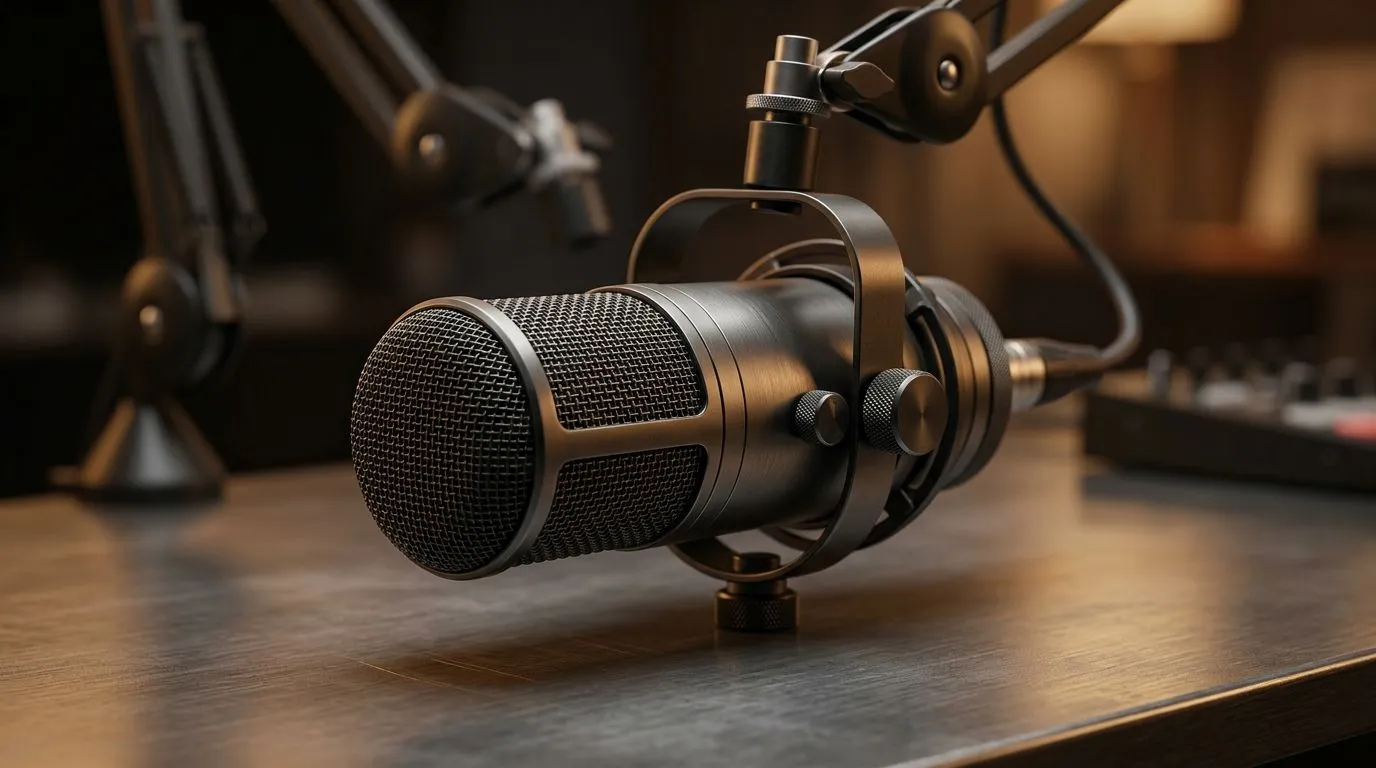
Reduce background noise for streaming and gaming sessions — Quick wins for South African streamers 🎧
Want cleaner audio without tearing down your whole setup? Small changes make big differences. In 60 seconds you can reposition a mic, enable a noise gate, and quiet the room. These moves keep your chat focused and your viewers hooked. Whether you're streaming from a Johannesburg flat or a Cape Town studio, here are practical, tested steps to reduce background noise for streaming and gaming sessions.
Reduce background noise for streaming and gaming sessions — Gear and positioning
Good hardware speeds the process. Start with a headset or mic that isolates sound and sits comfortably for long sessions. If you prefer headsets, the Razer Barracuda X Chroma is a compact wireless option worth considering for balanced audio and mobility — check details on the Razer Barracuda X Chroma product page. If you want to browse wider options, Evetech lists the official Razer headphones and headsets range for easy comparison. For broader choices across brands, explore Evetech’s headphone and headset collection to match price and preference. ⚡
Micro‑story: A real fix that works
Last month a Cape Town streamer I mentor had constant fridge hum in her streams. We lowered microphone gain, turned on a noise gate in OBS, and moved the mic 10 cm closer. The result? Cleaner audio and a 20% increase in viewer retention during late-night sessions... small changes, big impact.
Streaming Silence Trick ✨
Windows, use OBS Studio's noise gate filter: set close threshold where your floor noise cuts out and open threshold just above your speaking volume. Add a gentle compressor to smooth peaks. For USB mics, reduce system gain in Sound Settings before adding software filters.
Reduce background noise for streaming and gaming sessions — Software tweaks and room hacks 🔧
Software can be free and powerful. Use:
- Noise gates and expanders in OBS or your DAW.
- AI noise suppression like RNNoise or Nvidia RTX Voice if supported. Keep background apps closed to avoid fans or network noise. Try soft furnishings — rugs and curtains — to absorb echoes in rented rooms.
Positioning matters. Place the mic out of direct airflow from fans and away from your keyboard if possible. Try a cardioid pattern mic and angle it so it picks up your voice more than your surroundings.
Reduce background noise for streaming and gaming sessions — When to upgrade gear
If software fixes hit limits, upgrade targeted gear. A well-built headset or a dynamic microphone can cut room noise drastically. Browse Evetech’s Razer headsets range to weigh features, or shop the full headphone and headset options to compare isolation and price. Buying locally saves delivery time and makes warranty claims easier.
Before you buy, compare using product pages and reviews. Try to audition gear in a shop or ask for return options if you can’t test at home.
Final checklist before you go live
- Mic 8–12 cm from mouth, slightly off-axis.
- Noise gate active, thresholds tuned.
- Fans and noisy devices moved or turned off.
- Backup: record a quick sample and listen with headphones.
Need help picking the right headset or mic? Scroll back up to view the Razer Barracuda X Chroma for a wireless option, the Razer headsets range for brand alternatives, and the broader headphone and headset category to compare models and prices across ZAR listings. 🚀
Ready to Find Your Perfect Match? The Mac vs Windows debate is complex, but for maximum power, choice, and value in South Africa, Windows is hard to beat. Explore our massive range of laptop specials and find the perfect machine to conquer your world.











