

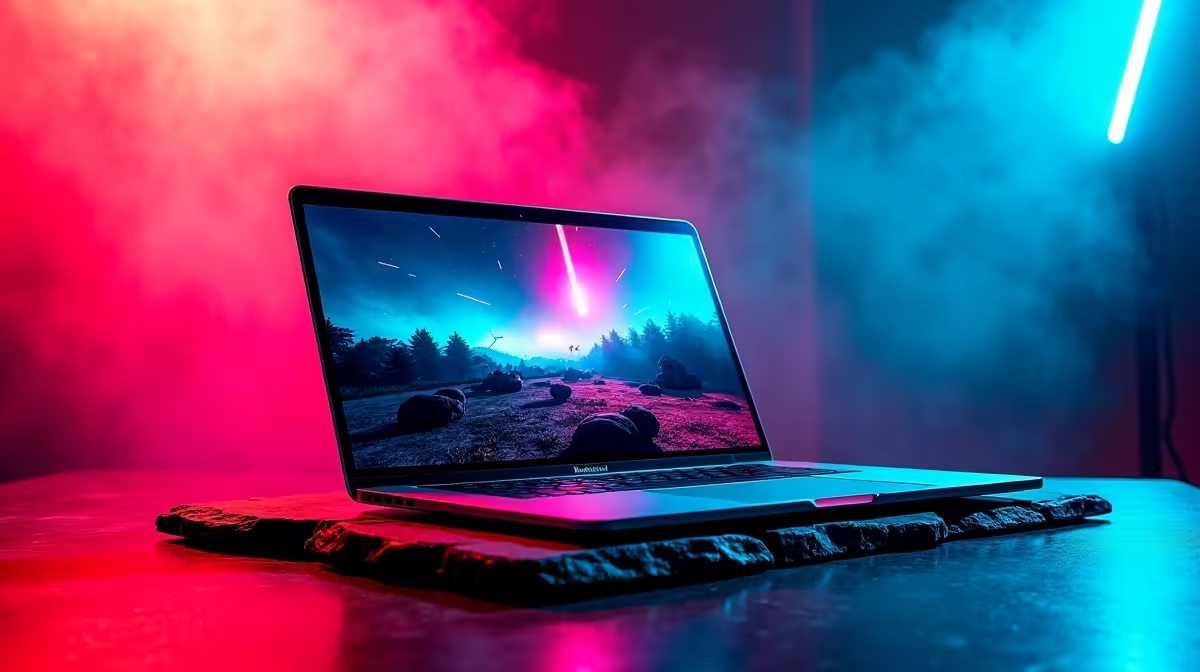
Gaming on an Apple machine used to be a punchline... but not anymore. If you recently dropped a hefty chunk of your hard-earned ZAR on Apple's latest silicon, you are in for a serious treat. Experiencing Resident Evil Village on Mac is no longer a compromised, stuttering mess; it is a visually stunning, terrifyingly smooth adventure. Let us dive into the absolute best settings for M5 MacBook users to balance chilling atmosphere with buttery frame rates.
Unleashing Resident Evil Village on Mac 🚀
Apple's Metal 3 API and the raw efficiency of the M5 architecture have completely rewritten the rules for portable gaming. When you boot up Resident Evil Village on Mac, the game natively recognises the hardware, allowing for incredible optimisation. However, to survive Lady Dimitrescu's castle without input lag, you cannot just crank every slider to the maximum.
You want high frame rates when dodging Lycans... especially if you are playing on battery power during a sudden two-hour load shedding block. If you are currently weighing up your options between Apple and Windows ecosystems, it is worth browsing our extensive catalogue of everyday and high-performance laptops to see exactly what fits your specific budget and gaming needs.
The Best Settings for M5 MacBook Performance 🔧
To hit that flawless 60fps sweet spot without turning your sleek aluminium chassis into a frying pan, we recommend dialling in these specific graphical adjustments:
- Screen Resolution: Target 1080p (or 1920x1200 depending on your exact screen ratio). The Liquid Retina display is gorgeous, but pushing native resolution on modern AAA titles will unnecessarily tank your performance.
- MetalFX Upscaling: Set this crucial feature to 'Quality'. This is Apple's algorithmic secret weapon. It works much like the DLSS technology found in modern dedicated graphics cards, intelligently boosting your frame rate without sacrificing crisp visual fidelity.
- Texture Quality: High (2GB or 3GB). The unified memory structure on the M5 handles high-resolution textures brilliantly, keeping the terrifying environment looking incredibly sharp.
- Volumetric Lighting: Medium. The creepy fog and dynamic lighting still look fantastic here, but pushing this setting to 'High' drains system resources far too quickly.
Battery Saver Pro Tip 🔋
Unplugged and trying to survive the village? Cap your frame rate at 60fps in the game's display settings. It keeps system temperatures low, prevents thermal throttling, and extends your battery life significantly during those unexpected Eskom outages.
Mac vs Traditional PC Gaming in SA ✨
While finding the best settings for M5 MacBook gaming yields incredibly impressive results for a thin-and-light device, hardcore survival horror fans might still crave the brute force of a traditional rig. If you want to push ray tracing to the absolute maximum in true 4K, you should definitely explore our best gaming PC deals.
For gamers who want a premium plug-and-play solution without the stress of building it themselves, grabbing one of our curated pre-built PC deals ensures you get maximum ZAR value and unmatched raw Windows gaming power. And if you are just hunting for a quick bargain to upgrade your current setup, always keep a close eye on our weekly specials page.
Ready to Find Your Perfect Match? The Mac vs Windows debate is complex, but for maximum power, choice, and value in South Africa, Windows is hard to beat. Explore our massive range of laptop specials and find the perfect machine to conquer your world.











