

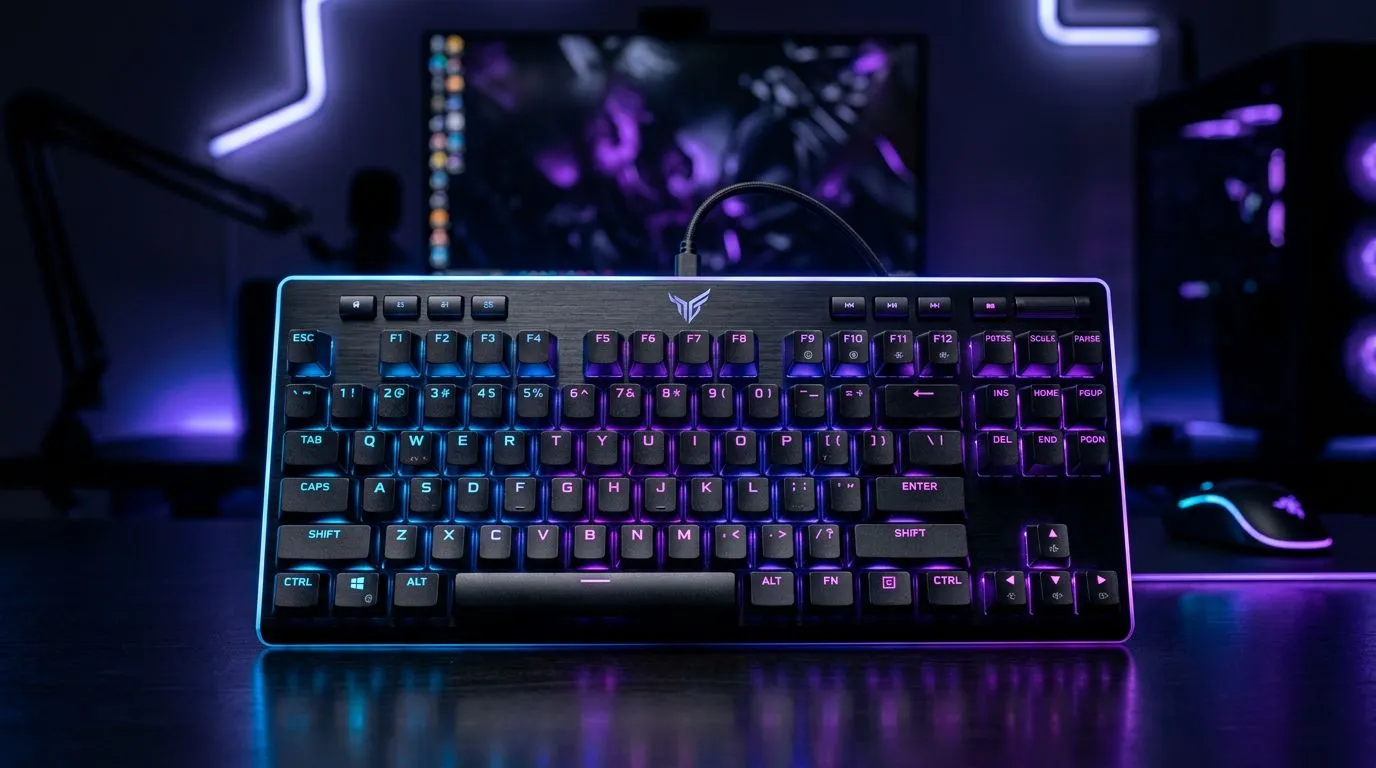
RGB backlighting for gaming — why it helps 🎮
Want your rig to feel like home and perform like a pro? RGB backlighting for gaming: Enhance your setup is more than aesthetics; it guides your eyes, reduces visual fatigue, and ties peripherals together for a cohesive look. South African gamers love a good-looking battlestation that’s also practical — and the right lighting does both. ✨
RGB backlighting for gaming — practical setup tips
Start with purpose. Match LED zones to function: warm tones for ambient light, cool tones near displays to reduce glare. Keep brightness under 40–50% for long sessions; high brightness can cause eye strain in darker rooms. Use zones and profiles so your keyboard, headset and desk light change automatically between work and play.
Lighting Balance Tip ✨
Keep a single colour profile per game genre — warm reds for MOBAs, cool blues for strategy, and neutral whites for productivity. This reduces visual confusion and makes hotkeys pop.
Syncing and software
Most RGB systems use vendor software to sync lights. If you want minimal fuss, choose peripherals that support profile syncing or open standards. For example, the Razer Barracuda X Chroma wireless headset pairs lighting with other Chroma-enabled gear for plug-and-play flair — check specs and compatibility on the official product listing. (See product details here: Razer Barracuda X Chroma wireless headset.)
RGB backlighting for gaming — gear that pairs well 🔧
Pick peripherals that match your desk’s scale. A compact mouse and low-profile keyboard need subtler illumination than a full tower and XXL desk mat. If you already own Razer gear, browsing the Razer headphones and headsets range can show you compatible options that integrate lighting, mic mute indicators, and quick-sync features. That makes setup smoother and keeps profiles consistent across games.
For those shopping headsets or planning a focused audio setup, Evetech’s headphone & headsets selection is a helpful place to compare form factors, wired vs wireless reliability, and lighting features.
RGB backlighting for gaming — maintenance and final thoughts
Keep cables tidy; stray USB LEDs can wash out carefully tuned profiles. Clean dust from RGB strips and peripheral vents monthly; accumulated dust both dims LEDs and traps heat. If you stream, set a dedicated scene that disables overly bright animations — viewers will thank you.
A brief micro‑story: I once helped a Cape Town streamer switch from chaotic rainbow cycles to a single cool profile for gameplay. Chat retention rose; viewers said the stream looked “cleaner” — and the streamer stopped complaining about eye strain. Small changes matter.
Ready to Find Your Perfect Match? The Mac vs Windows debate is complex, but for maximum power, choice, and value in South Africa, Windows is hard to beat. Explore our massive range of laptop specials and find the perfect machine to conquer your world.











