

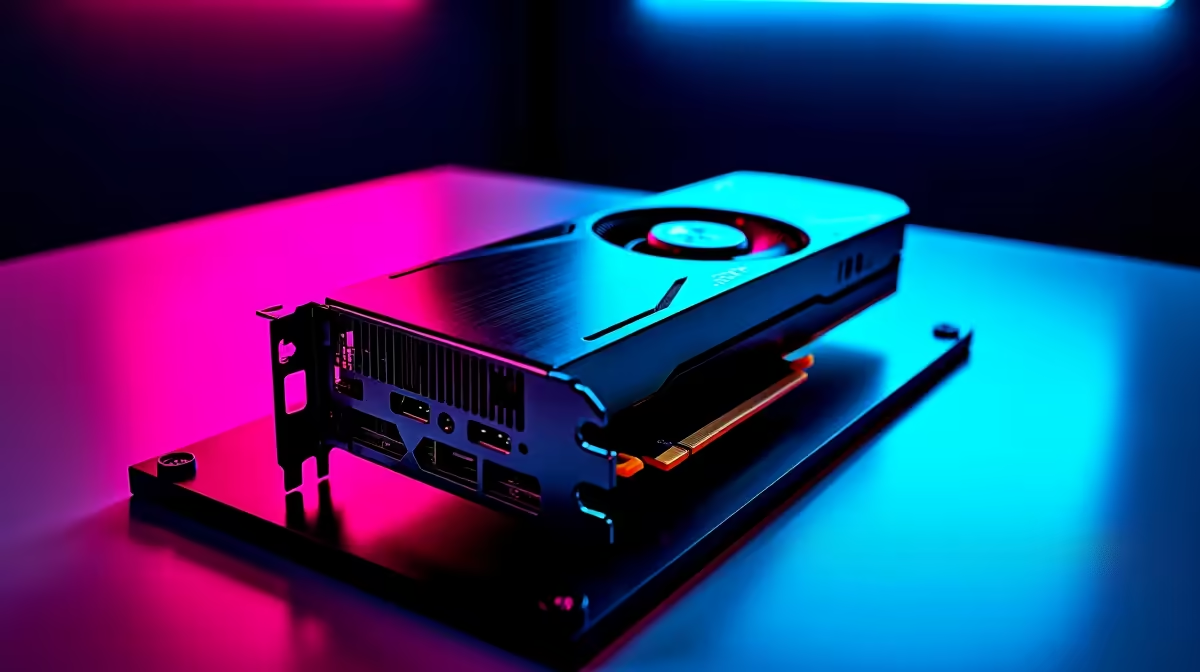
Tuning Your RTX 4060 Ti for 4K Gaming Excellence in South Africa 🎮⚡
Ready to push your RTX 4060 Ti to deliver buttery smooth 4K graphics without breaking the bank? South African gamers know 4K gaming demands more than just raw power—it needs smart optimisation. Whether you’re diving into expansive open worlds or blasting through shooters, getting your settings right tweaks performance and keeps your frame rates steady. Let’s crack the code on the best RTX 4060 Ti settings for 4K gaming, so you can enjoy rich visuals and silky gameplay on your local fibre connection.
Why Optimised RTX 4060 Ti Settings Matter for 4K Gaming
4K resolution bumps pixels fourfold compared to 1080p, straining your GPU heavily. The RTX 4060 Ti is powerful, but ignoring settings can cause frame dips, stutter, or overheating. South Africa’s climate also demands efficient cooling and balanced power use to avoid throttling. Fine-tuning your graphics settings ensures you’re not sacrificing smooth gameplay for sharp visuals—or vice versa.
- DLSS 3 and Ray Tracing: The RTX 4060 Ti supports DLSS 3, a feature that boosts frame rates by using AI to upscale images. Enabling DLSS 3 lets you maintain ultra 4K detail with less GPU strain. However, ray tracing is GPU-intensive; use it selectively for highlights rather than full scenes to keep frames steady.
- Texture and Shadow Quality: Set textures to high but shadows to medium or low. Shadows impact performance heavily but rarely ruin immersion at modest settings.
- Refresh Rate and V-Sync: Match your monitor’s refresh rate for smooth output and enable adaptive sync to prevent tearing without input lag.
RTX 4060 Ti Cooling Hack
Lower your fan curve by 5% for quieter gameplay without overheating — keep a close eye on temps using MSI Afterburner or similar tools. }}
Essential Tweaks for Optimised Performance on Local Hardware
Hardware varies a lot in South Africa; some gamers stick to versatile builds. If you’re building or upgrading, start with well-reviewed GPUs and motherboards from Evetech’s selection of graphics cards. The right foundation reduces bottlenecks and aids 4K optimisation.
Overclocking and Power Limits
The RTX 4060 Ti enjoys modest overclocking headroom. Tweak GPU core clocks and boost power limits carefully—it can yield adjacent FPS frames without much temperature change. Use tools like NVIDIA GeForce Experience for safe automatic tuning or manual utilities for finer control.
Optimise Your PC Build
Pre-built gaming rigs can save time and money if chosen wisely. Check out Evetech’s best gaming PC deals — many include balanced CPU-GPU combos perfect for 4K RTX 4060 Ti builds. A capable CPU reduces frame bottlenecks, especially in CPU-heavy titles.
Portable 4K Gaming?
For gamers who crave portability, 4K laptops are evolving fast. See what’s available in South Africa via Evetech’s notebooks for sale. The RTX 4060 Ti mobile variants offered here perform well, just remember to optimise settings for battery life and thermals.
Monitoring and Maintenance Tips for Consistent 4K Performance 🔧
On top of setting tweaks, regular system maintenance helps as much as hardware upgrades:
- Keep GPU drivers updated with NVIDIA’s official releases.
- Use in-game benchmarking tools to test impact after each tweak.
- Monitor temperatures and throttling—South Africa’s seasonally warm weather can catch you off-guard.
- Adjust Windows power settings for high performance mode.
If you want combo deals with components and accessories for your setup, browse Evetech’s specials page regularly for ZAR-friendly prices on quality gear.
Ready for Next-Level 4K Gaming? Power your RTX 4060 Ti with optimised settings and reliable gear — Shop now at Evetech for performance that leaves lag in the dust.











