

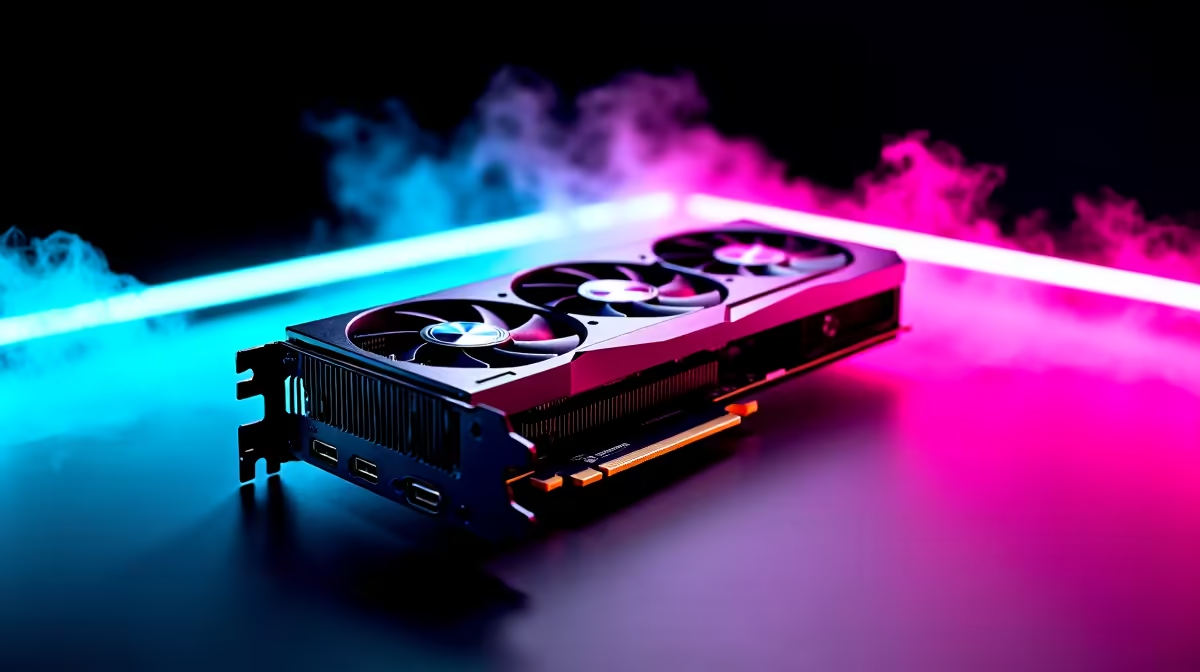
Want to click heads before your opponent even sees you? Competitive gaming in South Africa is brutal. Whether you are grinding CS2 or dropping into Warzone, frame rates matter more than fancy shadows. If you want to push your monitor to its absolute limits, finding the RTX 5060 lowest settings for max FPS is crucial. Let us strip away the visual fluff and unlock pure performance.
Why Lowest Settings Matter for the RTX 5060
The RTX 5060 is a phenomenal mid-range GPU. It handles modern titles beautifully out of the box. But in esports, we do not care about cinematic textures. We care about speed. Dropping your graphics to the floor reduces input lag significantly. It feeds your CPU frames much faster. If you are shopping for the latest graphics cards, you know the 5060 hits that perfect ZAR sweet spot. Running the RTX 5060 lowest settings for max FPS ensures you never miss a crucial flick shot.
Performance Impact: Visuals vs Speed ⚡
What actually happens when you turn everything down to low? Shadows and volumetric clouds eat up massive amounts of VRAM. Disabling them gives your GPU vital breathing room. You might lose some colour depth and realistic lighting. However, the performance impact is massive. Your 1% low frame rates will stabilise completely. This means absolutely no micro-stutters during intense team fights. If your current rig is struggling to keep up, checking out the best gaming PC deals might be a smarter move than tweaking a dying system.
Recommended Tweaks for Competitive Play
Not all low settings are created equal. Keep your textures on medium if you have VRAM to spare. Turn off anti-aliasing for a sharper, albeit slightly jagged, enemy outline. Disable motion blur immediately... it is a competitive gamer's worst enemy. For those who prefer a ready-to-go solution, browsing pre-built PC deals ensures your entire system is perfectly balanced for these high frame rates.
Nvidia Reflex Tip 🔧
Always enable Nvidia Reflex in your game settings. Combined with the RTX 5060 lowest settings for max FPS, Reflex cuts down system latency drastically. Your mouse clicks will translate to on-screen actions almost instantly.
Does Your Setup Match Your Ambition?
Pushing 300+ frames per second is pointless on a basic 60Hz screen. You need a high refresh rate monitor to actually see those frames. A powerful GPU is only half the battle. If your CPU bottlenecks your system, those extra frames will never render. It is also worth noting that mobile gamers are not left behind. Modern gaming laptops packing the mobile RTX 5060 can achieve similar esports performance when optimised correctly. Just keep a close eye on your temperatures.
Balancing the Budget in ZAR 🚀
Building an esports rig in South Africa requires smart budgeting. You do not need an R40,000 setup to be highly competitive. By leveraging the RTX 5060 lowest settings for max FPS, you stretch every single Rand further. You get top-tier responsiveness without the premium price tag. Keep an eye on our weekly specials to grab the hardware you need at a fraction of the cost.
Ready to Dominate the Leaderboards? Achieving maximum frame rates requires the right hardware foundation. For unbeatable power, choice, and value in South Africa, Evetech has you covered. Explore our massive range of gaming PC specials and find the perfect machine to conquer your lobbies today.











