

Achieving Visual Perfection with BSL Shaders
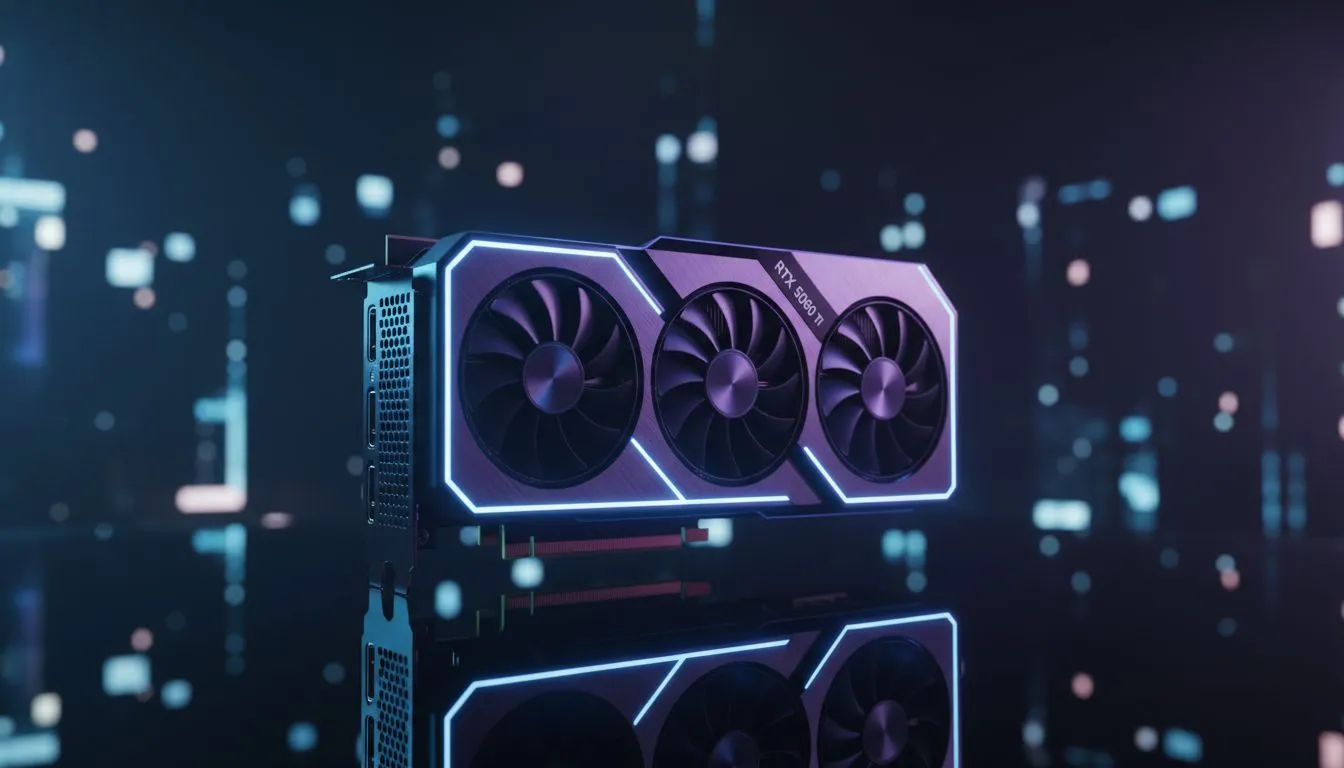
Minecraft looks like a completely different game once you introduce high-end lighting. If you have secured the latest mid-range powerhouse, you likely want your blocks to glow with realistic warmth. Finding the right RTX 5060 Ti Minecraft settings is about balancing crisp 1440p resolution with the lush atmosphere of BSL shaders. Let’s dial in your performance so your survival world looks like a cinematic masterpiece. 🚀
While Minecraft is traditionally CPU-heavy, running intensive shaders shifts the burden onto your GPU. The RTX 5060 Ti is uniquely positioned to handle these loads because of its improved architecture and dedicated ray-tracing cores. BSL Shaders are popular in South Africa because they offer a highly customisable "standard" look that does not feel overly saturated or unrealistic.
The Best RTX 5060 Ti Minecraft Settings for High FPS
To get the most out of your hardware, you need to look beyond the basic video menu. For the best BSL shader guide experience, we recommend using the Iris Shaders mod rather than the older Optifine. Iris provides a significant performance boost on modern NVIDIA hardware.
Once you have BSL installed, navigate to the shader configuration menu. Set your "Profile" to High or Ultra. On an RTX 5060 Ti, you should comfortably hit over 100 FPS at 1440p with these tweaks:
- Lighting: Enable "Shadow Map Resolution" at 2048.
- Atmospherics: Turn on "Volumetric Light" for that beautiful morning mist.
- Post-Processing: Keep "Depth of Field" off for gameplay, but turn it on for screenshots.
- Colour: Adjust the "Vibrance" to 1.10 to make the South African savannah biomes pop.
Performance Pro Tip ⚡
"Always ensure your Render Distance is set between 12 and 16 chunks. Even with a powerful card, setting this to 32 can choke your frame timings. Use a 'LOD' mod like Distant Horizons if you want to see further without destroying your frame rate."
Why Hardware Choice Matters for Minecraft Modding
Your choice of components determines how stable your experience will be during long gaming sessions. If you are building a new rig, exploring the latest NVIDIA graphics cards is the first step toward visual excellence. For those who value thermal performance and aesthetics, MSI graphics cards often feature superior heatsinks that keep fans quiet while you build your megabase. ✨
While NVIDIA remains the go-to for many, the market is expanding. Some budget-conscious builders are looking at Intel Arc graphics cards for their impressive AV1 encoding... though driver support for older OpenGL games like Minecraft can vary. If you are more focused on professional rendering alongside your gaming, workstation graphics cards provide the stability needed for heavy creative workloads.
Alternatively, many local gamers find incredible value in AMD Radeon graphics cards which often offer more VRAM for the price. This extra memory is particularly useful when loading high-resolution 512x texture packs alongside your BSL shaders. 🔧
Finalising Your Setup
Optimising your RTX 5060 Ti Minecraft settings is not just about the GPU... it is about the synergy of your whole system. Ensure your drivers are updated via GeForce Experience to avoid the flickering shadow bugs that sometimes plague older versions of BSL. By following this best BSL shader guide, you ensure that your game looks incredible while maintaining the buttery-smooth movement required for parkour or intense PvP.
Whether you are exploring deep dark caves or building a replica of Cape Town in blocks, the right settings make every ZAR spent on your hardware feel worth it.
Ready to Find Your Perfect Match? Finding the right balance of performance and price is essential for any South African gamer. Whether you are hunting for the latest RTX power or a budget-friendly upgrade, we have you covered. Explore our massive range of graphics card specials and find the perfect machine to conquer your world.











