

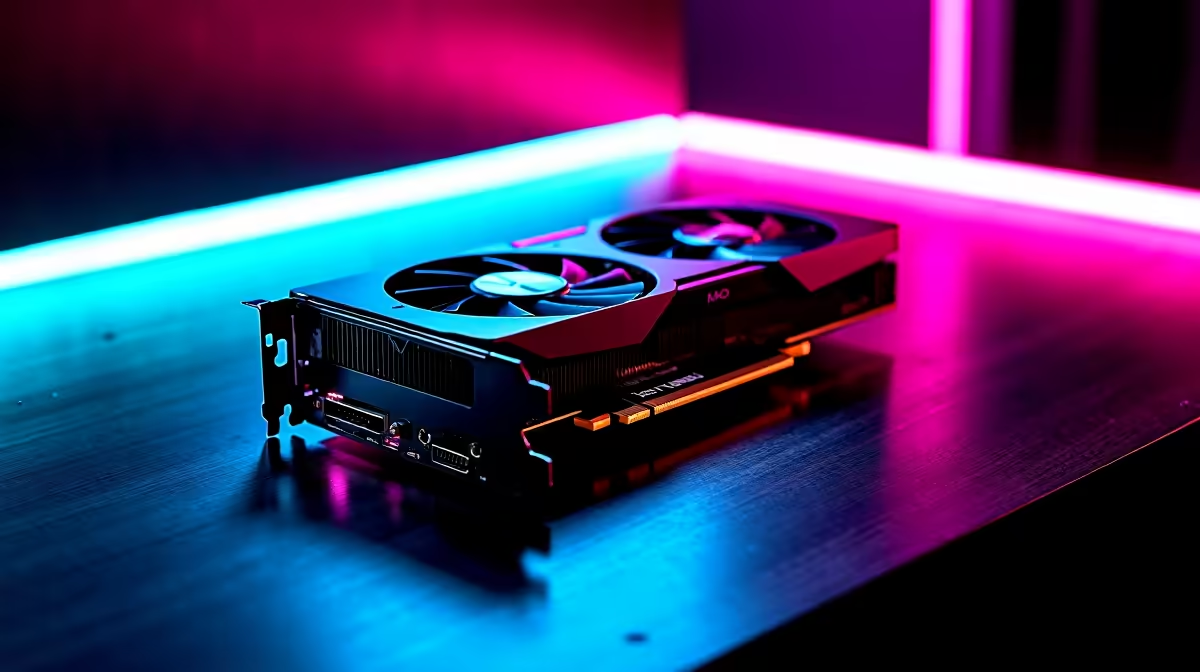
Getting your hands on the latest Nvidia hardware is a brilliant feeling. If you just dropped your hard-earned ZAR on a new rig, you want every single frame. Finding the RTX 5070 Ti best settings for 1440p gaming does not have to be a headache. Whether you are dodging loadshedding or grinding ranked lobbies... this max FPS guide will help you push your monitor to its absolute limit.
Why 1440p is the Ultimate Sweet Spot 🚀
Moving up from 1080p brings incredible detail to your favourite titles. It also demands serious GPU horsepower. The 5070 Ti handles this resolution beautifully. You get crisp textures without sacrificing your competitive edge. If you are still hunting for the right hardware... comparing the latest graphics cards is your first step to visual perfection.
Dialling in the RTX 5070 Ti Best Settings for 1440p Gaming
Let us talk about your in-game menus. You want to keep textures on High or Ultra since the VRAM can easily handle it. Shadows and volumetric lighting are massive performance hogs. Dropping these to Medium instantly boosts your frame rate.
Modern titles rely heavily on smart upscaling. Turning on DLSS 3 Quality mode gives you a massive FPS jump with almost zero visual loss. If you are running one of the best gaming PC deals available locally... you already know how crucial DLSS is for heavy titles like Cyberpunk.
Frame Generation is another incredible tool. It creates artificial frames to smooth out your gameplay. Just remember it adds a tiny bit of input lag. For story-driven games, it is absolutely brilliant. If you prefer a plug-and-play solution without the build hassle... our pre-built PC deals come ready to dominate right out of the box.
Nvidia Control Panel Tip 🔧
Force "Prefer Maximum Performance" in your Nvidia Control Panel under Power Management Mode. This stops your GPU from downclocking during slight dips in action, keeping your 1% low frame rates incredibly stable.
What About Mobile Gamers? ⚡
Desktop power is amazing... but what if you need portability? Nvidia's mobile chips are incredibly efficient. If you travel often or need a machine for campus... browsing through high-performance laptops is a smart move. Mobile variants of the 50-series still crush 1440p gaming if you optimise your settings correctly.
Always keep an eye on your temperatures. A cooler system runs faster and lasts longer. If you want to upgrade your cooling or grab a new high-refresh monitor to match your frame rates... checking out the latest tech specials will save you serious ZAR.
Ready to Dominate at 1440p? Tweaking settings is only half the battle. To truly experience the highest frame rates and stunning visuals in South Africa, you need the right hardware. Explore our massive range of gaming PC specials and find the perfect machine to conquer your world.











