

Quick Answer
The RX 9070 is AMD's strong mid-range GPU for 4K gaming in 2026. With the right driver settings and in-game configuration, it delivers smooth 4K performance across a wide range of titles using FSR 4 upscaling and optimised rasterisation settings.
Understanding the RX 9070's 4K Capabilities
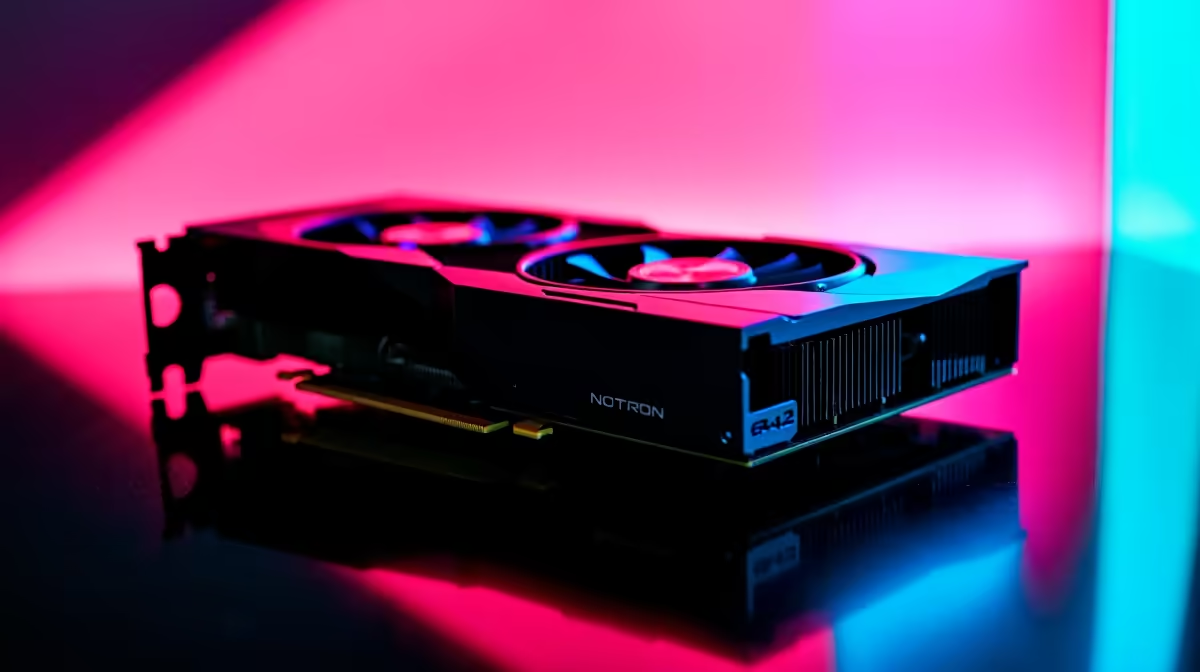
The RX 9070 is built on AMD's RDNA 4 architecture with 16GB of GDDR6 memory on a 256-bit bus. These specifications make it genuinely capable at 4K, particularly with FSR 4 upscaling active. In rasterisation-heavy titles, the card competes strongly. Ray tracing performance has improved significantly over RDNA 3, and for titles that blend rasterisation with selective ray tracing effects, the 9070 handles 4K without dropping to uncomfortable frame rates.
For South African gamers, the RX 9070 represents compelling value in ZAR terms when positioned against alternatives. AMD's open FSR ecosystem means you get upscaling benefits in a broader range of titles than DLSS, which requires Nvidia hardware. This is relevant for SA gamers running older or varied game libraries.
Driver and Software Settings to Configure First
Before touching in-game settings, optimise the AMD Software: Adrenalin Edition driver configuration.
AMD Anti-Lag 2: Enable this in supported titles. It reduces input latency by synchronising CPU and GPU work, which matters most at 4K where GPU render times are longer and the CPU can get ahead of the GPU in the frame pipeline.
Radeon Image Sharpening: Enable at around 80% when using FSR upscaling. It restores fine detail in upscaled frames and costs virtually no performance.
Enhanced Sync: Enable if your monitor does not support FreeSync or if you are running over 144Hz. It eliminates tearing without the latency penalty of traditional V-Sync.
Texture Filtering Quality: Set to Performance in the driver. Most games override this anyway, but for titles that respect driver settings it reclaims a few percent of GPU headroom at 4K.
Tessellation Mode: AMD Default or Override x8. Reducing tessellation beyond the game's default rarely affects visual quality noticeably but can recover frame rate budget at 4K.
Optimised In-Game Settings for 4K on RX 9070
Upscaling: Use FSR 4 Quality mode at 4K. This renders internally at approximately 2560x1440 and upscales to 4K. The image quality difference from native is minimal in motion, and the frame rate headroom gained is substantial.
Shadow Quality: High rather than Ultra in most engines. Ultra shadows at 4K carry disproportionate VRAM and fill-rate costs. High quality shadows are visually comparable in fast-moving scenes.
Ambient Occlusion: Medium to High. SSAO or HBAO at High quality is the best balance. Ultra RTAO on RDNA 4 is better than RDNA 3 but still carries real overhead at 4K.
Texture Quality: Maximum. The 16GB VRAM buffer handles ultra textures without issue at 4K. Do not reduce textures to save performance -- use the headroom elsewhere.
Volumetric Effects: Medium. Volumetric clouds, fog, and god rays are among the most expensive effects per visible pixel. Medium quality looks near-identical to Ultra in most titles at 4K viewing distances.
Reflection Quality: High. Screen-space reflections at High are fast. Only switch to Ray Traced reflections in titles where it provides a significant visual payoff and you have remaining frame rate budget.
Motion Blur: Off. At 4K gaming frame rates, motion blur adds GPU cost while most competitive and enthusiast players prefer it disabled for clarity.
Loadshedding and Power Considerations for SA Gamers
The RX 9070 has a TDP around 220W under gaming load. If you are running your gaming PC through a UPS during loadshedding stages, this is a relevant figure for calculating runtime. A 1500VA UPS paired with a modern mid-range system (RX 9070, mid-range CPU, SSD) typically provides 20 to 35 minutes of gaming runtime -- enough to save progress and shut down cleanly.
AMD's power management in Adrenalin includes a Power Limit slider. Reducing it by 10 to 15% in the driver gives minimal performance loss at 4K (GPU-bound scenarios mask the loss) while meaningfully reducing draw from your UPS.
Frequently Asked Questions
Does the RX 9070 support FSR 4?
Yes. FSR 4 is supported on RDNA 4 architecture GPUs. The RX 9070 benefits from FSR 4's machine learning-based upscaling, which represents a significant quality improvement over FSR 3.
Is the RX 9070 powerful enough for 4K at 60fps in AAA titles?
Yes in most titles with FSR 4 Quality mode. In the most demanding titles, native 4K without upscaling may dip below 60fps. Using FSR 4 Quality resolves this while preserving excellent image quality.
What monitor resolution should I pair with the RX 9070?
The card is best paired with a 4K 144Hz monitor for maximum performance. It can also handle 1440p at very high frame rates, making it versatile across monitor choices.
How much VRAM does the RX 9070 have?
16GB of GDDR6. This is sufficient for 4K gaming in all current titles and provides meaningful future headroom as texture budgets increase.
Ready to Find Your Perfect Match? Get the GPU that makes 4K gaming accessible for SA builders. Shop Graphics Cards at Evetech











