


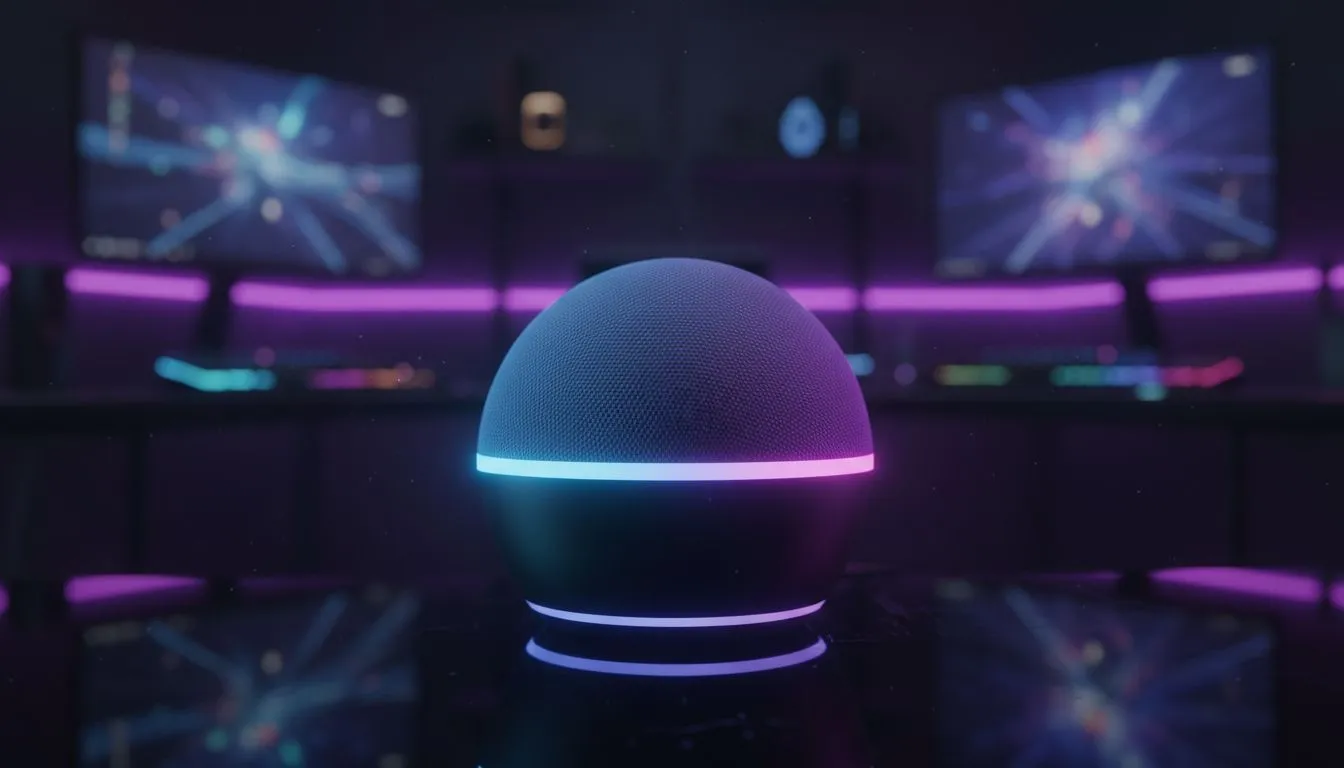
Tired of fumbling for height presets while clutching a coffee? Integrating a Voice Controlled Gaming Desk: Alexa & Google Setup into your room is the ultimate flex for South African gamers. It is not just about showing off to your mates on Discord. It is about seamless ergonomics and total control over your environment without breaking your focus during a competitive match. ⚡
Why a Voice Controlled Gaming Desk Changes the Way You Play
The jump from a standard desk to a motorised one is huge. But adding voice control takes it to a new level. In South Africa... where we value both comfort and high-tech utility... being able to say "Alexa, set desk to standing height" while you stretch between rounds is a massive win.
Most modern smart desks use a controller box that can be paired with a Wi-Fi bridge. Once connected, your Voice Controlled Gaming Desk: Alexa & Google Setup becomes the heart of your room. You can find the right base for your project when you buy gaming accessories that support smart home integration.
Setting Up Alexa and Google Home Integration
To get started, you usually need a compatible smart controller or a simple smart plug if your desk has a physical toggle. However, the best experience comes from desks with native Tuya or Smart Life app support.
- Download the App: Most smart desk hardware uses the Smart Life app.
- Pair the Desk: Hold the pairing button on your desk controller until the light flashes.
- Link to Voice Assistant: Open your Alexa or Google Home app... search for the "Smart Life" skill... and link your accounts.
- Create Routines: This is where the magic happens. You can create a "Gaming Mode" routine that lowers your desk, dims the lights, and switches on your PC.
If you are looking to upgrade your entire station without breaking the bank, keep an eye on the latest gaming accessories deals. You might find the perfect smart-ready components for under R1,500.
Voice Command Pro Tip ⚡
When naming your desk in the Alexa or Google Home app, use a simple one-word name like "Table" or "Desk". If you name it "Ultimate RGB Motorised Standing Station", the voice assistant might struggle to recognise the command when you are shouting over your game audio.
Maximising Your Smart Battle Station
A voice-controlled setup is only as good as the gear surrounding it. To truly optimise your space, consider how your lighting and peripherals interact with your desk height. 🚀
When your desk moves, your cable management must be flawless. Ensure you have enough slack in your display cables so nothing gets yanked out when you transition to standing mode. You can find cable management kits and other essentials in the Gaming Accessories category to keep everything tidy.
Expert Insights for SA Gamers
- Load Shedding Awareness: Ensure your smart desk has a "memory" function. This prevents it from losing its height calibration every time the power dips.
- Weight Limits: A Voice Controlled Gaming Desk: Alexa & Google Setup often carries heavy ultrawide monitors. Always check if your motor can handle the ZAR value of the hardware sitting on top of it.
- Routine Syncing: Sync your desk height with your smart bulbs. When the desk goes to "Standing," set your lights to a bright "Work" colour to keep your energy up. ✨
Ready to Build Your Dream Setup? Elevate your gaming experience with the latest in smart technology and ergonomic design. Whether you are looking for a voice-controlled base or the best peripherals in South Africa, we have you covered. Explore our massive range of gaming desks and accessories and find the perfect match for your battle station today.









