

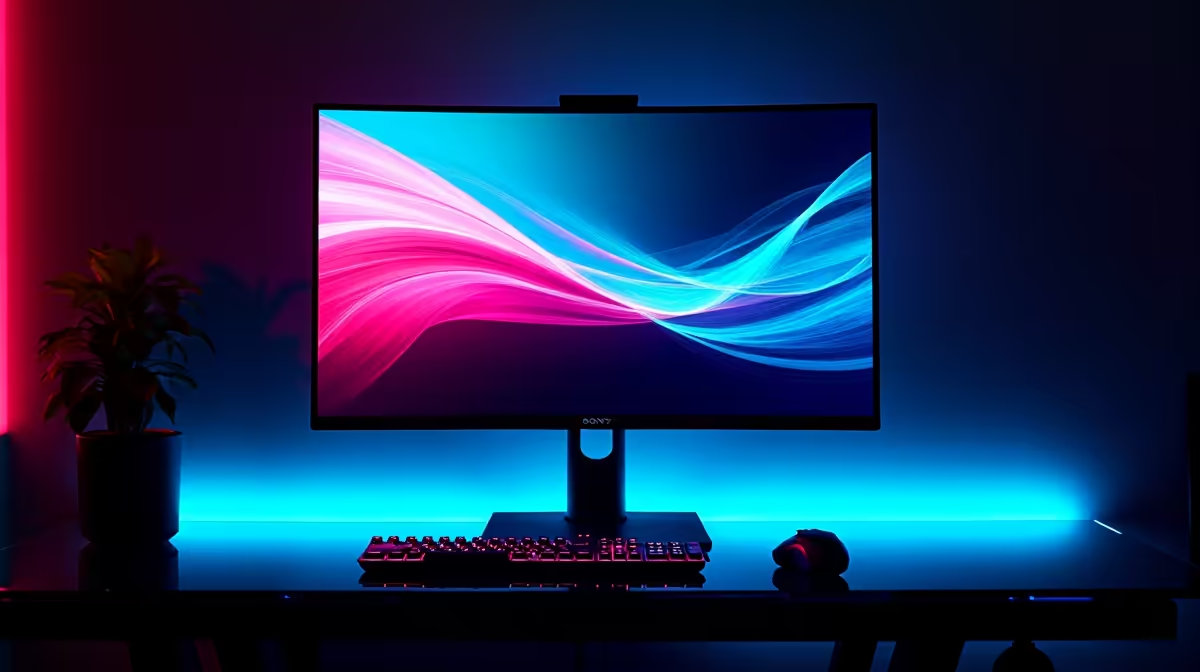
Ever lined up the perfect headshot in a ranked match... only for your screen to slice the image in half? That ugly visual glitch is called screen tearing. As a South African gamer, you already battle high ping and load shedding. You shouldn't have to fight your monitor too. The solution is Variable Refresh Rate. Let us explain how FreeSync and G-Sync fix this annoying problem forever.
Why Variable Refresh Rate Matters ⚡
Your gaming monitor refreshes at a fixed rate... usually 144Hz or 240Hz. However, your PC pushes out frames at varying speeds depending on the on-screen action. When your GPU sends a new frame before the monitor is ready... the screen displays two different frames at once.
This mismatch causes a harsh horizontal tear across your display. Variable Refresh Rate forces your monitor to sync its refresh rate directly with your GPU. Whether you are hunting for the best gaming PC deals or upgrading your current rig... VRR is essential for buttery-smooth gameplay. It eliminates stuttering and makes every single movement feel incredibly responsive.
AMD FreeSync Explained
FreeSync is AMD's highly popular take on Variable Refresh Rate. It uses an open standard developed alongside VESA. This means monitor manufacturers do not pay expensive licensing fees to include it.
Because of this open ecosystem, FreeSync monitors are usually much more budget-friendly. If you want to stretch your ZAR further without sacrificing visual quality... this is a massive win. You can easily pair a high-refresh-rate FreeSync display with one of our pre-built PC deals featuring a powerful Radeon GPU. AMD also offers FreeSync Premium Pro for gamers who want flawless HDR performance alongside tear-free visuals.
NVIDIA G-Sync Explained 🚀
G-Sync is NVIDIA's premium alternative to screen tearing. Traditional G-Sync requires a proprietary hardware module installed directly inside the monitor. This strict hardware requirement ensures absolute quality control and ultra-low input lag.
While that dedicated chip does push the retail price up slightly... the flawless, tear-free performance is worth every single cent. Many high-end modern laptops also feature G-Sync certified displays built right into the chassis. This guarantees premium, stutter-free gaming while you are travelling or playing away from your desk.
Optimise Your Frame Rates 🔧
To get the absolute best performance out of Variable Refresh Rate, always cap your in-game frame rate to about 3 frames below your monitor's maximum refresh rate. This keeps G-Sync or FreeSync fully active and prevents unwanted input lag during intense firefights.
Finding the Perfect Match for Your Setup
Hardware compatibility used to be a massive headache for PC builders. Today, the lines are beautifully blurred. Many FreeSync monitors are now officially certified as "G-Sync Compatible". This means you can run an NVIDIA GPU on a more affordable FreeSync screen without any visual glitches.
Still, building a perfectly balanced system is the real secret. You need enough graphical horsepower to consistently drive those high frame rates. If your current system is struggling to keep up with modern titles, browse our weekly specials to find highly affordable upgrades.
Sometimes, all you really need is a quick hardware swap to breathe new life into your setup. We stock a massive range of cutting-edge graphics cards to help you push past that 144fps barrier and make the most of your Variable Refresh Rate display.
Ready to Upgrade Your Visuals? Screen tearing belongs in the past. Whether you need a budget-friendly FreeSync powerhouse or a premium G-Sync setup, Evetech has you completely covered. Explore our massive range of gaming monitors and experience true visual perfection today.











