

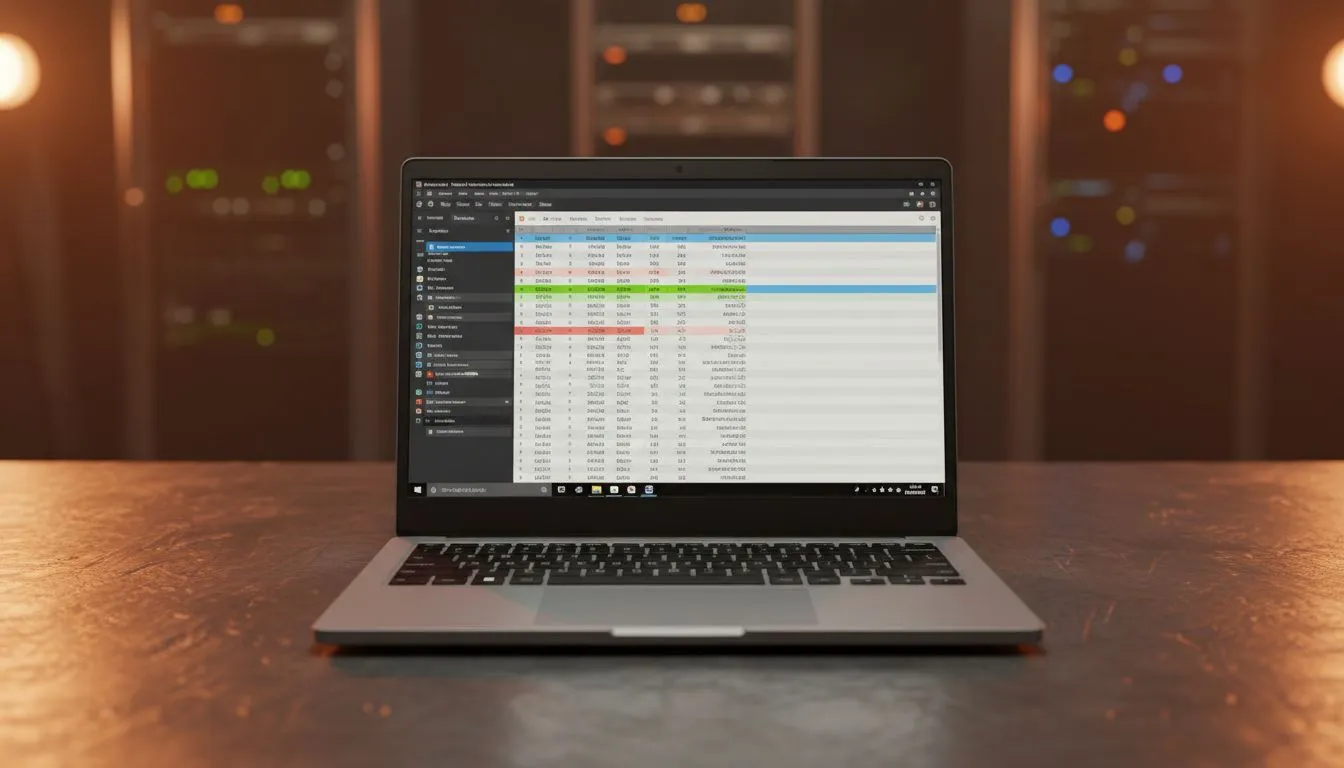
Staring at endless spreadsheets by day and dreaming of climbing the leaderboards by night? You're not alone. In South Africa, our tech needs to be as versatile as our hustle. That's where the 15.6-inch laptop screen shines. It’s the unsung hero for both productivity and play, offering the perfect canvas for complex data without sacrificing the portability we need. A 15.6-inch display for spreadsheets isn't just a feature; it's a strategic choice for efficiency.
Why a 15.6-Inch Display is the Sweet Spot
Let's be honest, trying to navigate a massive Excel sheet on a tiny 13-inch screen is a special kind of pain. You're constantly scrolling left and right, losing track of your columns. On the other hand, a 17-inch beast is a mission to carry around. The 15.6-inch display hits the perfect balance. 💻
It provides enough screen real estate to comfortably view multiple columns and rows at once, drastically reducing horizontal scrolling. Most modern 15.6-inch laptops come with a Full HD (1920x1080) resolution, which keeps text and numbers sharp and clear, reducing eye strain during those long work sessions. This clarity is crucial when you're trying to spot a single incorrect formula in a sea of data. When powered by a capable processor, like those in our Intel laptops on special, the experience is smooth and lag-free.
Maximising Your Spreadsheet Workflow 📊
Having the right size screen is half the battle; knowing how to use it is what makes you a pro. A 15.6-inch display for spreadsheets allows for effective side-by-side window snapping. You can have your source data on one half of the screen and your working spreadsheet on the other, making data entry and comparison a breeze.
This is where modern multi-core processors excel, allowing you to run multiple demanding applications without a stutter. The latest Ryzen laptop deals offer incredible multitasking performance, perfect for power users who live in Excel, Teams, and Chrome simultaneously.
Productivity Pro Tip ⚡
On Windows 11, hover over the maximise button on any window to see snap layouts. For even more control, get Microsoft's PowerToys and use the FancyZones utility to create custom screen layouts. It's a lifesaver for organising your spreadsheet, email, and browser windows perfectly on a 15.6-inch display.
From Pivot Tables to Playtime
But what happens after 5 PM? The best part about choosing a laptop with a 15.6-inch display for spreadsheets is that you're also getting the most popular screen size for PC gaming. The same features that make it great for work—sharp resolution and good size—make it immersive for gaming.
This dual-purpose nature means you get incredible value from a single machine. It's a workhorse that can handle your VLOOKUPs and a gaming rig ready for Apex Legends. You can find some of the best gaming laptop deals that will crush both your financial models and your favourite titles. You don't even need to break the bank; there are powerful and affordable options when you look to buy gaming laptops under R20k.
Key Specs for the Best Experience
While the screen is vital, it works as part of a team. For the ultimate experience with a 15.6-inch display for spreadsheets and everything else, keep an eye on these specs:
- RAM: 16GB is the new standard, ensuring smooth multitasking between large files and multiple apps.
- Storage: A Solid State Drive (SSD) is non-negotiable. It makes everything from booting up to opening massive spreadsheets feel instant.
- Graphics (GPU): A dedicated graphics card isn't just for gaming. It can accelerate tasks in some productivity apps and is essential for data visualisation. Exploring the latest GeForce RTX gaming laptops on special gives you power for both work and play.
Ultimately, choosing a laptop with a 15.6-inch screen is a smart, practical decision for any South African who needs their tech to do more. 🚀
Ready to Boost Your Productivity (and Play)? A 15.6-inch display is the sweet spot for South Africans who demand versatility. From crunching numbers in Excel to climbing the leaderboards, it's the screen that does it all. Explore our massive range of laptop specials and find the perfect 15.6-inch machine to conquer your workday and your downtime.











