

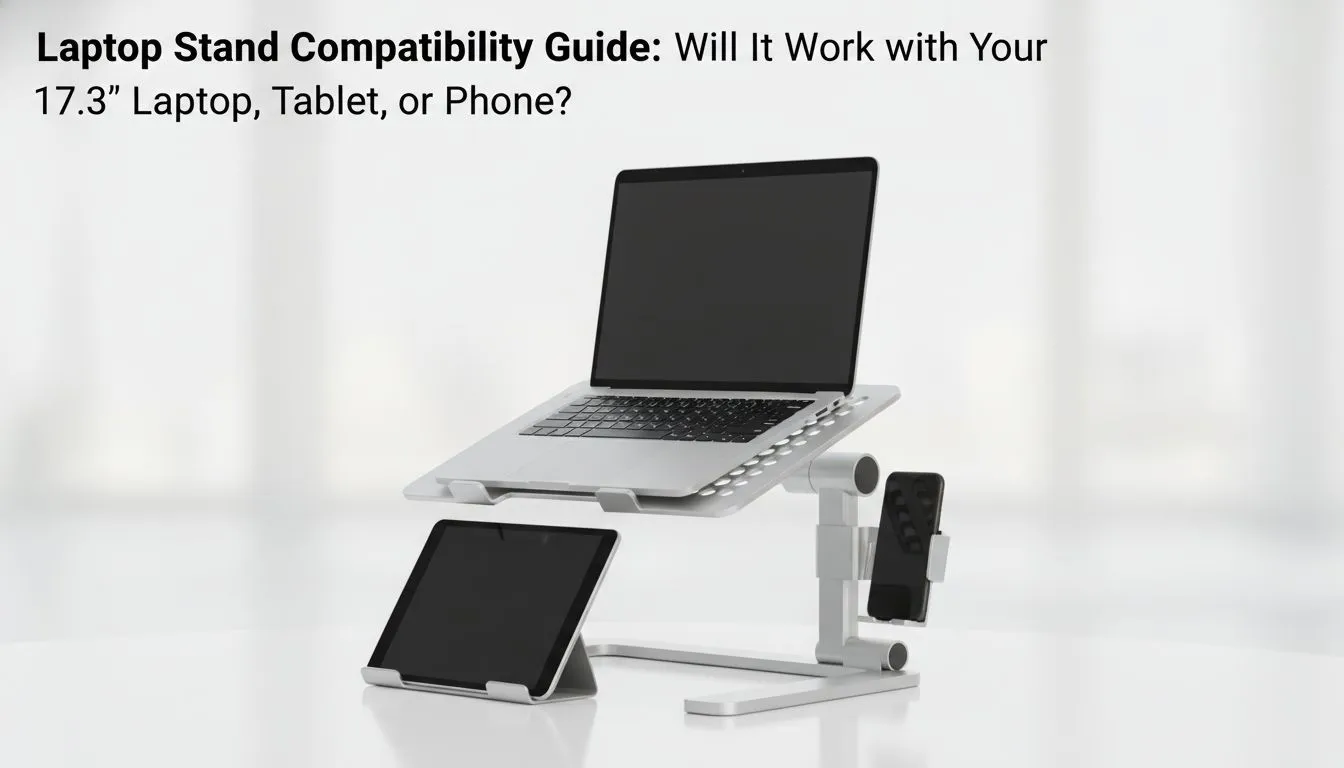
Owning a 17.3-inch laptop in South Africa means you value power and screen real estate. These machines are massive desktop replacements. They often weigh over 3kg. Finding a desk setup that fits is a real challenge. You might worry about 17.3-inch laptop stand compatibility when looking at standard accessories. Will it actually hold your rig? Or will your expensive hardware end up on the floor? Let us find out. ✨
Understanding 17.3-inch Laptop Stand Compatibility
Most stands list compatibility for 15.6-inch devices. This is a common marketing standard. However... 17.3-inch laptops often share a similar base width with their smaller siblings. The extra size is usually in the screen. You need to measure the footprint of your laptop first. If the rubber feet fit on the stand... you are usually safe.
Weight is the real killer for 17.3-inch laptop stand compatibility. A flimsy plastic stand will flex under a heavy gaming rig. You need to optimise your workspace for stability. When you browse laptop cooling pads, check the material specs. You want something that stays rigid during intense matches.
Key Factors for Large Laptop Stands
Stability is paramount. A wide base prevents your laptop from wobbling while you type. Ensuring 17.3-inch laptop stand compatibility also means looking at the "lip" of the stand. This is the part that stops the laptop from sliding off. Large gaming laptops are often thicker than standard notebooks.
Airflow and Thermal Management
Big laptops generate massive heat. A stand should do more than just lift the screen. It should help your fans breathe. Orico stands are known for their open-frame designs. This allows for maximum passive cooling. If you need active fans... Promate cooling solutions are a solid choice for South African gamers.
Stability Hack ⚡
Always check the 'lip' at the bottom of the stand. For 17.3-inch laptops, this hook needs to be deep enough to catch the thicker chassis of a gaming machine. If the lip is too shallow, your laptop might slide right over the edge during a heated session.
Investing in High-Quality Support
You get what you pay for in the tech world. If you have spent R30,000 on a high-end laptop... do not settle for a cheap stand. The premium cooling pads starting around R764 offer better motors and sturdier frames. These are designed to handle the girth of modern 17.3-inch monsters. 🔧
Compatibility is about more than just screen size. It is about weight distribution and thermal management. Ensure your stand has a wide base to prevent wobbling. This keeps your hardware safe and your wrists comfortable during long sessions. 🚀
Ready to Find Your Perfect Match? Finding the right support for your 17.3-inch beast is essential for longevity and comfort. Explore our massive range of laptop cooling pads and find the perfect partner for your high-performance rig today.











