

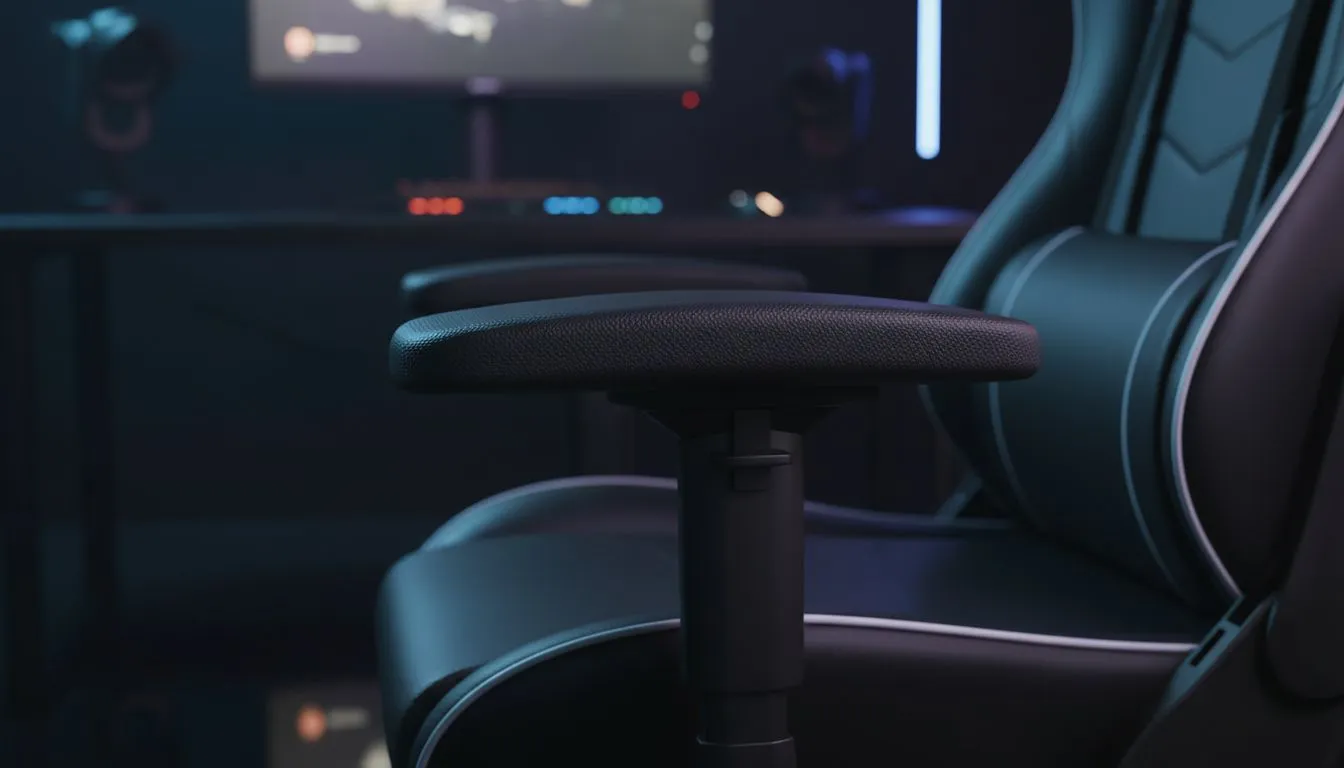
Adjustable armrests gaming chair: Reduce shoulder and wrist strain — why it matters now
Adjustable Armrests Gaming Chair: Reduce Shoulder and Wrist Strain is more than a headline for South African gamers. With long sessions and tight setups, tiny adjustments save shoulders and wrists from chronic pain. This guide gives practical setup tips, brand pointers and buying cues so you leave the store (or cart) with posture that lasts. 🔧✨
How adjustable armrests reduce shoulder and wrist strain
Small changes to armrest height and width change how your shoulders and forearms load during play. Set armrests so your elbows sit at roughly 90 degrees and forearms are parallel to the desk. That prevents shoulder elevation and reduces wrist extension when using a mouse. For model options and current availability, check Evetech’s full gaming chairs catalogue here: Evetech gaming chairs range — specs are listed per chair for easy comparisons.
Practical setup steps for your adjustable armrests gaming chair
- Start seated, feet flat, knees at 90 degrees.
- Raise or lower the armrests until elbows are level with the desk.
- Slide armrests slightly forward if your mouse hand reaches too far.
- Adjust armrest width to keep shoulders relaxed, not hunched. These steps work across brands, from budget to premium. If you want a quick price benchmark, Evetech’s filtered list shows chairs from around R5,449 and up: Chairs starting R5,449.
Brand notes: pick adjustability over looks
- If you value modular adjustability, Vertagear balances function and low weight — see their Evetech category for specs and stock: Vertagear Gaming Chairs.
- Noblechairs leans premium; high-density foam and multiple adjustment points help long sessions: Noblechairs Gaming Chairs.
- Gamdias offers sporty designs with solid armrest options for smaller budgets: Gamdias Gaming Chairs.
Quick ergonomics checklist for buyers
- Full 4-way adjustable armrests (height, width, depth, rotation) is ideal.
- Good lumbar support and seat depth adjustability complement armrest settings.
- Test with your mouse and keyboard; sit in the chair for at least five minutes. When comparing specs, use the Evetech product pages as the source of truth for materials, dimensions and warranty information.
Seating Setup Pro Tip ⚡
setting armrests, adopt a neutral wrist posture: wrists straight, not bent up or down. Place mouse close to the body and lower armrests slightly if your wrists tilt up when clicking. Small tweaks stop strain before it starts.
Micro-story: a quick local example
A Cape Town streamer I advised swapped a fixed-arm office chair for a model with 4-way armrests. After two weeks of adjusting, they reported less shoulder fatigue during streams and sharper aim in long sessions. The trick was matching armrest height to desk level and adding a small wrist pad for mouse support.
Final buying moves and local considerations
South African desks vary: many are lower than international standards. Measure desk height and compare to Evetech chair dimensions before ordering. Factor in delivery and warranty; Evetech lists regional delivery options on product pages. Prices on Evetech update regularly, so check current ZAR pricing before finalising a purchase.
Ready to Find Your Perfect Match? The Mac vs Windows debate is complex, but for maximum power, choice, and value in South Africa, Windows is hard to beat. Explore our massive range of laptop specials and find the perfect machine to conquer your world.











