

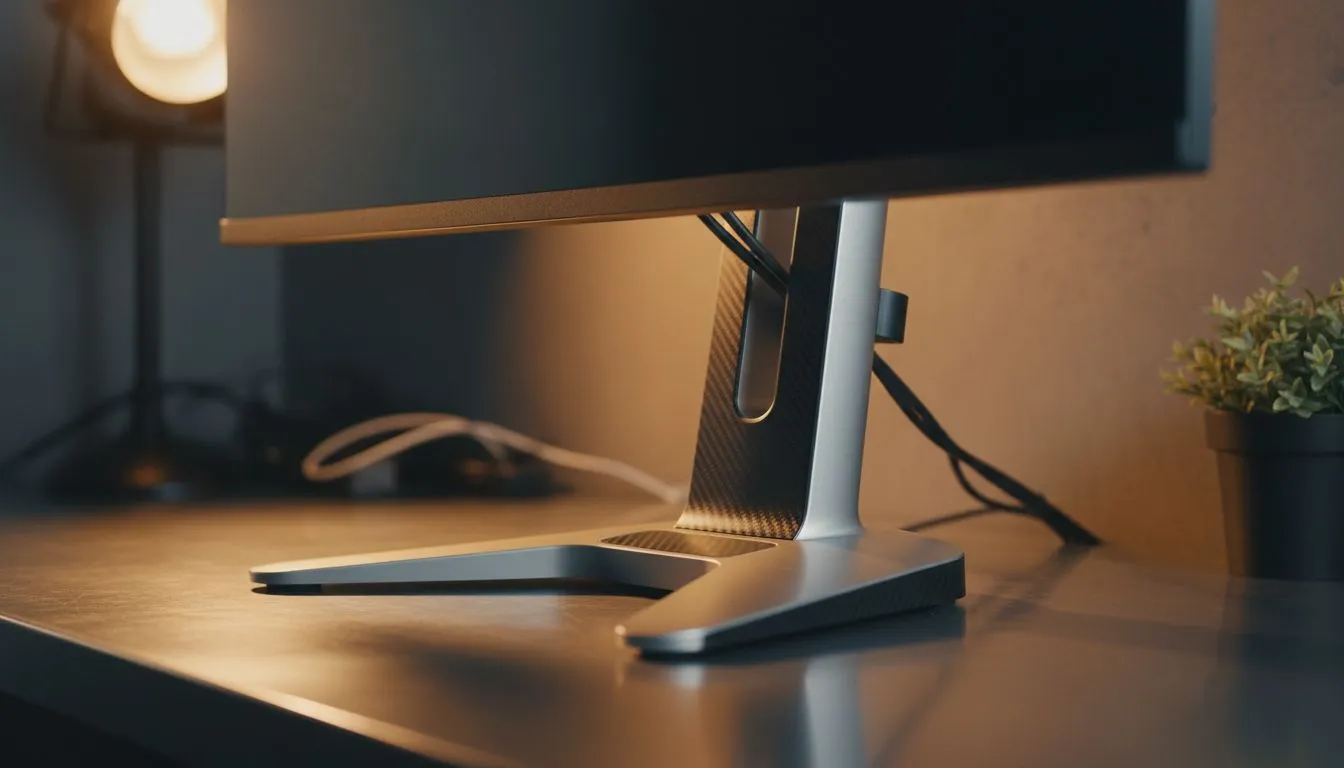
Spending eight hours a day hunched over a desk is a recipe for chronic back pain. Whether you are grinding in Apex Legends or finishing a spreadsheet, your posture matters. Finding an adjustable monitor stand: essential for your home office setup, is the one upgrade you probably overlooked. It is not just about aesthetics... it is about keeping your spine aligned and your productivity high while working from home. 🔧
Why Ergonomics Matter for South African Professionals
Most desk setups in South Africa are built for basic utility, not long-term health. A fixed stand often forces you to look down, putting immense pressure on your neck. When you invest in a high-quality display from our massive range of PC monitors, you need the flexibility to move it. Being able to tilt, swivel, and adjust the height ensures your eyes remain level with the top third of the screen.
Optimising Your Visual Experience
Choosing the right display technology is the first step toward a better workspace. If you are a gamer, you likely want a smooth experience without screen tearing. Many users look for monitors featuring AMD FreeSync support to keep their frame rates fluid. ⚡
For those using high-end hardware, NVIDIA G-Sync compatibility is often the preferred choice for synchronising refresh rates. If you want a more versatile solution that works across various hardware, monitors with Adaptive Sync technology offer great value for money.
Productivity Pro Tip ⚡
On Windows, use the PowerToys FancyZones utility to create custom snap layouts for your windows. It is a lifesaver for managing multiple apps on an ultrawide monitor, letting you organise your timeline, preview window, and asset folders perfectly for video editing.
Choosing Between Flat and Curved Designs
The shape of your monitor dictates how you interact with your work. For traditional office tasks and graphic design, standard flat screens provide the most accurate lines. They are reliable and fit perfectly on any adjustable arm. 🚀
However, if you want to reduce eye strain during long sessions, modern curved displays are worth the investment. The curve mimics the natural arc of the human eye... this means less refocusing as you look from the centre to the edges.
The Importance of Colour and Panel Quality
An adjustable monitor stand: essential for your home office, allows you to show off your screen to colleagues or clients. To ensure they see the best image possible, we recommend vibrant IPS panels. These offer the best colour reproduction and wide viewing angles... essential when you are tilting your screen to find that perfect ergonomic sweet spot. ✨
Investing in your health today prevents expensive physio bills tomorrow. Starting at just a few hundred ZAR for basic models, the right setup pays for itself in comfort and focus.
Ready to Find Your Perfect Match? The right monitor setup can transform your productivity and health. Whether you need a high-refresh gaming screen or a professional colour-accurate display, we have the stock you need. Explore our massive range of PC monitors and find the perfect machine to conquer your world.











